
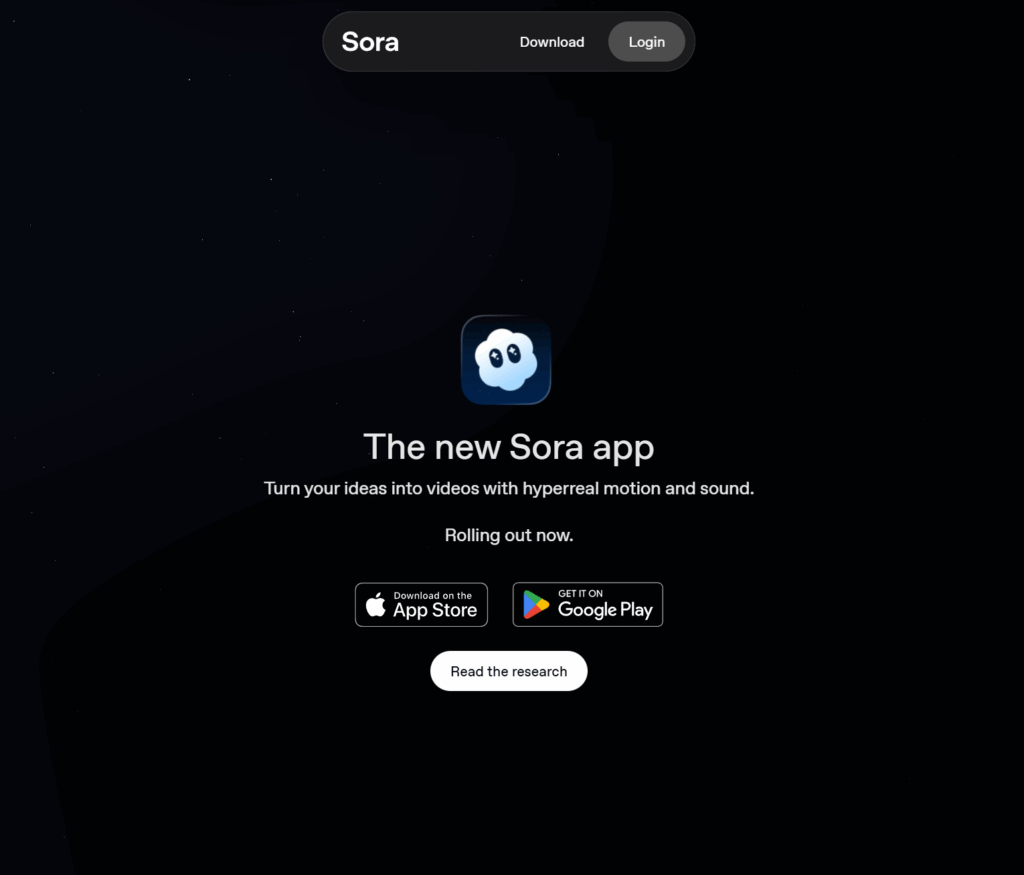
Visit Sora website for full experience
Remarks
Sora , named after the Japanese word for “sky” to suggest its expansive creative potential, is an advanced text-to-video diffusion model developed by OpenAI, the same creators behind ChatGPT and DALL-E, designed to generate realistic and imaginative short video clips from a simple text prompt, a still image, or by extending an existing video. Its key innovation lies in its exceptional temporal consistency, which ensures that objects and characters maintain a cohesive appearance even as they leave and re-enter the frame, while also attempting to model real-world physics, such as the behavior of water or light, within the generated scenes.
Sora has the potential to streamline content creation across various fields:
- Advanced Content Creation: Speeding up production in areas like VR and AR, video games, and traditional media like TV and movies (e.g., prototyping, storyboarding, or generating specific shots).
- Personalized Entertainment: Creating unique, highly-customized, and interactive media tailored to an individual user’s preferences.
- Educational Content: Generating individualized learning materials and visualizations for students.
- Social Media: Creating and sharing short, high-quality, and hyper-realistic video clips for platforms like TikTok and Instagram.
- Remixing: Users can take an existing Sora creation and remix it—swapping characters, changing the mood, or extending the story.
Limitations:
While incredibly powerful, Sora has a few acknowledged limitations and operates under strict safety policies:
Technical Limitations
- Physics and Causality: It sometimes struggles to accurately simulate complex physics in the real world (e.g., an object falling) or understand cause and effect (e.g., not leaving a bite mark on a cookie after a character eats it).
- Spatial Inconsistencies: It may occasionally confuse directional concepts like left and right.
- Longer Sequences: Generating complex, coherent, and longer videos (e.g., more than a minute) remains a challenge, as quality can decline as the duration increases.
Safety and Policy Limitations
- Prohibited Content: Generation of graphic sexual content, graphic violence, hate speech, extremist propaganda, and targeted political persuasion is blocked.
- Public Figures and Likeness: Creating the likeness of living public figures without their explicit consent is prohibited. Uploading images of real people to generate content is generally blocked, though the “Cameo” feature allows controlled use of a user’s own likeness with permission.
- Copyright: The model was trained on a mix of publicly available and licensed/copyrighted videos. Videos generated may contain a visible, moving digital watermark and C2PA metadata to indicate they are AI-processed.







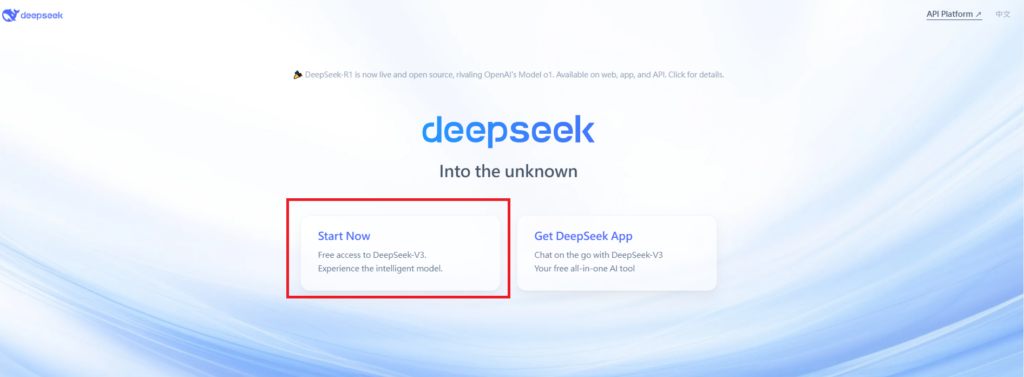
Visit Deepseek website for full experience
Remarks
DeepSeek is an AI-powered tool designed for deep information retrieval, analysis, and content generation. It is commonly used in areas such as:
- Advanced Information Retrieval
- DeepSeek can process and analyze large datasets to extract relevant insights.
- It helps users find precise information beyond standard search engines.
- Natural Language Processing (NLP) Applications
- Used for text summarization, sentiment analysis, and question-answering systems.
- Supports various languages and can generate human-like responses.
- AI-Assisted Research and Writing
- Helps researchers analyze academic papers, generate summaries, and suggest references.
- Useful for drafting articles, reports, and creative writing.
- Code Assistance and Debugging
- Provides AI-powered code suggestions, optimizations, and bug fixes.
- Supports multiple programming languages, aiding developers in software development.
- Business and Decision-Making Support
- Analyzes market trends, customer feedback, and financial data for businesses.
- Assists in generating insights for strategic decision-making.
limitation:
- Accuracy and Hallucination Issues
- AI models can sometimes generate incorrect or misleading information.
- Requires human verification before relying on outputs.
- Limited Real-Time Data Access
- May not always provide the latest information if it’s not connected to live data sources.
- Some AI models work with pre-trained datasets, limiting real-time updates.
- Context Limitations
- Struggles with highly nuanced or ambiguous queries.
- Long conversations may lead to context loss or inconsistencies.
- Ethical and Bias Concerns
- AI models can reflect biases present in training data.
- Requires careful consideration when used in sensitive applications.
- Computational Resource Constraints
- Running deep learning models requires significant computational power.
- Latency issues may arise during complex queries or large-scale data analysis.



Lorem ipsum dolor sit amet, consectetur adipiscing elit. Ut elit tellus, luctus nec ullamcorper mattis, pulvinar dapibus leo.