

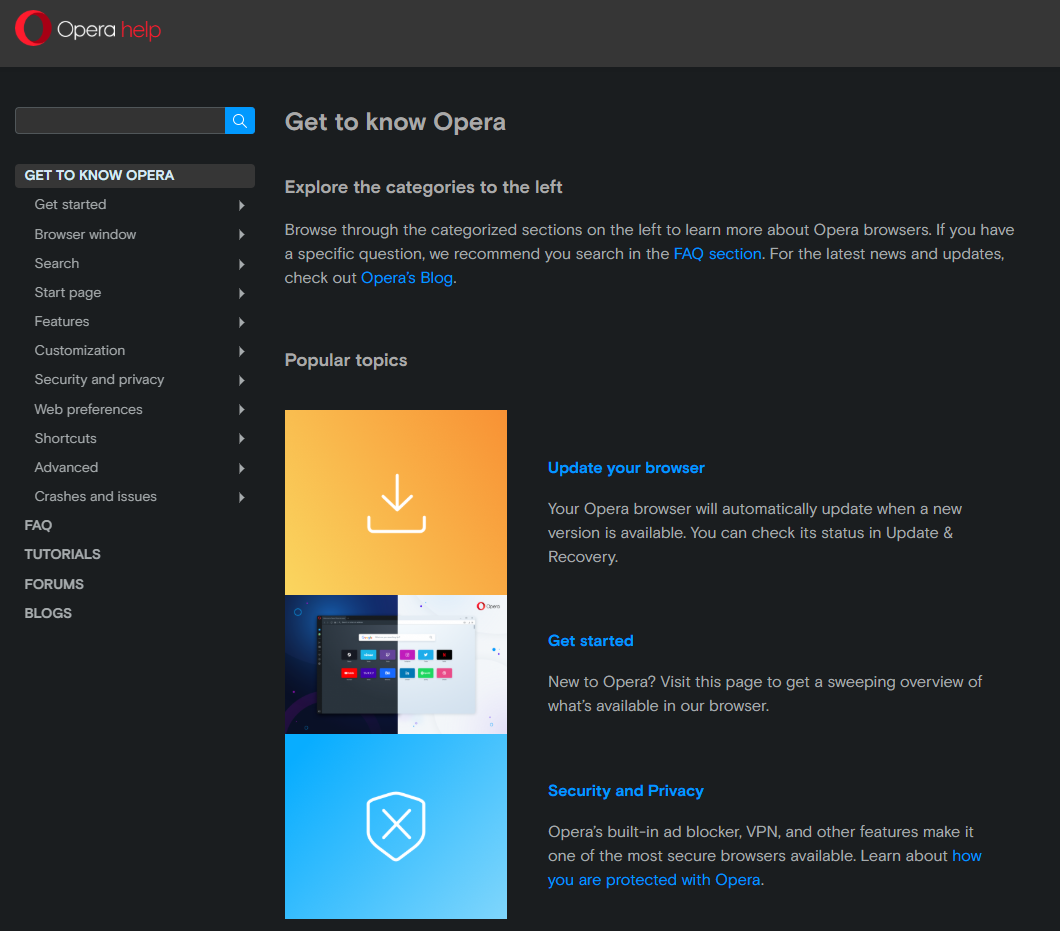
Visit Opera browser website for full experience
Remarks
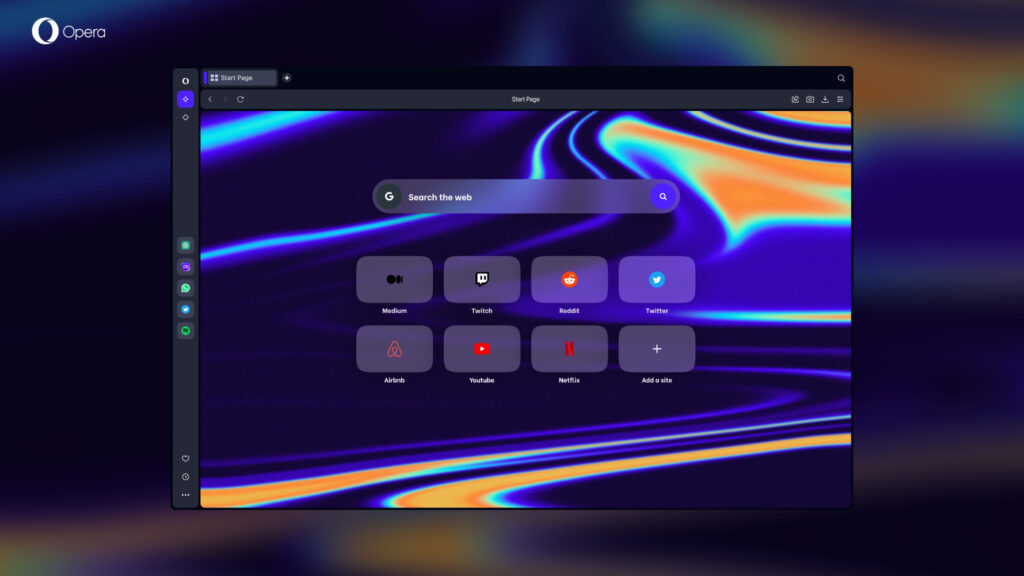
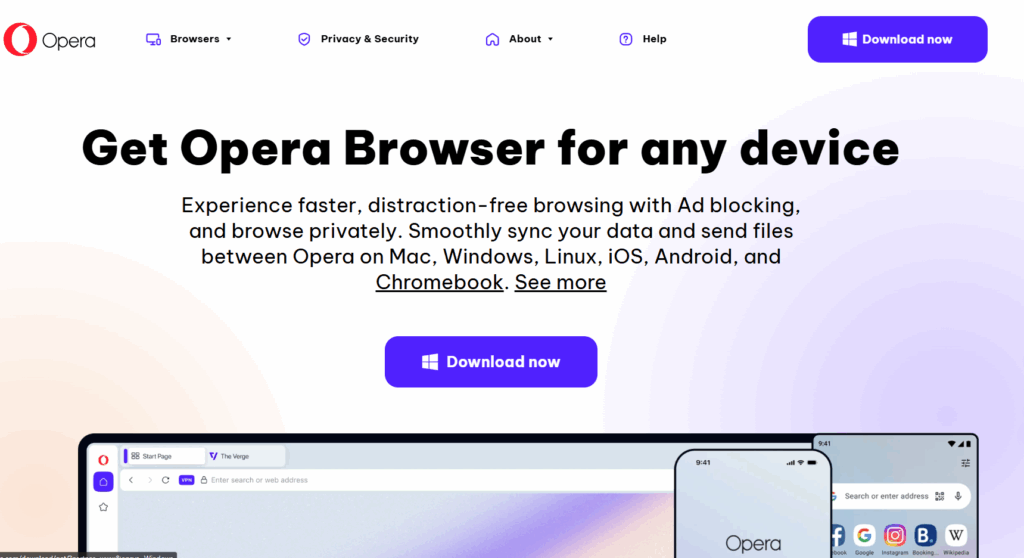
Opera is a long-standing web browser developed by Opera Software. It is built on the Chromium engine (the same base as Google Chrome), which ensures fast and reliable performance. Unlike many other browsers, Opera integrates a variety of unique tools and features directly into the application, focusing on privacy, productivity, and convenience. It is available on multiple platforms, including Windows, Mac, Linux, Android, and iOS.
Opera is designed for users who prioritize an efficient, secure, and customizable browsing environment. Key features and their usage include:
- Built-in Free VPN: Enhances online privacy by masking your IP address.
- Usage: Click the “VPN” badge (usually to the left of the address bar) to toggle it on/off and select a virtual location (Americas, Europe, or Asia).
- Built-in Ad & Tracker Blocker: Speeds up page loading and protects against malicious ads and tracking scripts.
- Usage: Enable it in the Easy Setup panel or settings. You can manage exceptions for specific sites.
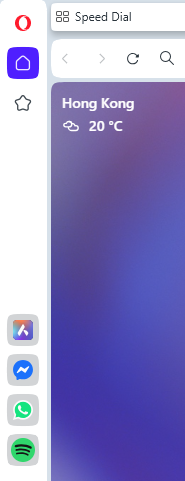
- Integrated Messengers: Access popular social media apps like WhatsApp, Telegram, and Facebook Messenger directly from the browser’s sidebar.
- Usage: Click the messenger icons on the sidebar to chat without opening new tabs or switching applications.
- Workspaces & Tab Islands: Tools for better tab management and multitasking. Workspaces let you group tabs for different contexts (e.g., “Work,” “Personal”). Tab Islands (in the latest version, Opera One) automatically group related tabs.
- Usage: Use the sidebar to switch workspaces, and drag/drop tabs to manage groups.
- AI Assistant (Aria): A native AI chatbot built into the browser for smarter searching, generating code, or summarizing content.
- Usage: Activate Aria from the sidebar to chat and get information instantly.
- Speed Dial: A customizable start page that displays your most frequently visited sites as large thumbnails for quick access.
- Usage: It’s the default new tab page, where you can add, remove, and organize site shortcuts.
- “Flow” Feature: A feature to effortlessly share links, images, and notes between your desktop and mobile Opera browsers using a secure, encrypted connection.
- Usage: Access it from the sidebar and scan the QR code to connect your devices.
- Video Pop-Out: Allows you to detach online videos into a floating, resizable window that stays on top of other tabs.
- Usage: Click the “Pop-out” button that appears on the video player (e.g., on YouTube) to activate.
Limitations:
While Opera is a strong competitor, it has some limitations:
- Limited Dedicated Extension Library: Although it supports many extensions from the Chrome Web Store (due to the Chromium base), its own dedicated Opera Add-ons store is smaller compared to those of Chrome or Firefox.
- Performance Hit with VPN: The free built-in VPN, while convenient, can sometimes cause a significant reduction in browsing speed compared to using no VPN or a dedicated, paid VPN service.
- Privacy Concerns due to Ownership: Some users express concerns due to the company’s current ownership by a Chinese consortium, leading to questions about potential data collection practices, despite Opera’s adherence to European data protection regulations (GDPR).


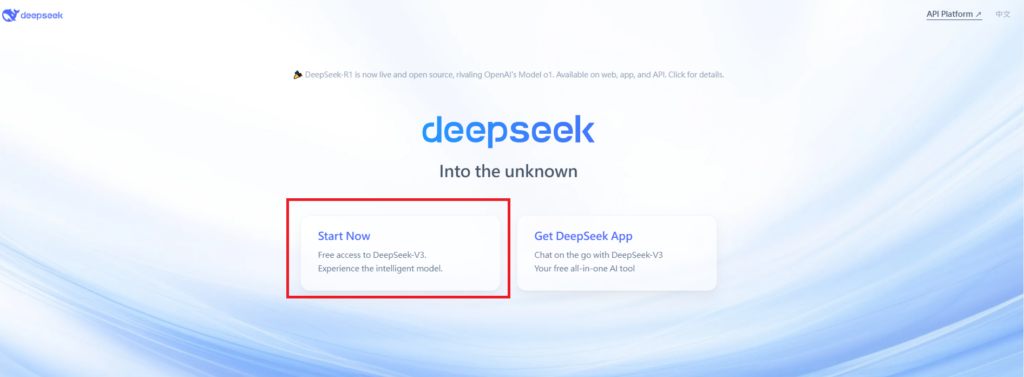
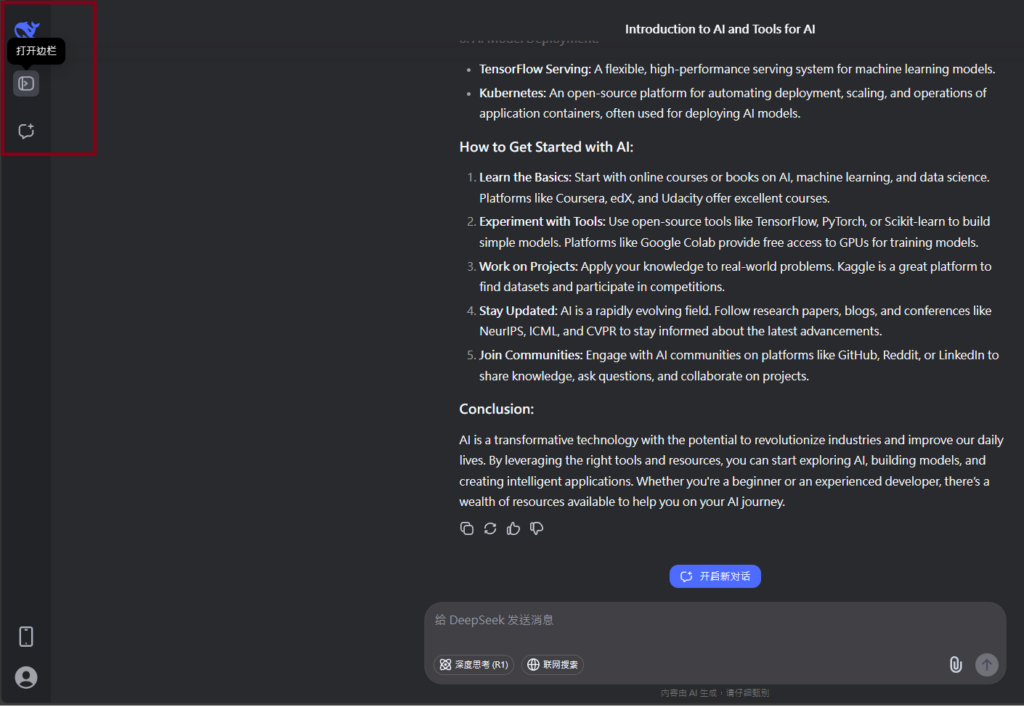
Visit Deepseek website for full experience
Remarks
DeepSeek is an AI-powered tool designed for deep information retrieval, analysis, and content generation. It is commonly used in areas such as:
- Advanced Information Retrieval
- DeepSeek can process and analyze large datasets to extract relevant insights.
- It helps users find precise information beyond standard search engines.
- Natural Language Processing (NLP) Applications
- Used for text summarization, sentiment analysis, and question-answering systems.
- Supports various languages and can generate human-like responses.
- AI-Assisted Research and Writing
- Helps researchers analyze academic papers, generate summaries, and suggest references.
- Useful for drafting articles, reports, and creative writing.
- Code Assistance and Debugging
- Provides AI-powered code suggestions, optimizations, and bug fixes.
- Supports multiple programming languages, aiding developers in software development.
- Business and Decision-Making Support
- Analyzes market trends, customer feedback, and financial data for businesses.
- Assists in generating insights for strategic decision-making.
limitation:
- Accuracy and Hallucination Issues
- AI models can sometimes generate incorrect or misleading information.
- Requires human verification before relying on outputs.
- Limited Real-Time Data Access
- May not always provide the latest information if it’s not connected to live data sources.
- Some AI models work with pre-trained datasets, limiting real-time updates.
- Context Limitations
- Struggles with highly nuanced or ambiguous queries.
- Long conversations may lead to context loss or inconsistencies.
- Ethical and Bias Concerns
- AI models can reflect biases present in training data.
- Requires careful consideration when used in sensitive applications.
- Computational Resource Constraints
- Running deep learning models requires significant computational power.
- Latency issues may arise during complex queries or large-scale data analysis.


Lorem ipsum dolor sit amet, consectetur adipiscing elit. Ut elit tellus, luctus nec ullamcorper mattis, pulvinar dapibus leo.