
Visit OpenAI Codex website for full experience
Remarks
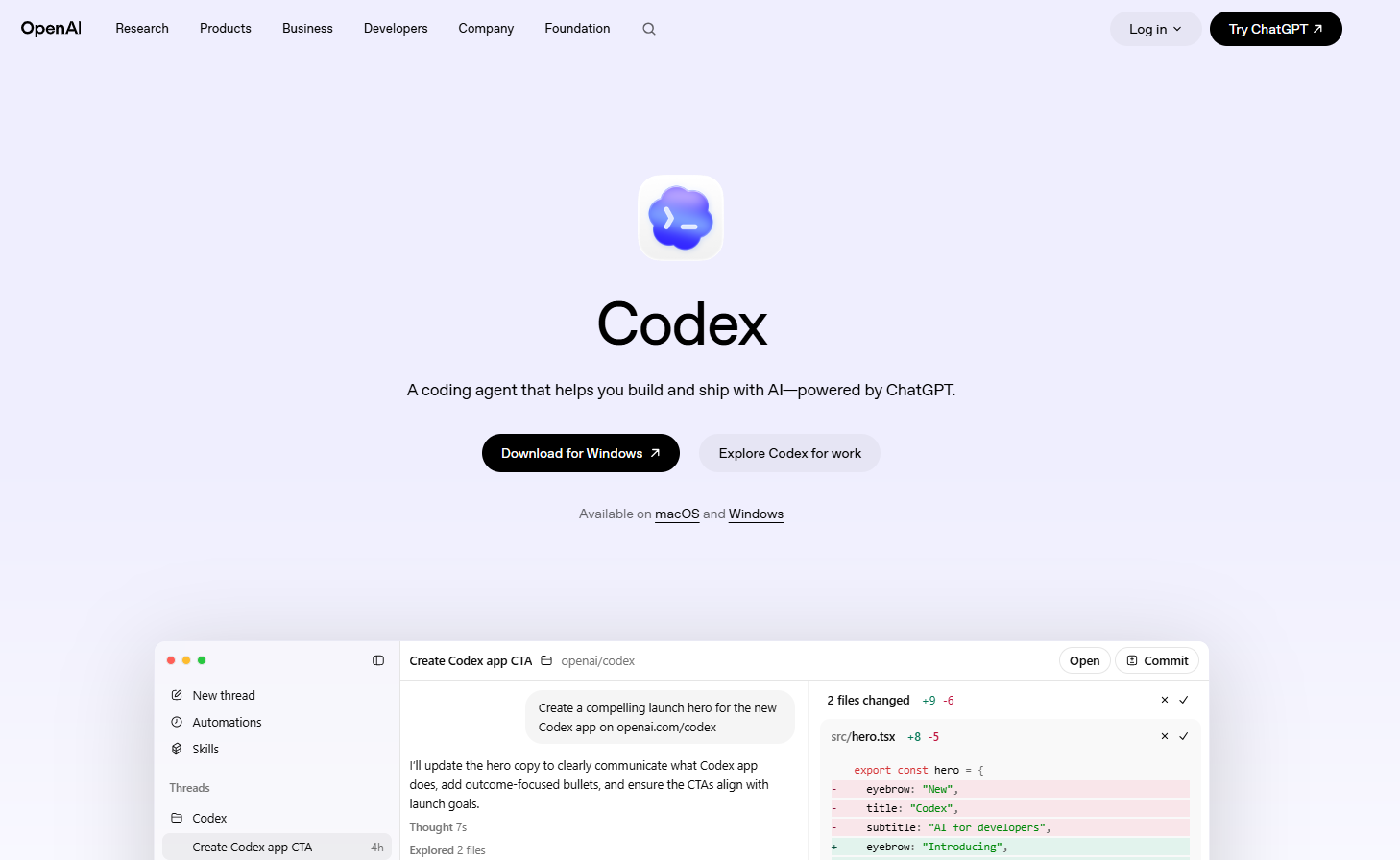
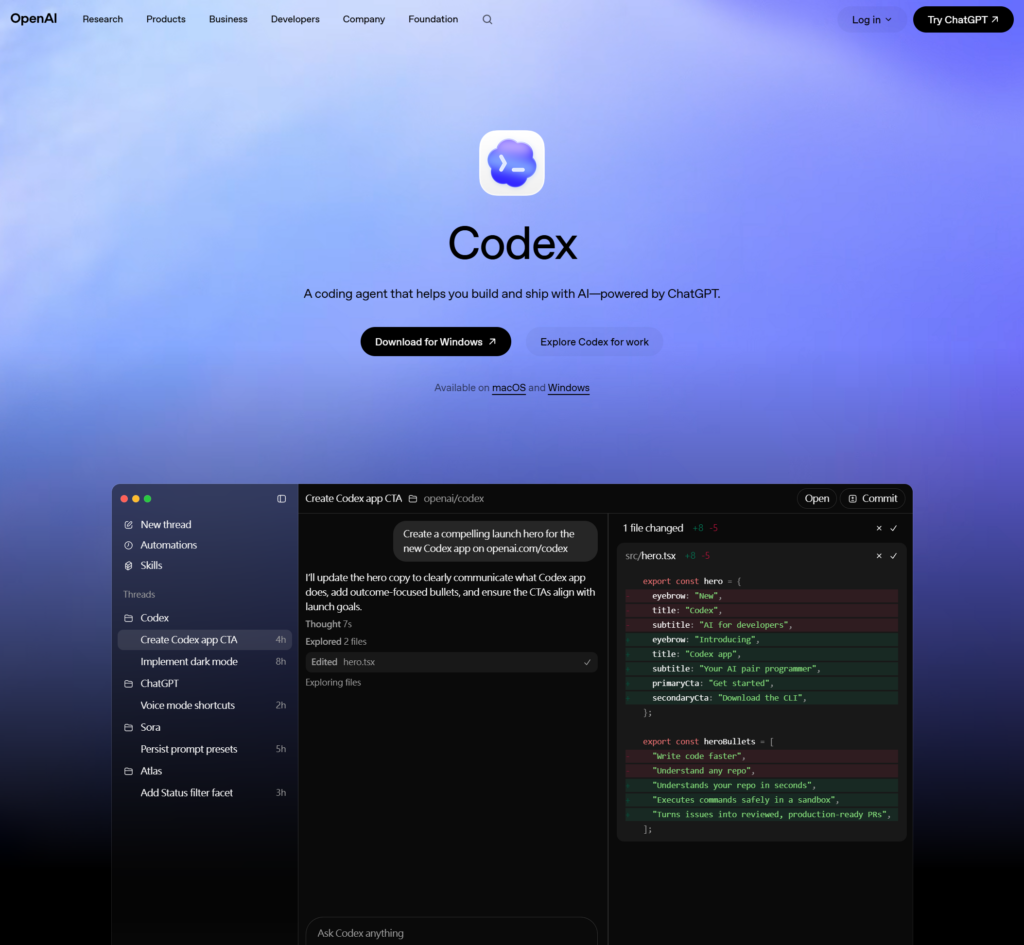
While Codex originally launched as a foundational code-generation API, it has evolved into a robust multi-agent environment powered by OpenAI’s frontier models. It operates directly on your local machine, within your IDE, or in sandboxed cloud worktrees to execute end-to-end software engineering tasks.
Key Usages & Workflows
- Autonomous Feature Building & Refactoring: You can prompt Codex with a complex goal (e.g., “Migrate this entire module from Express to Fastify”), and it will create isolated worktrees, modify code across multiple files, and run tests until the task is complete.
- Terminal & CLI Automation: By running
npm i -g @openai/codex, developers use commands like/statusand/statuslinedirectly in their terminal to monitor context, review local git diffs, and spin up subagents to solve issues. - Always-On Background Automation: It can be hooked into CI/CD pipelines or repositories to autonomously triage incoming issues, generate comprehensive test suites, and write high-signal Pull Request (PR) design overviews.
- Desktop & Browser Integration: Through its desktop application (macOS/Windows) and Chrome extension, it supports “Computer Use,” allowing it to interact with local development tools, documentation, and web dashboards to complete cross-app workflows.
Limitation
- Strict Rate Limits & Compute Windows: Because running multi-agent code cycles requires intense reasoning power, OpenAI enforces strict daily or weekly time-based limits (e.g., a 5-hour high-priority active coding quota depending on your ChatGPT Plus/Pro/Business tier).
- Context Compaction & Latency: When working inside massive monorepos, Codex must constantly compress and compact repository context. This can introduce processing latency or cause the agent to lose track of deeply nested, obscure codebase dependencies.
- Security & Environment Guardrails: To prevent harmful actions on your machine, Codex heavily relies on Model Context Protocol (MCP) approval choices. If security permissions are configured too strictly, the agent will stall; if too loose, it risks executing unintended destructive local terminal commands.
- Logical Hallucinations in Edge Cases: While highly proficient at standardized frameworks, Codex can still hallucinate or write syntactically correct but structurally flawed logic when dealing with highly proprietary, un-exported internal APIs or legacy, undocumented codebases.





Visit Deepseek website for full experience
Remarks
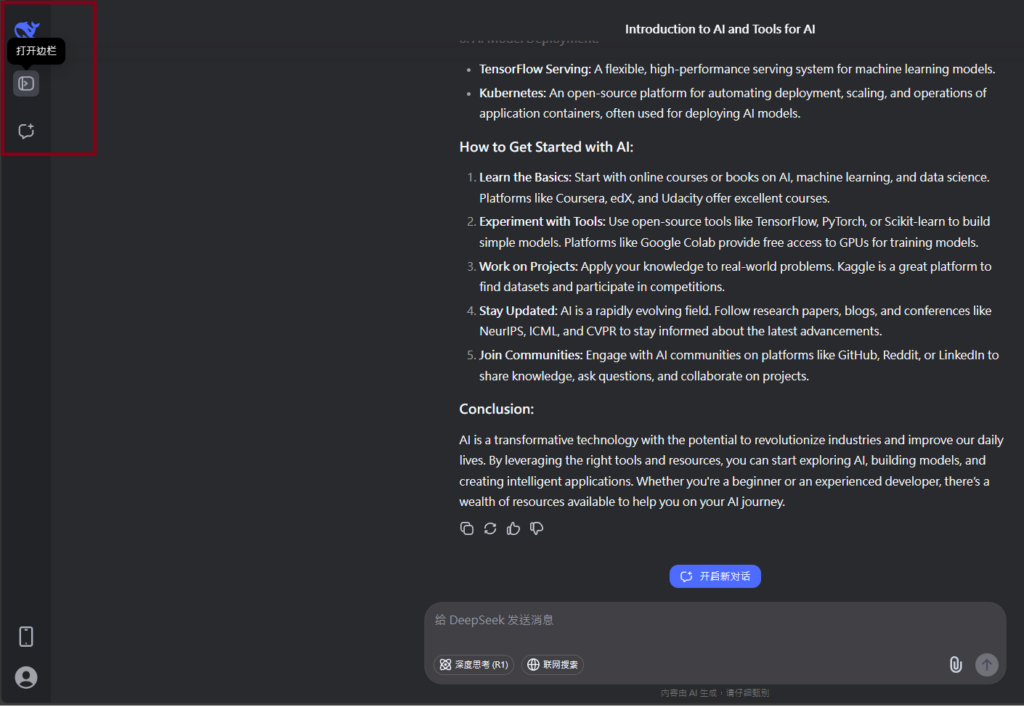
DeepSeek is an AI-powered tool designed for deep information retrieval, analysis, and content generation. It is commonly used in areas such as:
- Advanced Information Retrieval
- DeepSeek can process and analyze large datasets to extract relevant insights.
- It helps users find precise information beyond standard search engines.
- Natural Language Processing (NLP) Applications
- Used for text summarization, sentiment analysis, and question-answering systems.
- Supports various languages and can generate human-like responses.
- AI-Assisted Research and Writing
- Helps researchers analyze academic papers, generate summaries, and suggest references.
- Useful for drafting articles, reports, and creative writing.
- Code Assistance and Debugging
- Provides AI-powered code suggestions, optimizations, and bug fixes.
- Supports multiple programming languages, aiding developers in software development.
- Business and Decision-Making Support
- Analyzes market trends, customer feedback, and financial data for businesses.
- Assists in generating insights for strategic decision-making.
limitation:
- Accuracy and Hallucination Issues
- AI models can sometimes generate incorrect or misleading information.
- Requires human verification before relying on outputs.
- Limited Real-Time Data Access
- May not always provide the latest information if it’s not connected to live data sources.
- Some AI models work with pre-trained datasets, limiting real-time updates.
- Context Limitations
- Struggles with highly nuanced or ambiguous queries.
- Long conversations may lead to context loss or inconsistencies.
- Ethical and Bias Concerns
- AI models can reflect biases present in training data.
- Requires careful consideration when used in sensitive applications.
- Computational Resource Constraints
- Running deep learning models requires significant computational power.
- Latency issues may arise during complex queries or large-scale data analysis.



Lorem ipsum dolor sit amet, consectetur adipiscing elit. Ut elit tellus, luctus nec ullamcorper mattis, pulvinar dapibus leo.