

Visit NotebookLM website for full experience

Remarks
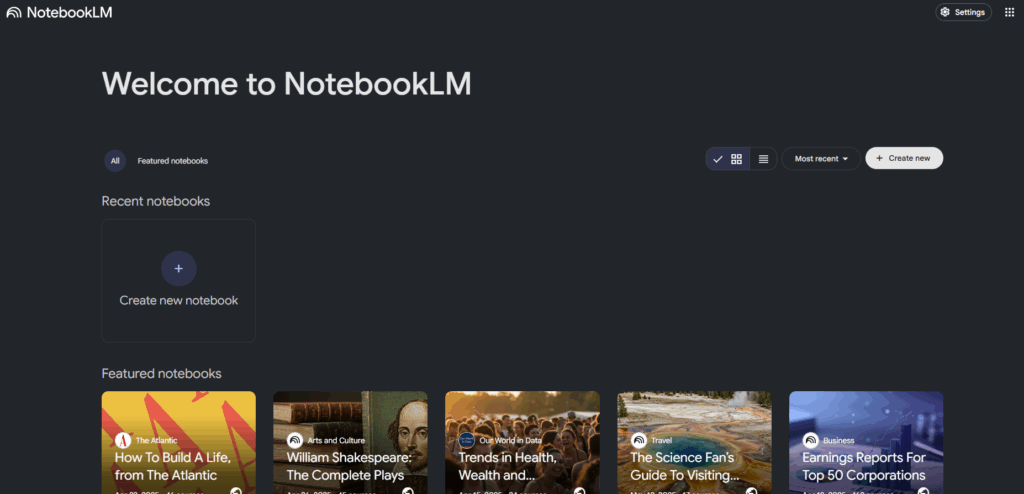
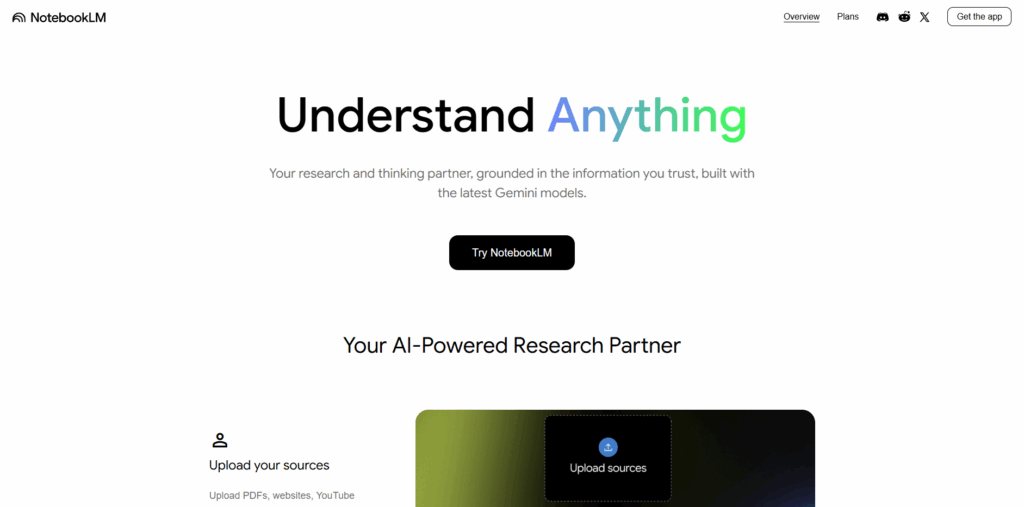
NotebookLM is an online tool that transforms your uploaded documents, files, and web sources into a central, interactive knowledge hub. The core concept is that the AI’s responses are grounded in your sources, meaning it cites the exact information it uses to generate summaries, explanations, and answers.
NotebookLM helps you understand, analyze, and transform your source material.
- Research & Analysis
- Chat with Your Sources:
- Ask questions about your uploaded content and get answers with clear in-line citations.
- Summarize & Synthesize:
- Generate summaries, briefing documents, or identify trends across multiple files.
- Mind Maps:
- Automatically create a visual, interactive mind map of your sources.
- Chat with Your Sources:
- Learning & Study
- Learning Guide:
- A personalized tutor that helps you break down complex problems step-by-step.
- Study Aids:
- Instantly create flashcards and quizzes based on your lecture notes or textbooks.
- Audio Overviews:
- Convert your documents into listenable, conversational, podcast-like overviews for on-the-go learning.
- Learning Guide:
- Content Creation
- Reports & Outlines:
- Generate tailored reports, presentation outlines, or draft blog posts from your source material.
- Reports & Outlines:
- Source Support
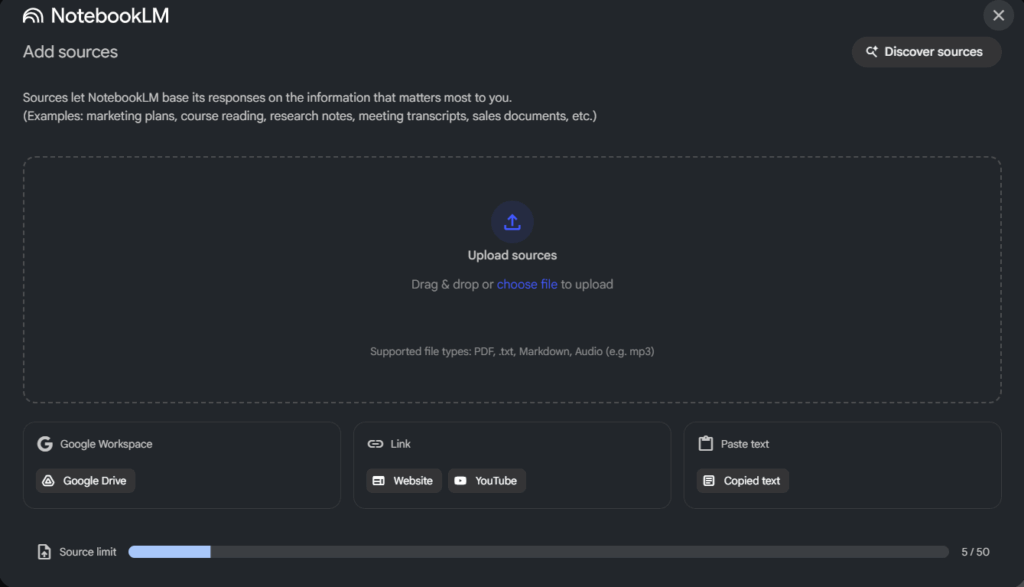
- Upload various file types including PDFs, Google Docs/Slides, Markdown, audio files, copied text, public web URLs, and YouTube videos (with transcripts/subtitles).
Limitations:
- Grounded Responses: NotebookLM is designed to answer questions only based on your uploaded material. It will not provide general knowledge or information that is outside of your sources.
- Clarity of Query: If a question is too broad or a notebook contains many sources, the AI may have difficulty identifying the most relevant information. More specific questions yield better results.
- PDF Protection: Copy-protected PDF files cannot be imported.
- Video Files: It can only process YouTube videos that have a machine-readable transcript or subtitles. It cannot extract transcripts from videos that lack them.


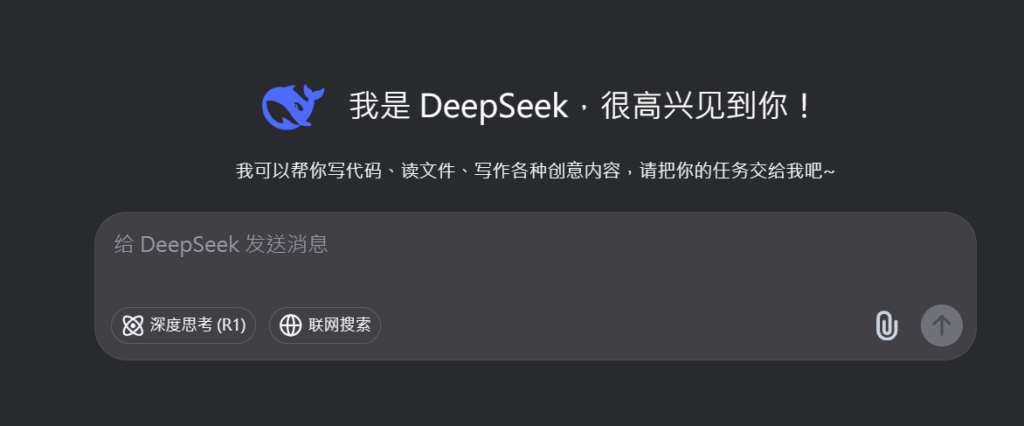
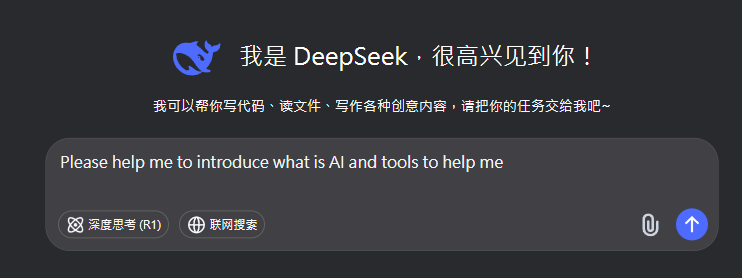
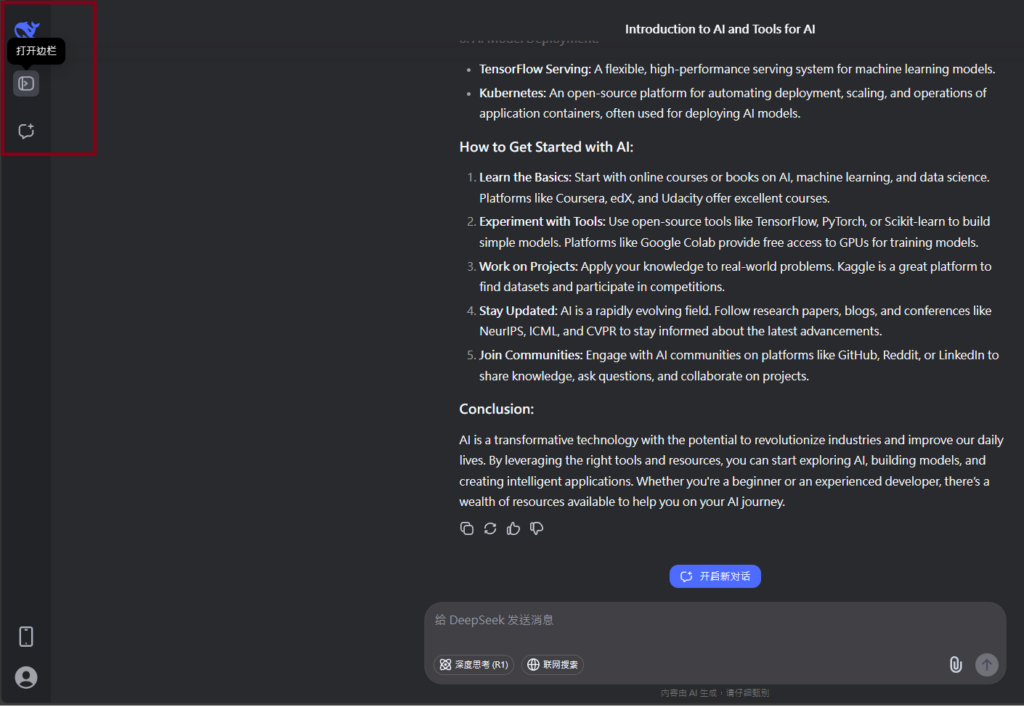
Visit Deepseek website for full experience
Remarks
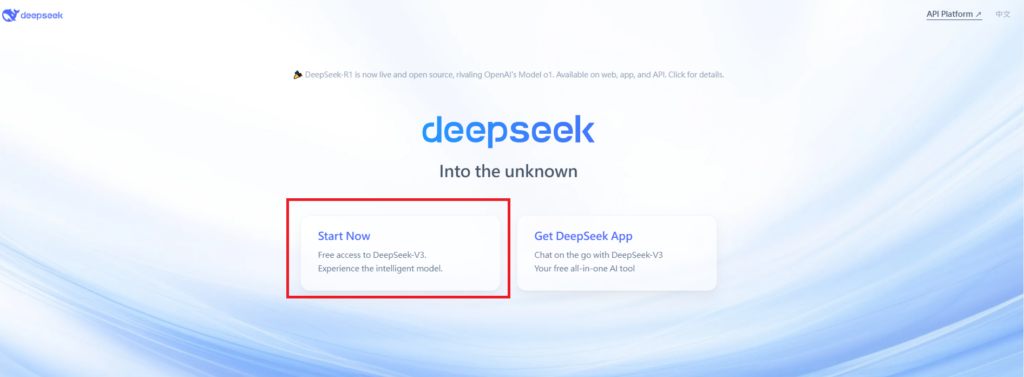
DeepSeek is an AI-powered tool designed for deep information retrieval, analysis, and content generation. It is commonly used in areas such as:
- Advanced Information Retrieval
- DeepSeek can process and analyze large datasets to extract relevant insights.
- It helps users find precise information beyond standard search engines.
- Natural Language Processing (NLP) Applications
- Used for text summarization, sentiment analysis, and question-answering systems.
- Supports various languages and can generate human-like responses.
- AI-Assisted Research and Writing
- Helps researchers analyze academic papers, generate summaries, and suggest references.
- Useful for drafting articles, reports, and creative writing.
- Code Assistance and Debugging
- Provides AI-powered code suggestions, optimizations, and bug fixes.
- Supports multiple programming languages, aiding developers in software development.
- Business and Decision-Making Support
- Analyzes market trends, customer feedback, and financial data for businesses.
- Assists in generating insights for strategic decision-making.
limitation:
- Accuracy and Hallucination Issues
- AI models can sometimes generate incorrect or misleading information.
- Requires human verification before relying on outputs.
- Limited Real-Time Data Access
- May not always provide the latest information if it’s not connected to live data sources.
- Some AI models work with pre-trained datasets, limiting real-time updates.
- Context Limitations
- Struggles with highly nuanced or ambiguous queries.
- Long conversations may lead to context loss or inconsistencies.
- Ethical and Bias Concerns
- AI models can reflect biases present in training data.
- Requires careful consideration when used in sensitive applications.
- Computational Resource Constraints
- Running deep learning models requires significant computational power.
- Latency issues may arise during complex queries or large-scale data analysis.
Lorem ipsum dolor sit amet, consectetur adipiscing elit. Ut elit tellus, luctus nec ullamcorper mattis, pulvinar dapibus leo.