
Visit Utell website for full experience
Remarks
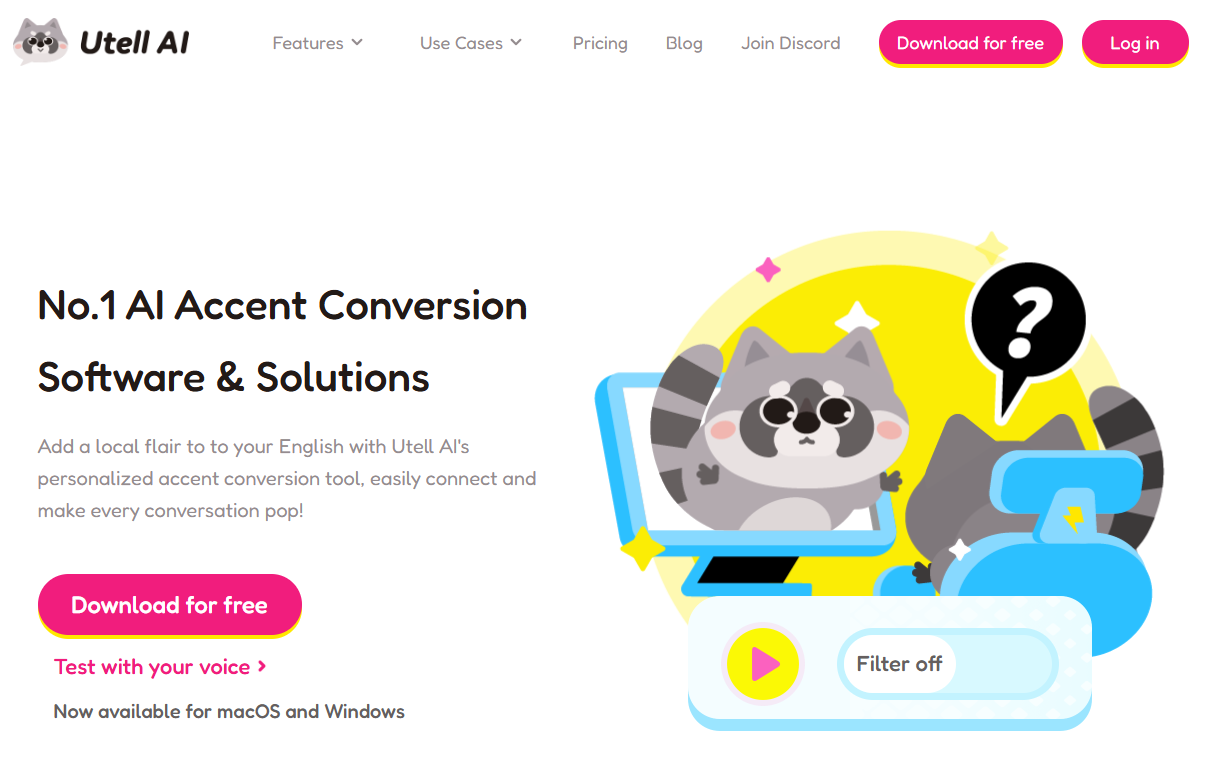
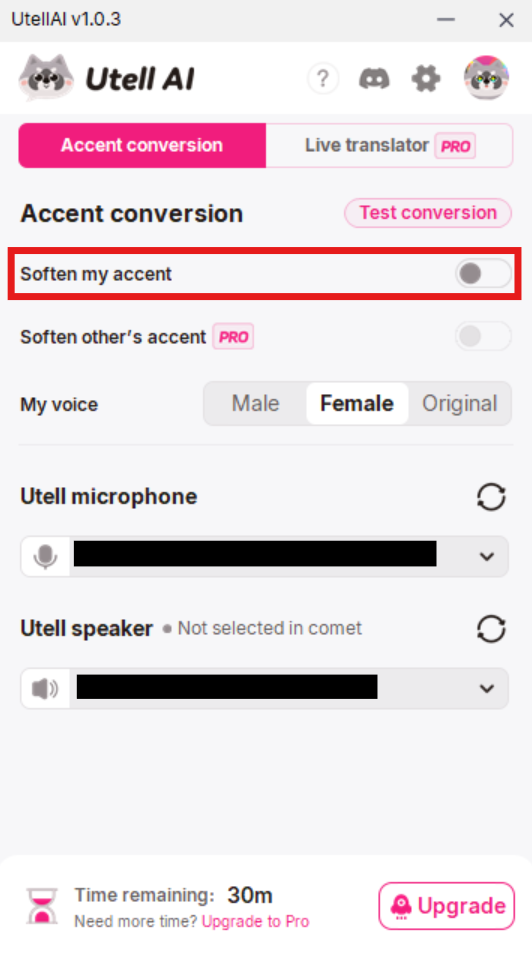
Utell AI is a real-time speech enhancement and accent conversion platform designed to bridge communication gaps in global interactions. Developed by Halo Interactive PTE. LTD., it focuses on neutralizing diverse accents and providing instant translations to make spoken English clearer and more standardized during live calls.
Utell AI is primarily used to enhance clarity in high-stakes verbal communication. Its applications include:
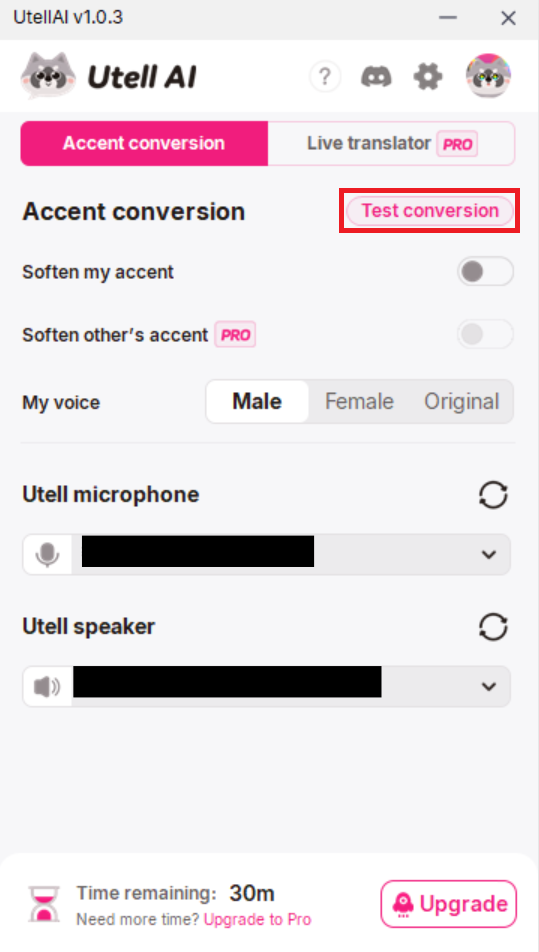
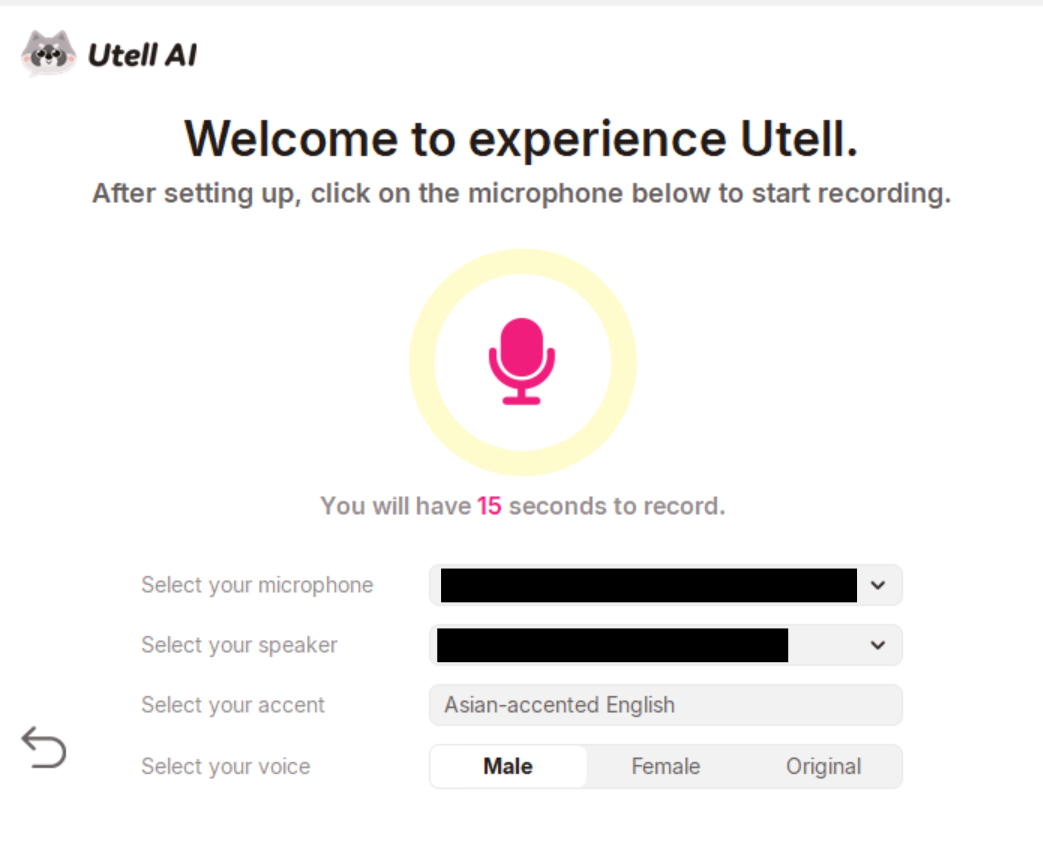
- Real-time Accent Conversion: It modifies your spoken English into a “standardized” accent (often neutral American or British) in under 100 milliseconds, ensuring your listeners follow you without strain.
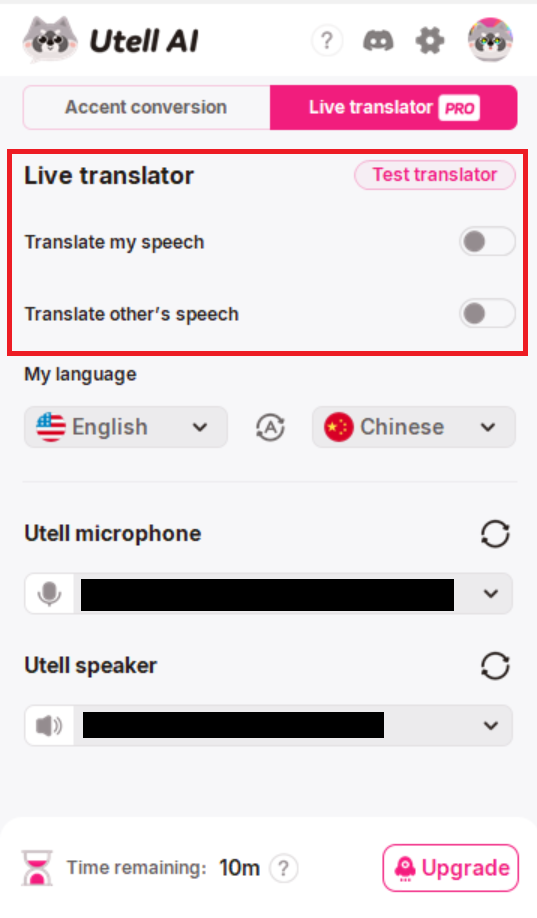
- Live Translation: It can translate foreign languages into standard English speech in real-time during live calls.
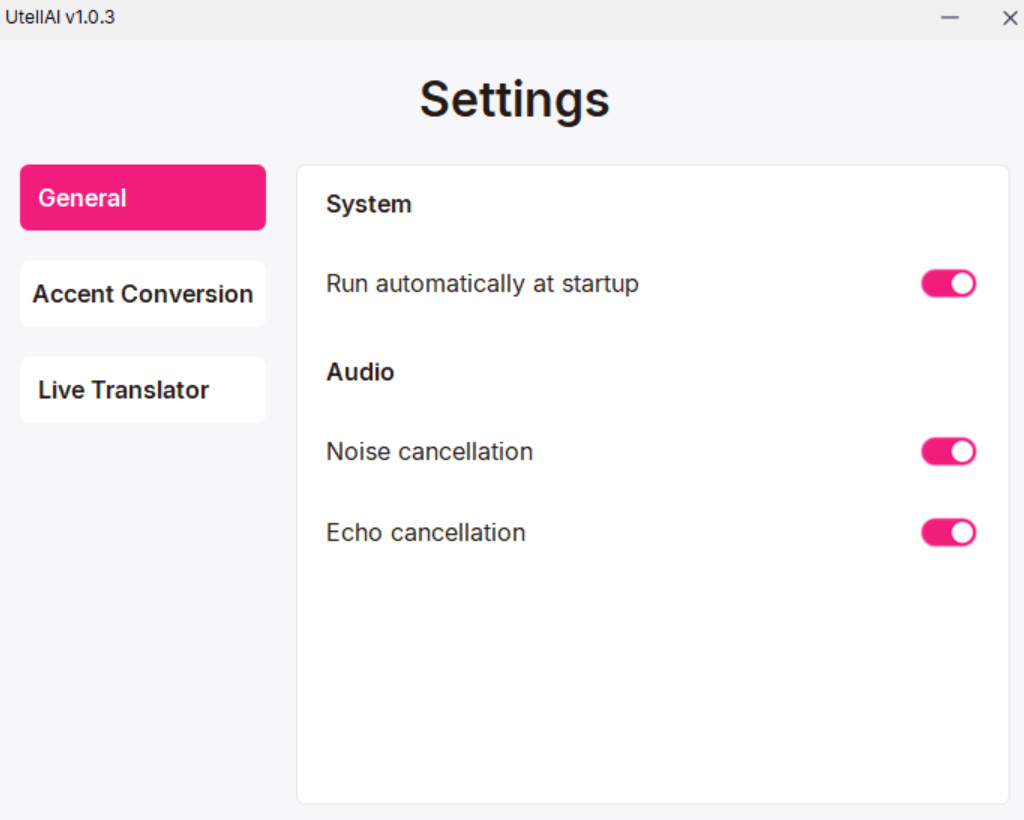
- Noise Cancellation: It filters out background chatter, echoes, and traffic noise, which is particularly useful for remote workers and call centers.
- Voice Preservation: Unlike generic text-to-speech, Utell retains your original rhythm, pitch, and intonation, so you still sound like “you,” just with a clearer accent.
- Accent Oracle: A diagnostic tool that analyzes your speech patterns and provides feedback on where your accent might be causing comprehension issues.
Limitations
While powerful, Utell AI is not a “magic bullet” for all communication needs:
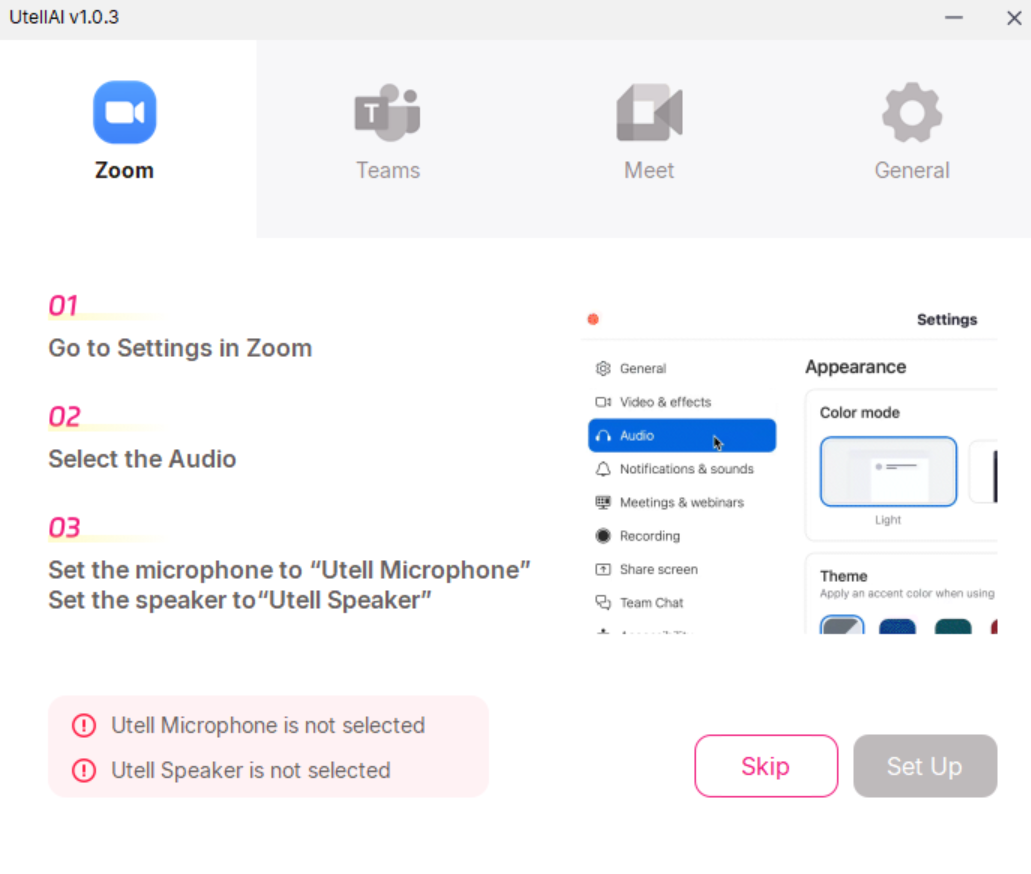
- Platform Restrictions: It is primarily a desktop application (macOS and Windows). While mobile integrations are expanding, the most stable experience remains on PC/Mac.
- Internet Dependency: High-quality real-time conversion requires a stable, low-latency internet connection. Poor connectivity can cause “robotic” artifacts in the audio.
- Slang & Idioms: Like most voice AIs, it may struggle with very specific regional slang or niche technical jargon if the context isn’t crystal clear.
- Subscription Model: While there is a free version with limited “credits,” full professional use (unlimited minutes) typically requires a monthly or annual subscription.

Visit Deepseek website for full experience
Remarks
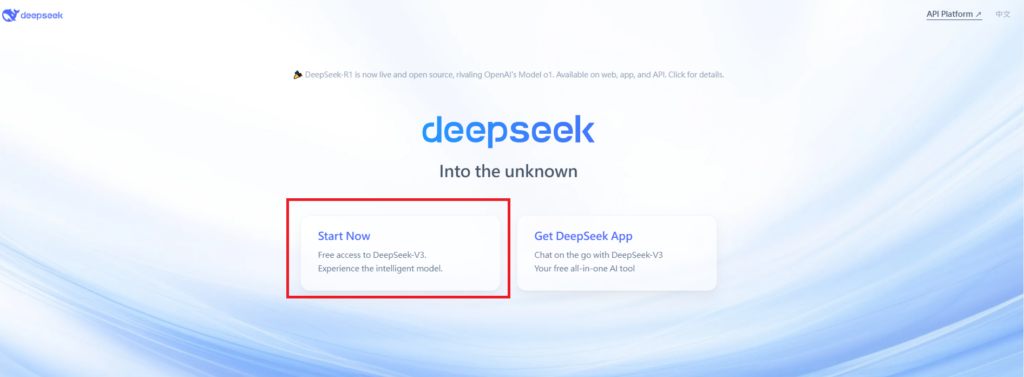
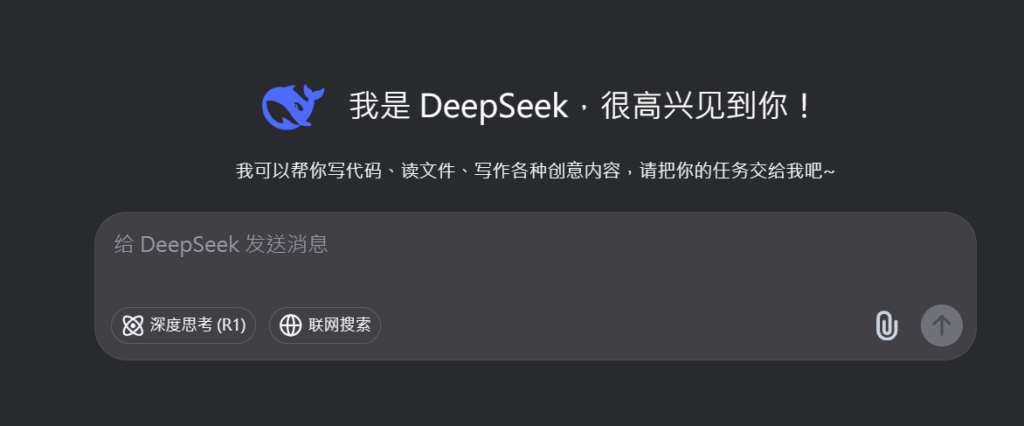
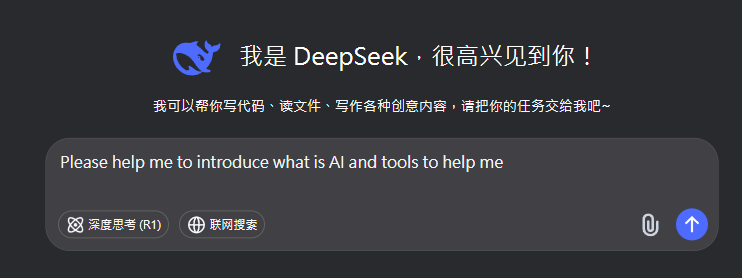
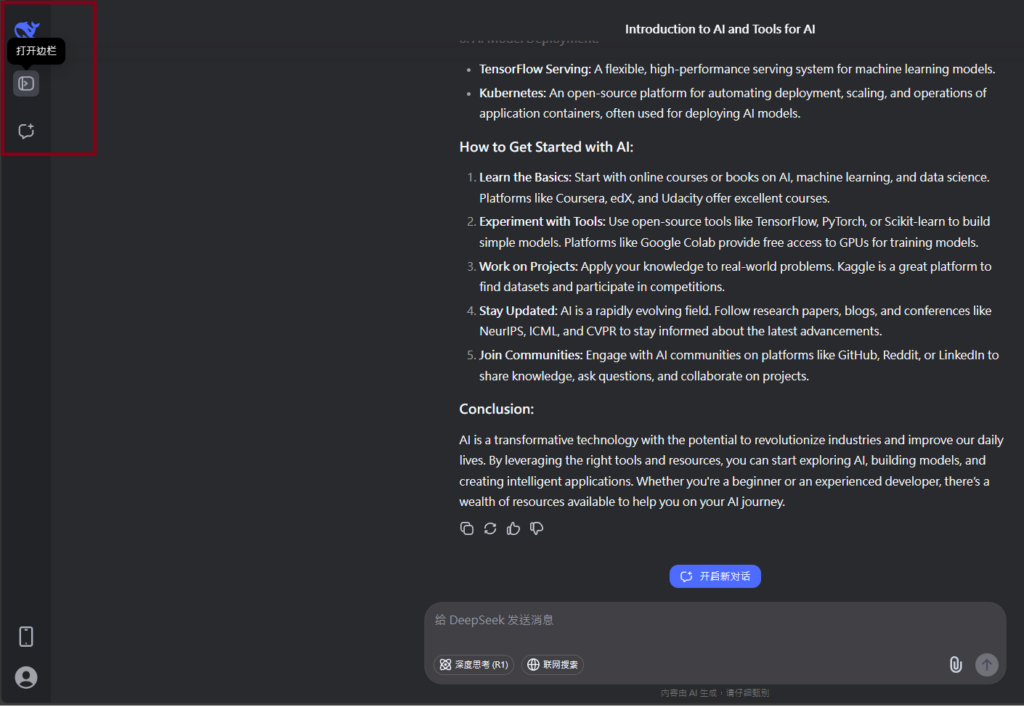
DeepSeek is an AI-powered tool designed for deep information retrieval, analysis, and content generation. It is commonly used in areas such as:
- Advanced Information Retrieval
- DeepSeek can process and analyze large datasets to extract relevant insights.
- It helps users find precise information beyond standard search engines.
- Natural Language Processing (NLP) Applications
- Used for text summarization, sentiment analysis, and question-answering systems.
- Supports various languages and can generate human-like responses.
- AI-Assisted Research and Writing
- Helps researchers analyze academic papers, generate summaries, and suggest references.
- Useful for drafting articles, reports, and creative writing.
- Code Assistance and Debugging
- Provides AI-powered code suggestions, optimizations, and bug fixes.
- Supports multiple programming languages, aiding developers in software development.
- Business and Decision-Making Support
- Analyzes market trends, customer feedback, and financial data for businesses.
- Assists in generating insights for strategic decision-making.
limitation:
- Accuracy and Hallucination Issues
- AI models can sometimes generate incorrect or misleading information.
- Requires human verification before relying on outputs.
- Limited Real-Time Data Access
- May not always provide the latest information if it’s not connected to live data sources.
- Some AI models work with pre-trained datasets, limiting real-time updates.
- Context Limitations
- Struggles with highly nuanced or ambiguous queries.
- Long conversations may lead to context loss or inconsistencies.
- Ethical and Bias Concerns
- AI models can reflect biases present in training data.
- Requires careful consideration when used in sensitive applications.
- Computational Resource Constraints
- Running deep learning models requires significant computational power.
- Latency issues may arise during complex queries or large-scale data analysis.
Lorem ipsum dolor sit amet, consectetur adipiscing elit. Ut elit tellus, luctus nec ullamcorper mattis, pulvinar dapibus leo.