Visit Unity AI website for full experience

Remarks
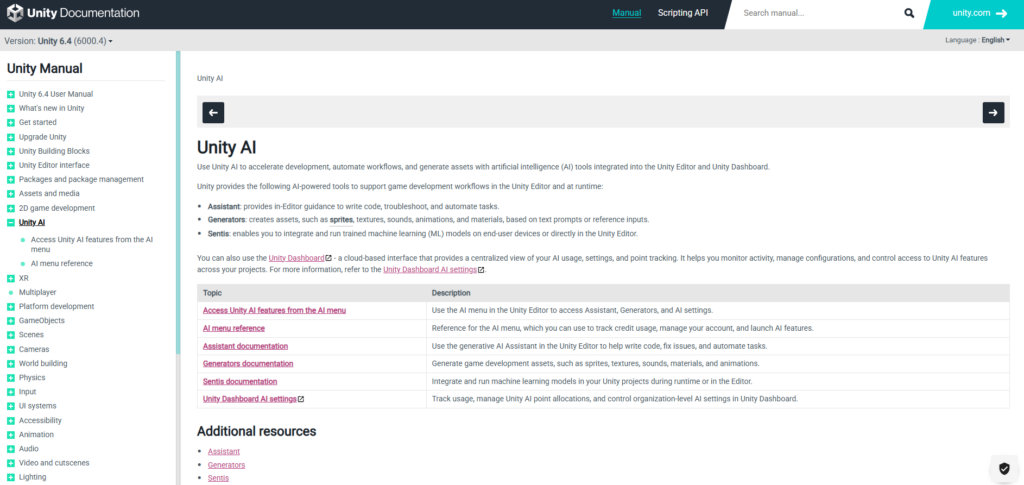
Unity AI is a native ecosystem of artificial intelligence tools integrated directly into the Unity Editor (specifically tailored for Unity 6 and later). It is designed to accelerate game development workflows by bringing asset generation, coding assistance, and on-device machine learning directly into the engine, reducing the need to constantly switch between external tools and your codebase.
Key Usages & Workflows
- Unity AI Assistant (The Copilot)
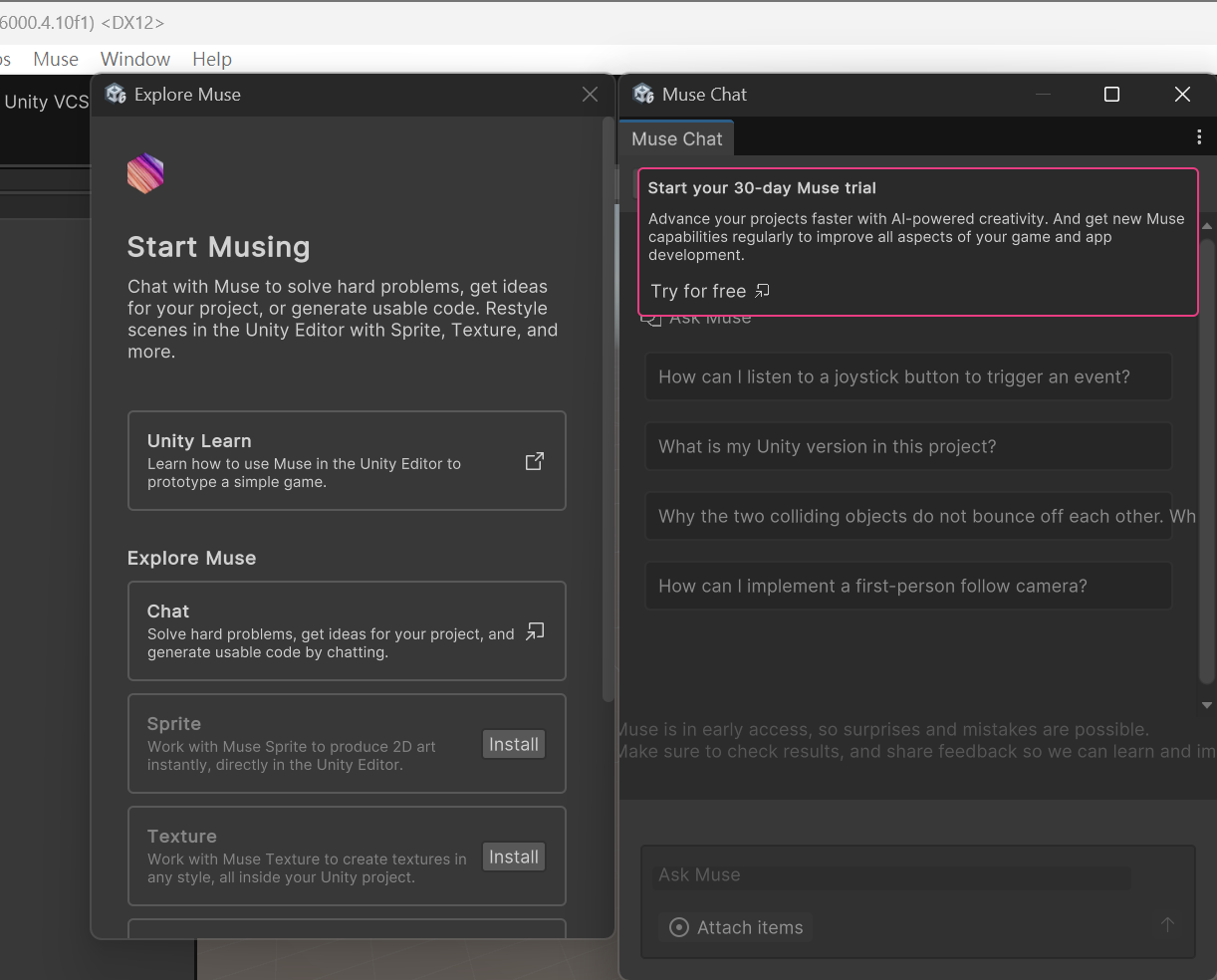
This is a dockable chat window in the editor that functions as a Unity-specific Large Language Model (LLM). You can use it to generate C# scripts, ask how to use a complex component, or paste console errors directly into it to get an immediate explanation and code fix. Because it understands your specific Unity version and active render pipeline, its advice is tailored to your exact project setup. - Unity Generators (Asset Creation)
A suite of generative tools aimed at prototyping and quick asset creation. Developers can use text prompts directly inside the engine to generate game assets on the fly:- 2D Graphics: Creating concept art, UI elements, or textures.
- Audio: Generating simple sound effects or ambient backgrounds.
- 3D Materials: Generating textures and material maps to wrap around 3D meshes.
- Unity Sentis (Runtime AI)
Unlike the Assistant and Generators (which are used while making the game), Sentis allows you to embed pre-trained neural networks directly into the game’s actual build. It runs completely locally on the end-user’s device (GPU or CPU) without requiring cloud servers. You can use it to power smart NPC behaviors, handle real-time physics approximations, or analyze player behavior on the fly.
Limitation
While Unity AI speeds up production, it has several technical and practical limitations you need to navigate:
- Credit System Constraints: Features like the Assistant and Generators operate on a “Unity Credits” economy. Paid subscriptions (Pro, Enterprise) get a monthly allowance, but if you run out of credits during a heavy prototyping phase, you have to purchase additional bundles to keep using those generative features.
- Hallucinations and Accuracy: Like all generative AI, the AI Assistant can confidently write broken C# code or suggest deprecated Unity API methods. Developers must review, test, and debug its outputs rather than treating them as immediately production-ready.
- Beta Phase & Missing Context: Unity AI is continuously being updated. For example, it does not fully index your entire custom project architecture automatically, meaning it can reason well about standard Unity systems but won’t perfectly grasp your massive, custom-written framework unless you explicitly feed it that code context.
- Copyright and Compliance Responsibility: While Unity curates its models, its terms explicitly state that developers bear the final responsibility for ensuring that any AI-generated asset used in their final commercial build does not infringe on third-party intellectual property or copyrights.
- General Service Availability & Access: Unlike some consumer-facing generative AI platforms (like OpenAI’s ChatGPT or Google’s Gemini web interface) which are geoblocked or require a VPN to access from Hong Kong, Unity Muse and Unity AI features are generally accessible directly through the Unity Editor and Unity ID accounts in Hong Kong.