Scaniverse

Scaniverse is a powerful 3D scanning app (owned by Niantic) that turns your smartphone into a high-fidelity 3D capture device. While it originally gained fame for its LiDAR integration, it has evolved into a leading AI-driven spatial platform.

Visit Scaniverse website for full experience

Remarks

Scaniverse is a powerful 3D scanning app (owned by Niantic) that turns your smartphone into a high-fidelity 3D capture device. While it originally gained fame for its LiDAR integration, it has evolved into a leading AI-driven spatial platform.

In 2026, its standout “AI” feature is 3D Gaussian Splatting (3DGS). Unlike traditional scanning that builds a “mesh” (a cage of triangles), Gaussian Splatting uses machine learning to represent scenes as millions of tiny, semi-transparent “blobs” (Gaussians). This results in photorealistic 3D captures that include reflections and complex lighting that traditional models often lose.

Core Usages:

  1. Photorealistic Digital Twins: Creating “3D photos” of environments, rooms, or objects that look identical to reality when viewed from any angle.
  2. VFX & Content Creation: Exporting models for use in Blender, Unity, or Unreal Engine for filmmaking and game development.
  3. E-commerce & Archiving: Digitizing physical products or historical artifacts with high visual accuracy.
  4. Geospatial Mapping: Using Niantic’s “Visual Positioning System” (VPS) to anchor AR content to real-world locations.

Limitations

While powerful, Scaniverse has specific constraints:

  1. Static Scenes Only: If things move during the scan (people walking, trees blowing), the “AI” will get confused, resulting in “ghosting” or blurry artifacts.
  2. Reflective & Transparent Surfaces: While Gaussian Splatting is better at reflections than old methods, mirrors and clear glass still pose significant challenges for the AI to depth-map.
  3. File Sizes: Gaussian Splat files can be significantly larger than traditional low-poly meshes, making them heavier for mobile web viewing.
  4. Device Requirements: For the best experience (LiDAR), you generally need a Pro-level iPhone/iPad, though the AI photogrammetry mode works on most modern Android and iOS devices.
Step 1: Download & Device Check

Before you begin, ensure your device can handle the AI processing required for 3D Gaussian Splatting.

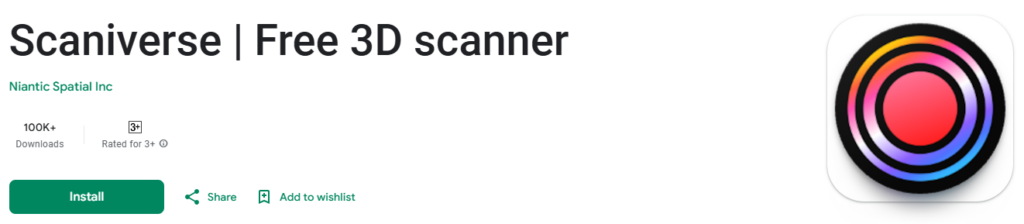
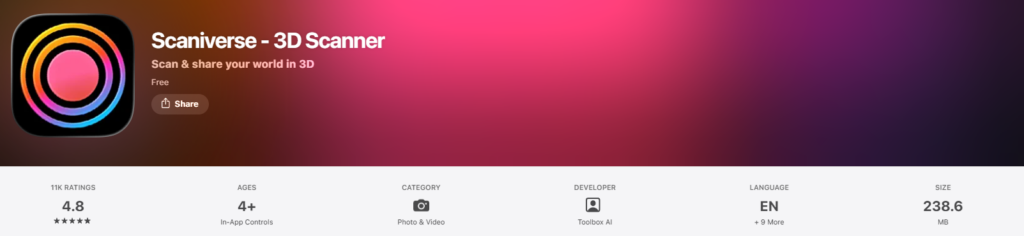
Download: Get the official Scaniverse app for free from the Apple App Store
or Google Play Store.
Compatibility:
iOS: Requires an iPhone 11 or later for Gaussian Splatting. While older devices (iPhone XS/XR) can run the app, they may only support traditional Mesh/LiDAR modes.
Android: Requires a device with at least 4GB of RAM and support for ARCore with Depth API.

Permissions: Allow access to your Camera (essential for scanning) and Location (if you wish to pin your scans to the global map).

Step 2: Choose Your Scanning Mode

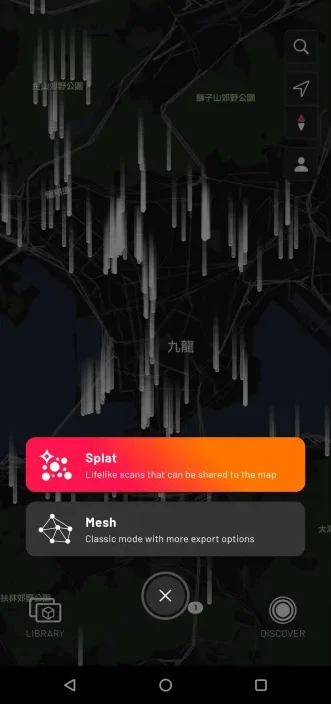
Open the app and tap the red “New Scan” button. You will see two primary options:

Splat (The AI Mode): This is the “hero” feature of 2026. Use this for photorealism, capturing reflections, and creating “3D photos” that look exactly like real life.
Mesh: Use this if you need a solid geometric model for 3D printing or architectural measurements.

Step 3: The Capture (The “Orbit”)

The quality of the AI reconstruction depends on the video data you provide.

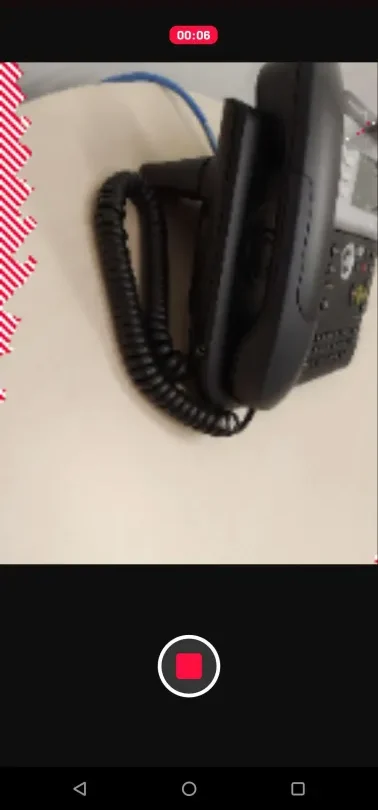
1. Start Recording: Tap the record button.
2. Move in an Orbit: Slowly walk around your object or through your room.
3. Cover All Angles: For a “Splat,” you need to see the subject from high, low, and middle angles. Scaniverse will show you red or shaded areas on the screen to indicate where data is missing.
4. Speed: Move like you are filming a slow-motion cinematic shot. Motion blur is the enemy of the AI processing engine.

Step 4: AI Processing

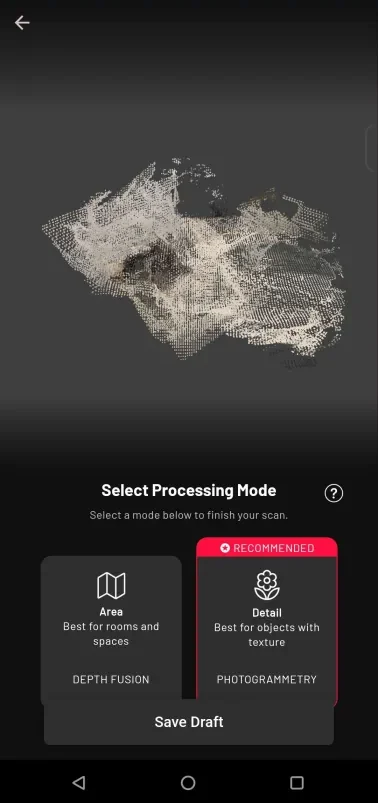
Once you tap “Stop,” the app will begin processing.
On-Device Training: Scaniverse processes the AI model locally on your phone. This usually takes 60–90 seconds.
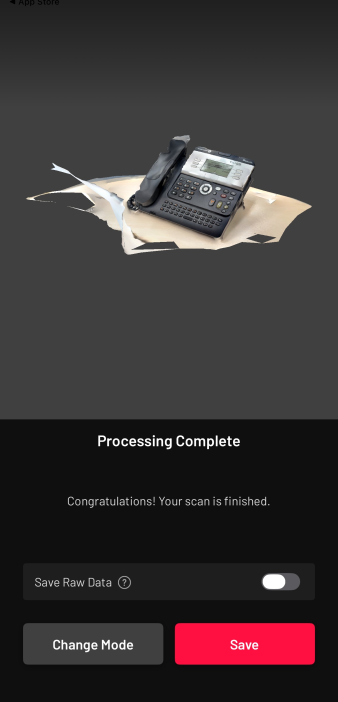
The “Enhance” Feature: After the initial process, you will see an Enhance button. Tapping this runs the AI training for another minute to sharpen textures and fix “floaters” (stray pixels).

Step 5: Cleanup & Editing

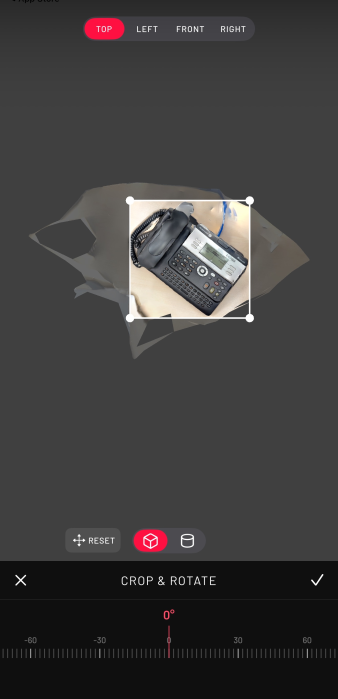
Crop: Use the 3D bounding box to cut out the floor, the ceiling, or distracting background elements.

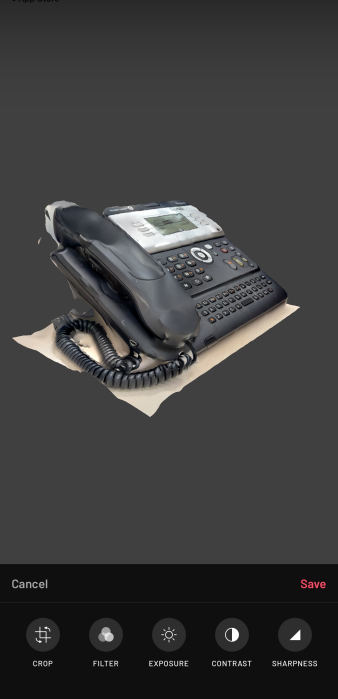
Post-Processing: Since these are AI-generated scenes, you can adjust the exposure and contrast after the scan is finished to improve the final look.

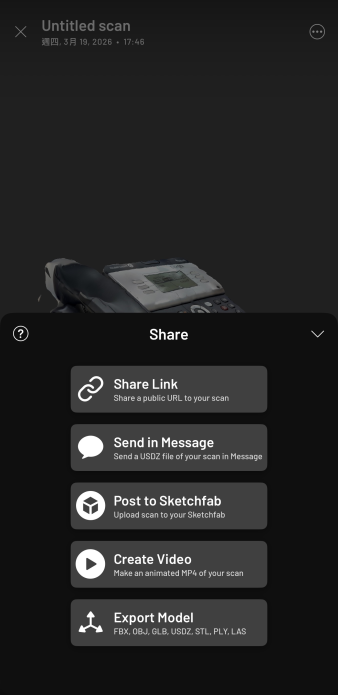
Step 6: Share or Export

Post to Map: Share your “Splat” to the global Scaniverse map.
Video Export: Create a “Flythrough” video by setting keyframes for a professional camera path.
3D Export: Export as a .PLY file (standard for Gaussian Splats) or .OBJ/.GLB (for traditional Meshes).

Remarks : Official Support Resources

To learn the fundamental functions of Scaniverse , explore the following resources for more comprehensive information:
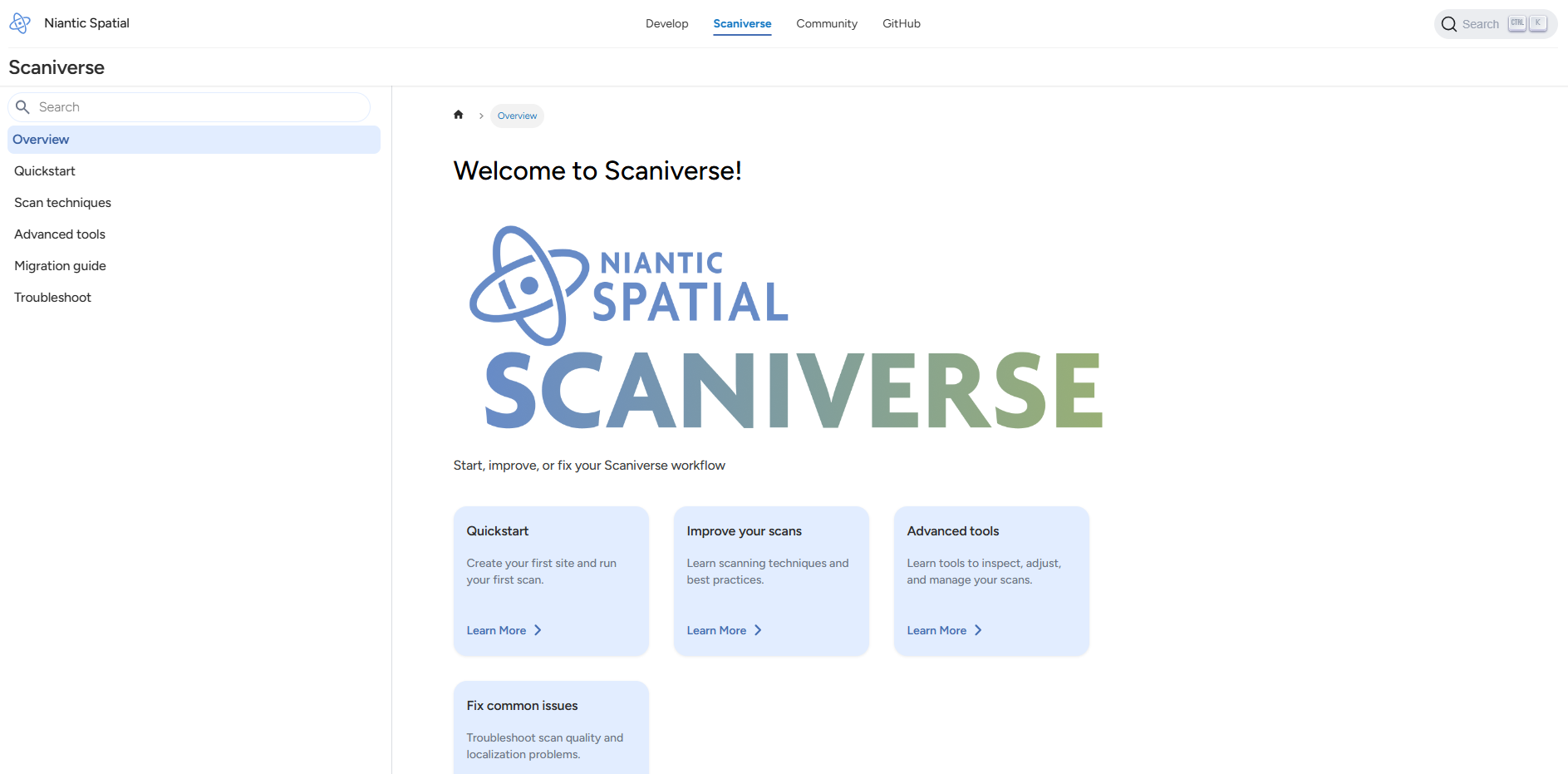
Overview | Niantic Spatial Platform : https://www.nianticspatial.com/docs/scaniverse/

01

How to Capture & Share in 3D with Scaniverse!

02

Scaniverse: How To Scan

03

Introducing Splats: On-device 3D Gaussian Splatting

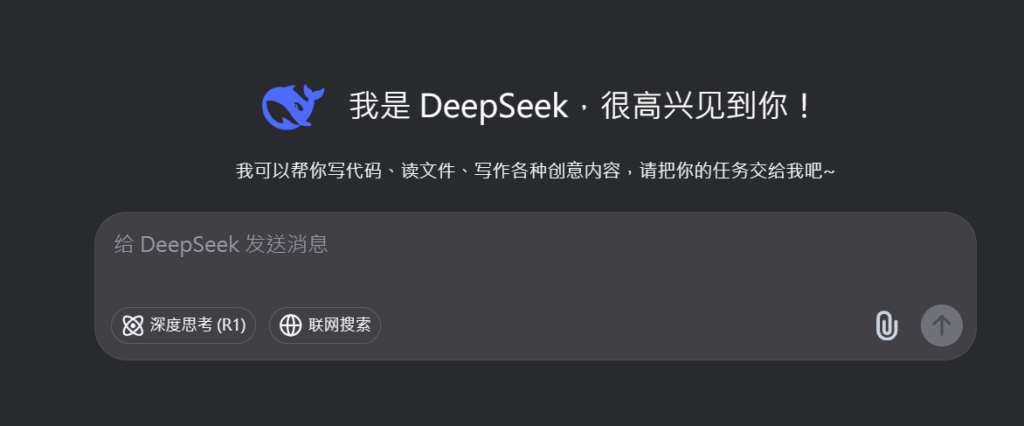
Visit Deepseek website for full experience

Remarks

DeepSeek is an AI-powered tool designed for deep information retrieval, analysis, and content generation. It is commonly used in areas such as:

  1. Advanced Information Retrieval
    • DeepSeek can process and analyze large datasets to extract relevant insights.
    • It helps users find precise information beyond standard search engines.
  2. Natural Language Processing (NLP) Applications
    • Used for text summarization, sentiment analysis, and question-answering systems.
    • Supports various languages and can generate human-like responses.
  3. AI-Assisted Research and Writing
    • Helps researchers analyze academic papers, generate summaries, and suggest references.
    • Useful for drafting articles, reports, and creative writing.
  4. Code Assistance and Debugging
    • Provides AI-powered code suggestions, optimizations, and bug fixes.
    • Supports multiple programming languages, aiding developers in software development.
  5. Business and Decision-Making Support
    • Analyzes market trends, customer feedback, and financial data for businesses.
    • Assists in generating insights for strategic decision-making.

limitation:

  1. Accuracy and Hallucination Issues
    • AI models can sometimes generate incorrect or misleading information.
    • Requires human verification before relying on outputs.
  2. Limited Real-Time Data Access
    • May not always provide the latest information if it’s not connected to live data sources.
    • Some AI models work with pre-trained datasets, limiting real-time updates.
  3. Context Limitations
    • Struggles with highly nuanced or ambiguous queries.
    • Long conversations may lead to context loss or inconsistencies.
  4. Ethical and Bias Concerns
    • AI models can reflect biases present in training data.
    • Requires careful consideration when used in sensitive applications.
  5. Computational Resource Constraints
    • Running deep learning models requires significant computational power.
    • Latency issues may arise during complex queries or large-scale data analysis.
Step 1

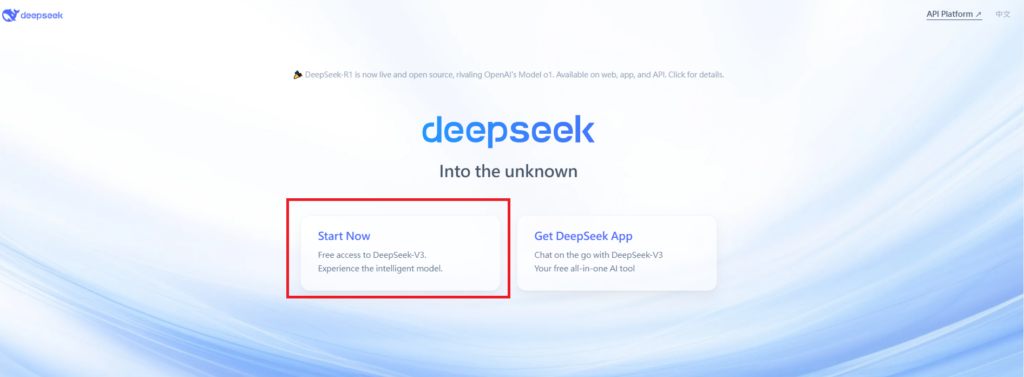
Visit the DeepSeek website. Click on “Start Now” and fill in your details.
Verify your email address to activate your account.

Step 2

Log in to your DeepSeek account.
Navigate to the “Chat” section to start using the chatbot.

Step 3

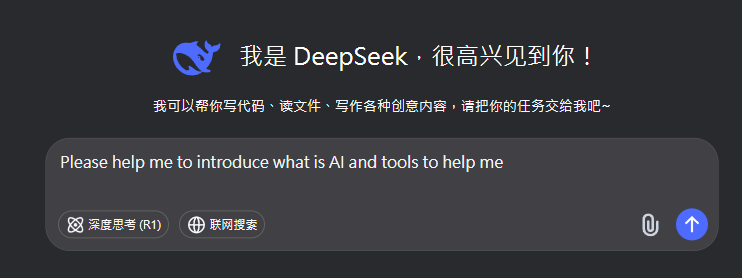
Type your question or request in the chat box. Press “Enter” to send your message. The chatbot will respond with relevant information or assistance.


Writing Assistance: Ask the chatbot to help with writing tasks, such as drafting emails, creating content, or summarizing text.
Translations: Request translations for text in different languages.
Information Retrieval: Ask questions to get quick answers on various topics.

Remarks.

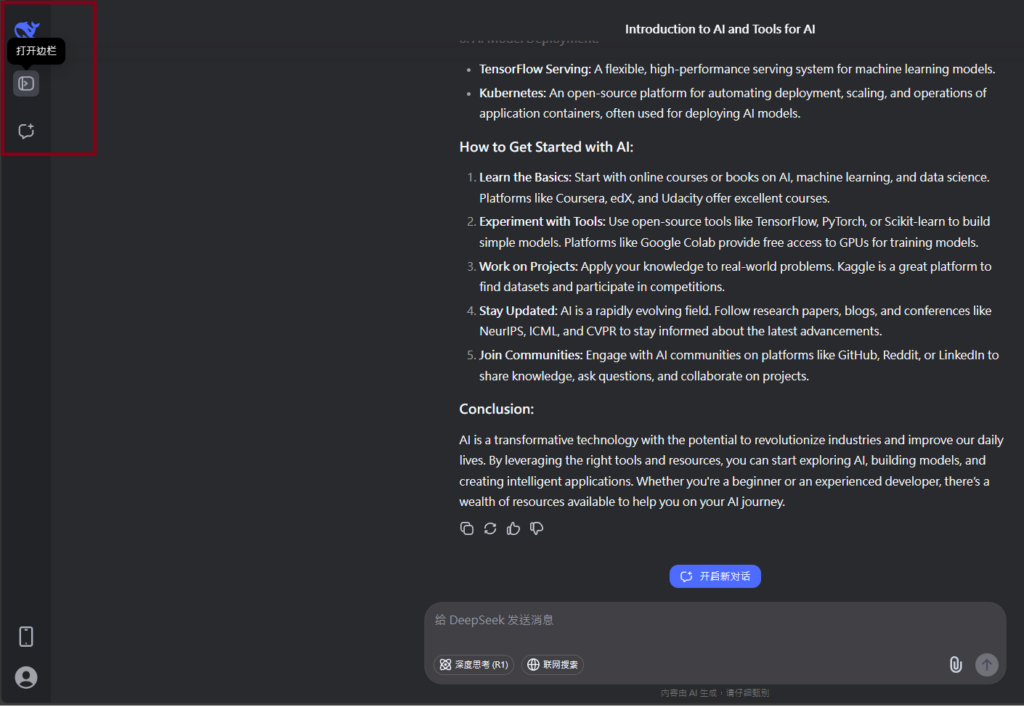
You can view and manage your chat history.Save important conversations for future reference. Customize Your Experience:

Lorem ipsum dolor sit amet, consectetur adipiscing elit. Ut elit tellus, luctus nec ullamcorper mattis, pulvinar dapibus leo.

Sign In

Register

Reset Password

Please enter your username or email address, you will receive a link to create a new password via email.

Scroll to Top