

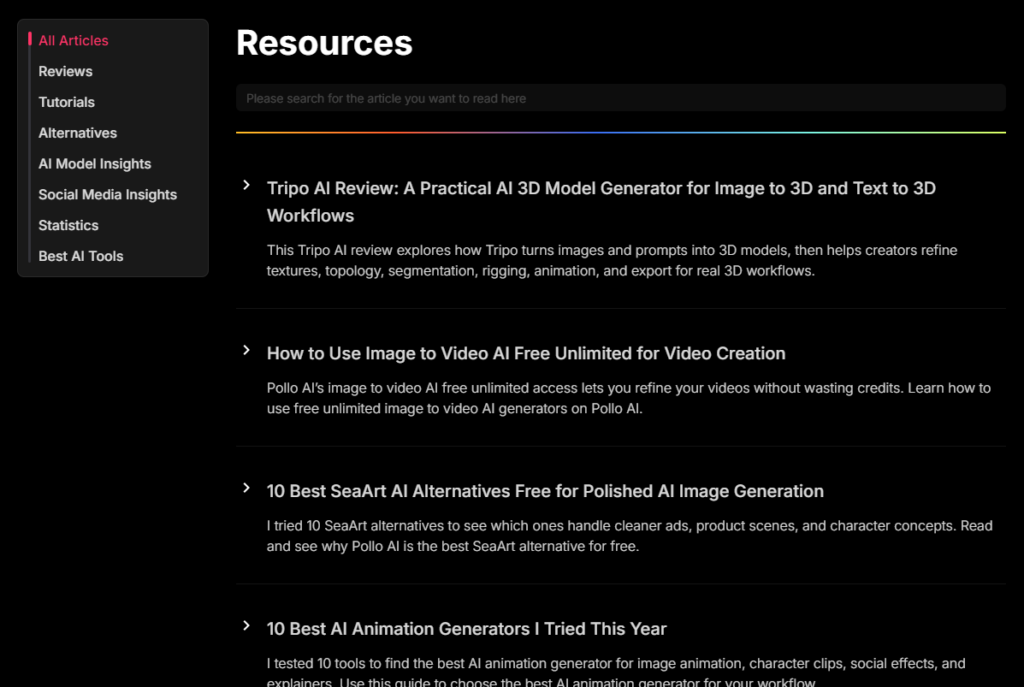
Visit Pollo AI website for full experience
Remarks
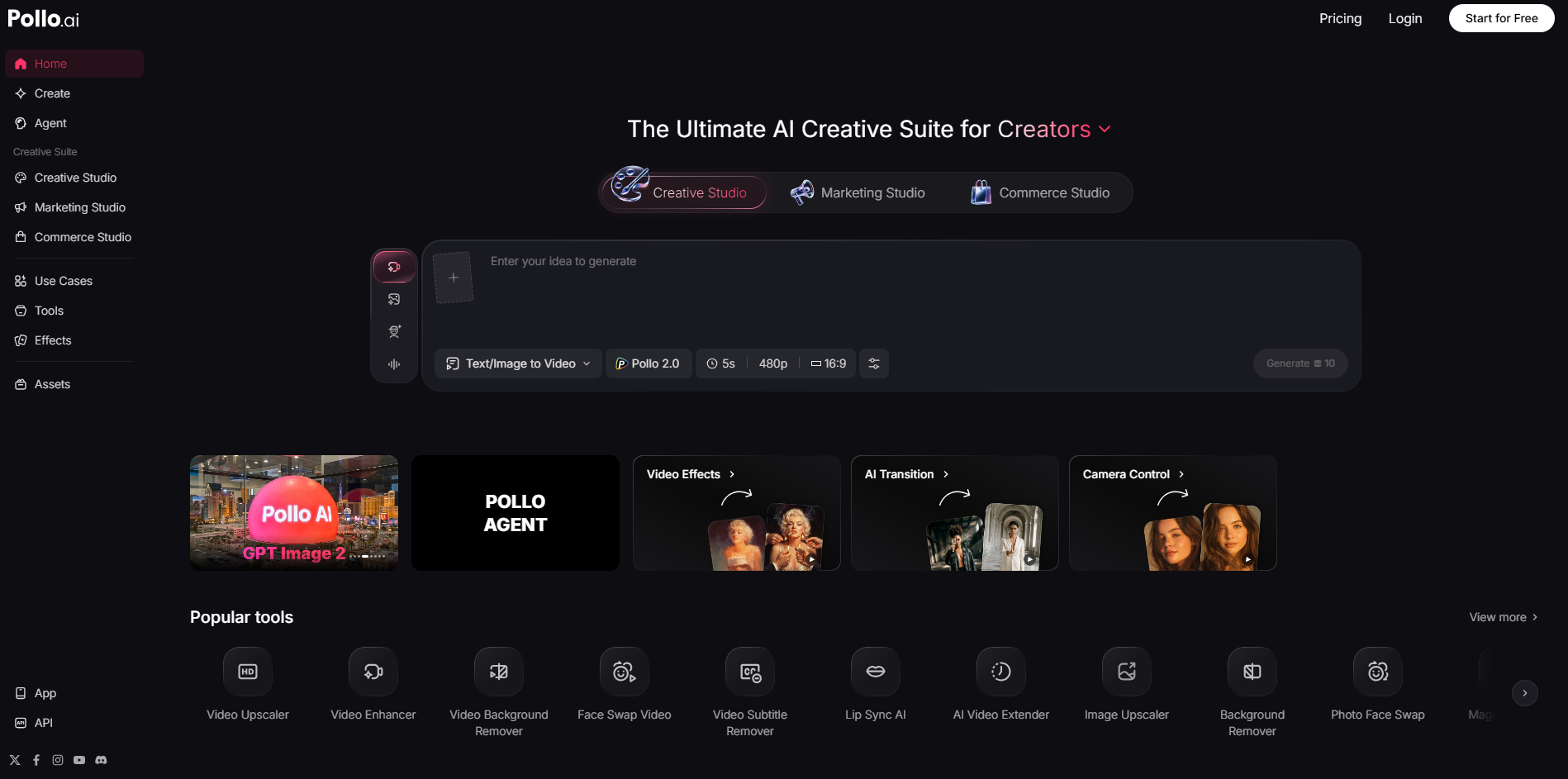
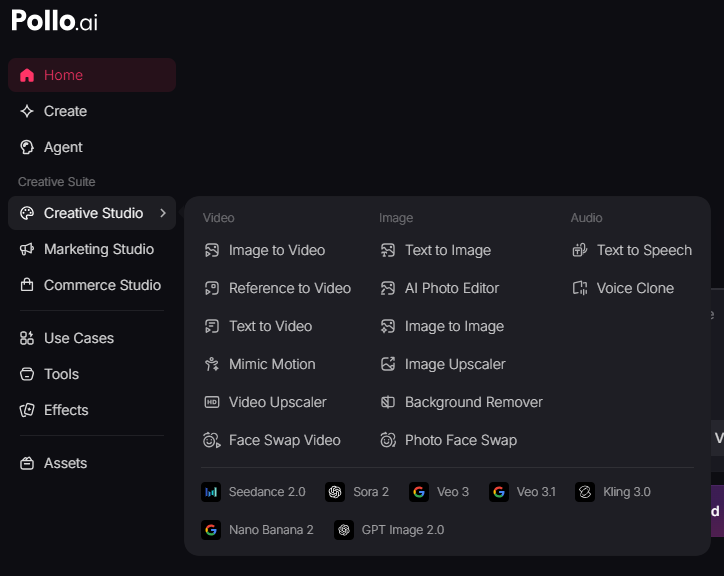
Instead of relying on a single AI architecture, Pollo AI acts as an aggregator workspace, giving users direct access to multiple leading third-party generation models (like Kling AI, Runway, and Flux) alongside its proprietary engines under one roof.
It is heavily marketed toward content creators, small e-commerce brands, and digital marketers who need social-media-ready video assets without high production costs.
Key Usages & Workflows
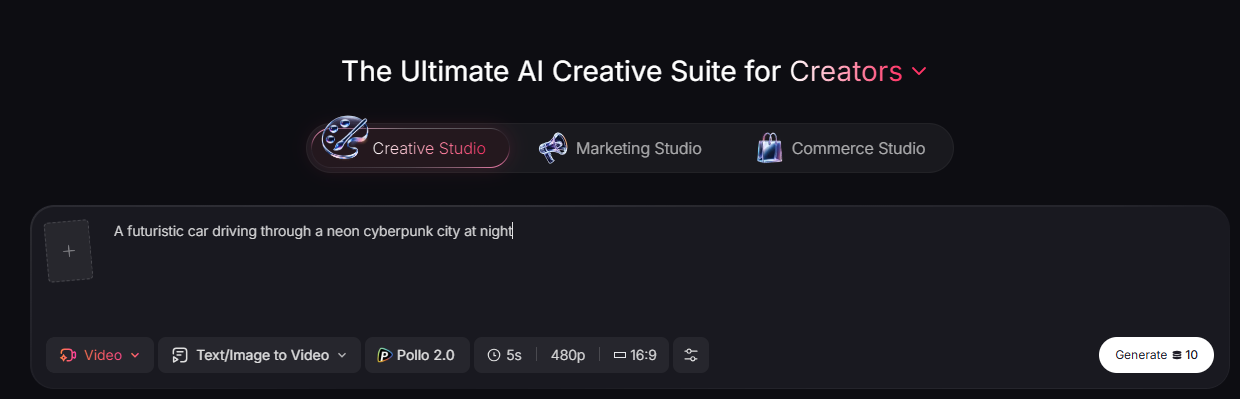
Pollo AI operates on a prompt- and upload-driven workflow to tackle a wide variety of creation tasks:
- Text-to-Video & Image-to-Video: Users can type out a descriptive scene or upload a static image (such as a product photo or a character design) to generate fluid 4 to 10-second animations, realistic camera pans, or cinematic transitions.
- Video-to-Video (Restyling): It can take an existing video clip and completely alter its aesthetic—such as transforming live-action footage into a stylized anime loop.
- Reference-to-Video (Character Consistency): It allows users to feed reference images into the model to keep characters, clothing, or backgrounds stable and visually consistent from frame to frame.
- AI Talking Avatars: By uploading a portrait photo and typing a script (or uploading an audio file), the tool creates up to a 2-minute “talking head” video with synchronized lip movements and subtle facial expressions.
- Viral Creative Effects: The platform features quick-apply templates for social media trends, including “AI Hug,” “AI Kiss,” “Inflate,” and “Muscle Generator” filters.
Limitation
While Pollo AI is highly versatile, it comes with specific drawbacks common to unified aggregator tools:
- Credit Structure Hard Wall: The application utilizes a aggressive credit-based economy. Free users typically receive one free generation daily. Users report that multi-image clips or high-resolution variations consume credits incredibly fast, and systemic bugs can occasionally devour credits on failed or glitched generations.
- Limited Deep Customization: Because it is optimized for rapid, automated creation, professional editors may find it lacks precise, granular timeline controls. It relies heavily on “generating and praying” for a good variation rather than allowing layer-by-layer adjustments.
- Struggles with Complex Prompts: The AI handles straightforward actions and environments well but frequently struggles to accurately parse intricate, multi-layered text instructions without relying heavily on a clean starter image.
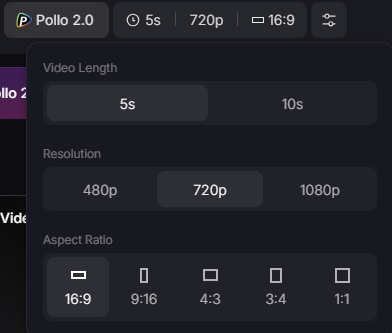
- Fixed Aspect Ratios: Outputs are primarily locked into standard horizontal (16:9) or vertical (9:16) layouts, making it less flexible for custom display formats outside of mainstream social media or traditional video frames.


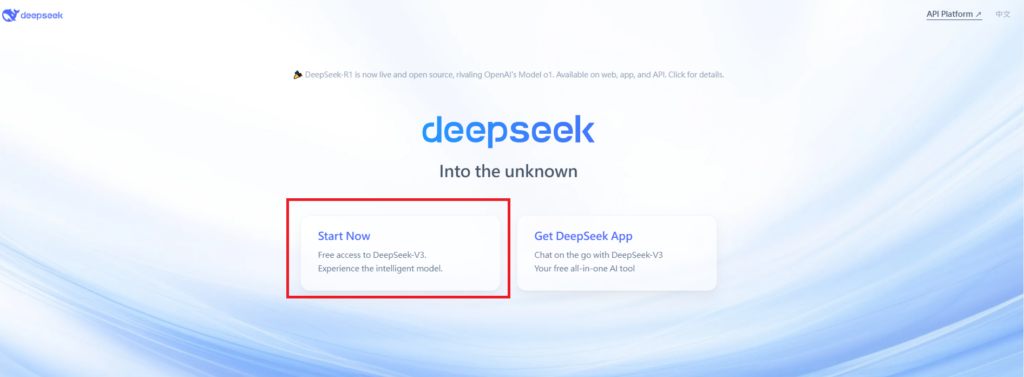
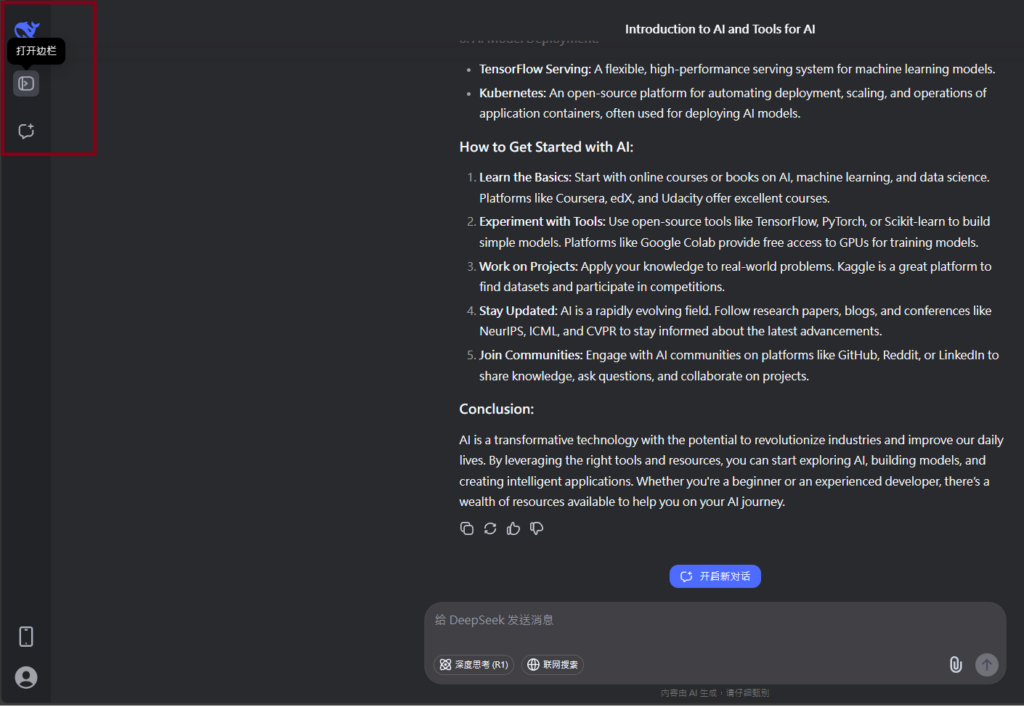
Visit Deepseek website for full experience
Remarks
DeepSeek is an AI-powered tool designed for deep information retrieval, analysis, and content generation. It is commonly used in areas such as:
- Advanced Information Retrieval
- DeepSeek can process and analyze large datasets to extract relevant insights.
- It helps users find precise information beyond standard search engines.
- Natural Language Processing (NLP) Applications
- Used for text summarization, sentiment analysis, and question-answering systems.
- Supports various languages and can generate human-like responses.
- AI-Assisted Research and Writing
- Helps researchers analyze academic papers, generate summaries, and suggest references.
- Useful for drafting articles, reports, and creative writing.
- Code Assistance and Debugging
- Provides AI-powered code suggestions, optimizations, and bug fixes.
- Supports multiple programming languages, aiding developers in software development.
- Business and Decision-Making Support
- Analyzes market trends, customer feedback, and financial data for businesses.
- Assists in generating insights for strategic decision-making.
limitation:
- Accuracy and Hallucination Issues
- AI models can sometimes generate incorrect or misleading information.
- Requires human verification before relying on outputs.
- Limited Real-Time Data Access
- May not always provide the latest information if it’s not connected to live data sources.
- Some AI models work with pre-trained datasets, limiting real-time updates.
- Context Limitations
- Struggles with highly nuanced or ambiguous queries.
- Long conversations may lead to context loss or inconsistencies.
- Ethical and Bias Concerns
- AI models can reflect biases present in training data.
- Requires careful consideration when used in sensitive applications.
- Computational Resource Constraints
- Running deep learning models requires significant computational power.
- Latency issues may arise during complex queries or large-scale data analysis.


Lorem ipsum dolor sit amet, consectetur adipiscing elit. Ut elit tellus, luctus nec ullamcorper mattis, pulvinar dapibus leo.