

Visit Adobe Firefly website for full experience

Remarks
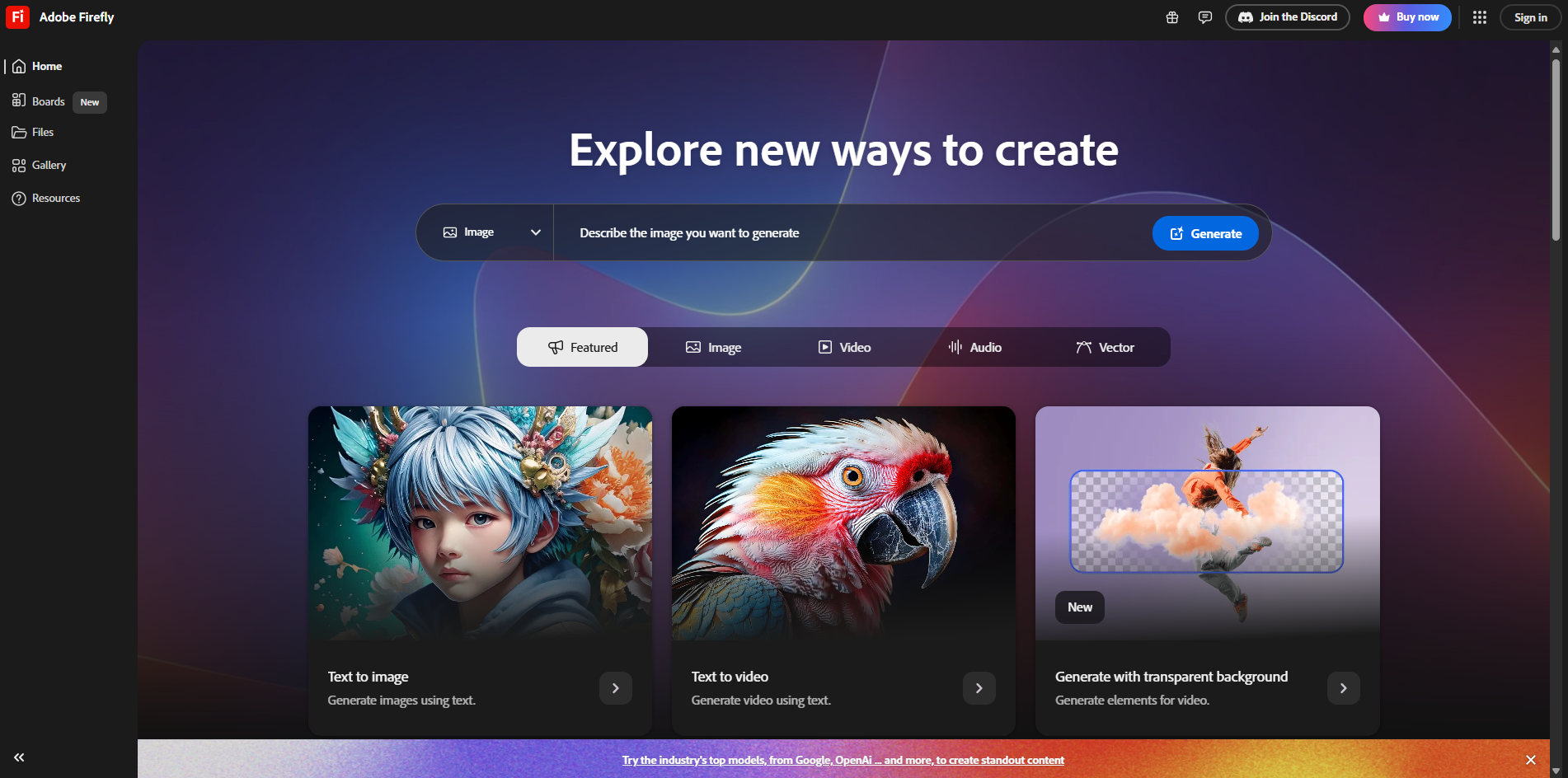
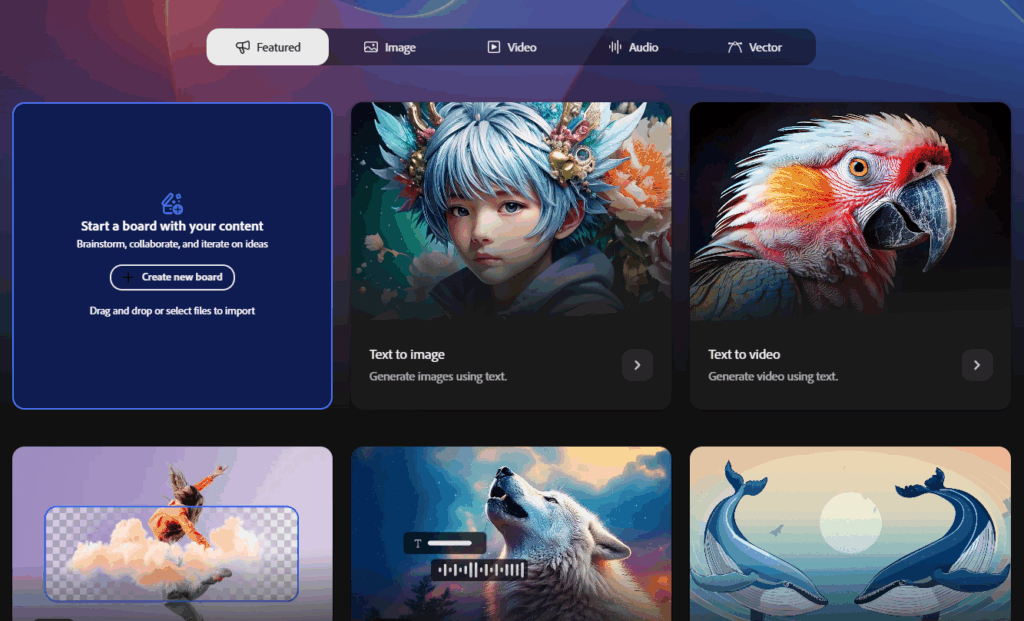
Adobe Firefly is a generative AI platform designed to empower creatives by enabling the creation of images, videos, audio, and vector graphics using text prompts and advanced AI models. Integrated into Adobe’s Creative Cloud ecosystem, Firefly is built with a focus on commercial safety, leveraging ethically sourced training data from Adobe Stock and public domain content. It’s accessible via web, mobile apps, and select Adobe applications, offering tools for ideation, creation, and collaboration. Below, I’ll break down its usage, limitations, how to use it, and provide details on official video resources, with elaboration for clarity.
Adobe Firefly is a versatile tool for creatives across industries, offering a range of generative AI capabilities. Here’s how it’s used:
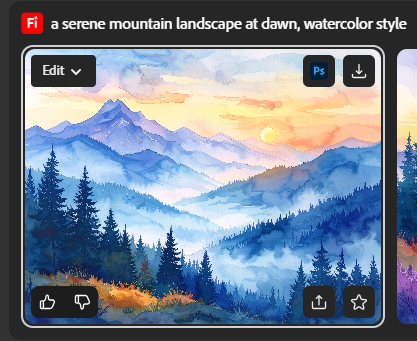
- Text-to-Image Generation: Create high-quality images from detailed text prompts, allowing users to describe subjects, scenes, styles, or moods for customized visuals.
- Example: A designer can input “a vibrant sunset over a futuristic city, cyberpunk style” to generate a unique image.
- Text-to-Video Generation (Beta): Generate short video clips (up to 5 seconds at 1080p in beta) from text prompts or reference images, with control over camera angles, motion, and aspect ratios.
- Example: A marketer could create a 5-second clip of “a dog running on a beach” for social media.
- Vector Graphics and Recoloring: Produce scalable vector images or recolor existing vectors using text prompts, ideal for graphic designers.
- Example: Recolor a logo to match a brand’s new palette with a prompt like “modern blue and green gradient.”
- Generative Fill and Remove: Edit images by adding, removing, or replacing elements using text prompts within Adobe apps like Photoshop.
- Example: Remove a person from a photo background and replace it with a forest scene.
- Audio and Sound Effects: Generate sound effects from text or voice prompts and translate audio/video into multiple languages while preserving the original voice.
- Example: Create a “thunderstorm sound effect” for a video or translate a narrated video into Spanish.
- Firefly Boards (Beta): Organize creative assets, link documents, and collaborate on mood boards for ideation.
- Example: A team can compile images, videos, and notes on a single canvas for a campaign pitch.
- Commercial Use: Outputs from non-beta features are safe for commercial projects, as Firefly is trained on licensed Adobe Stock and public domain content, avoiding copyright issues.
- Elaboration: Firefly’s ethical training data makes it a go-to for professionals needing legally safe assets for client work or marketing.
Firefly’s usage spans graphic design, video production, marketing, and more, making it a powerful tool for both hobbyists and professionals.
Limitations:
While Adobe Firefly is innovative, it has several limitations, particularly due to its beta status and design choices:
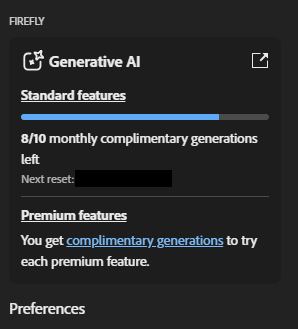
- Generative Credits System: Firefly operates on a credit-based system, with free users limited to 25 credits/month (e.g., ~2 video generations). Paid plans (e.g., Firefly Standard at $9.99/month) offer more credits (e.g., 2,000 credits for ~20 five-second videos), but premium features like video generation consume credits quickly.
- Elaboration: Once credits are exhausted, users must wait for the monthly reset or purchase additional credits, which can disrupt workflows. Credits don’t roll over or pool across users.
- Video Limitations: The video generation feature (beta) is capped at 5-second clips at 1080p resolution, limiting its use for longer or higher-quality (e.g., 4K) projects. A 4K model is in development but not yet available.
- Elaboration: This restricts Firefly’s applicability for professional video production compared to tools like Adobe Premiere Pro.
- Beta Feature Restrictions: Beta features may have inconsistent results (e.g., glitched video outputs) and are subject to change. Some beta outputs may not be cleared for commercial use unless specified.
- Elaboration: Users have reported issues like distorted videos (e.g., a knight with a sword in his head), requiring multiple attempts and credit consumption.
- Geographic Restrictions: Firefly is unavailable in countries like Russia, Belarus, China, Cuba, Iran, North Korea, Syria, Crimea, and parts of Ukraine due to Adobe’s policies.
- Elaboration: This limits global accessibility, particularly for creators in these regions.
- Training Data Scope: Firefly’s AI is trained on Adobe Stock and public domain content, which, while ethically sourced, is less extensive than the broader internet datasets used by competitors like MidJourney. This can result in less diverse outputs.
- Elaboration: Limited training data may reduce Firefly’s ability to generate highly niche or complex visuals compared to other AI tools.
- File Format Constraints: Text-to-image outputs are saved as JPG, and text effects are saved as PNG with watermarks in beta, limiting flexibility for professional workflows. Vector recoloring requires SVG files, adding an extra step.
- Elaboration: These format restrictions can complicate integration with other design tools.
- Language and Prompt Issues: While Firefly supports prompts in over 100 languages (translated to English via Microsoft Translator), nuances in non-English prompts may lead to inaccurate results. Long prompts may also lose applied styles.
- Elaboration: Users may need to refine prompts multiple times to achieve desired outcomes, especially for non-English inputs.
- Browser and Device Limitations: Firefly’s web app doesn’t support Safari’s Lockdown mode, and favorites are tied to browser data, not syncing across devices. Shared Device Licenses exclude Firefly access.
- Elaboration: This can inconvenience users switching devices or those with enterprise licenses.
- Commercial Safety Concerns: While Firefly is designed to be commercially safe, Adobe Stock contains some generative AI content with potential IP issues, raising questions about training data integrity.
- Elaboration: Users worry about liability if unknowingly using assets with IP conflicts.
These limitations highlight Firefly’s evolving nature, and Adobe is actively addressing issues like video length, resolution, and prompt accuracy.


Visit Deepseek website for full experience
Remarks
DeepSeek is an AI-powered tool designed for deep information retrieval, analysis, and content generation. It is commonly used in areas such as:
- Advanced Information Retrieval
- DeepSeek can process and analyze large datasets to extract relevant insights.
- It helps users find precise information beyond standard search engines.
- Natural Language Processing (NLP) Applications
- Used for text summarization, sentiment analysis, and question-answering systems.
- Supports various languages and can generate human-like responses.
- AI-Assisted Research and Writing
- Helps researchers analyze academic papers, generate summaries, and suggest references.
- Useful for drafting articles, reports, and creative writing.
- Code Assistance and Debugging
- Provides AI-powered code suggestions, optimizations, and bug fixes.
- Supports multiple programming languages, aiding developers in software development.
- Business and Decision-Making Support
- Analyzes market trends, customer feedback, and financial data for businesses.
- Assists in generating insights for strategic decision-making.
limitation:
- Accuracy and Hallucination Issues
- AI models can sometimes generate incorrect or misleading information.
- Requires human verification before relying on outputs.
- Limited Real-Time Data Access
- May not always provide the latest information if it’s not connected to live data sources.
- Some AI models work with pre-trained datasets, limiting real-time updates.
- Context Limitations
- Struggles with highly nuanced or ambiguous queries.
- Long conversations may lead to context loss or inconsistencies.
- Ethical and Bias Concerns
- AI models can reflect biases present in training data.
- Requires careful consideration when used in sensitive applications.
- Computational Resource Constraints
- Running deep learning models requires significant computational power.
- Latency issues may arise during complex queries or large-scale data analysis.


Lorem ipsum dolor sit amet, consectetur adipiscing elit. Ut elit tellus, luctus nec ullamcorper mattis, pulvinar dapibus leo.