
Visit Monica AI website for full experience
Remarks
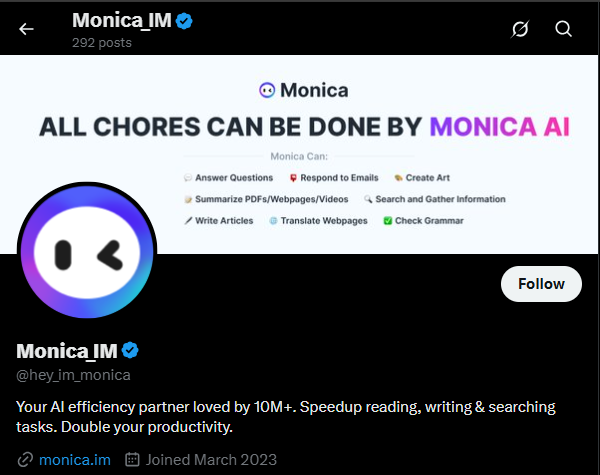
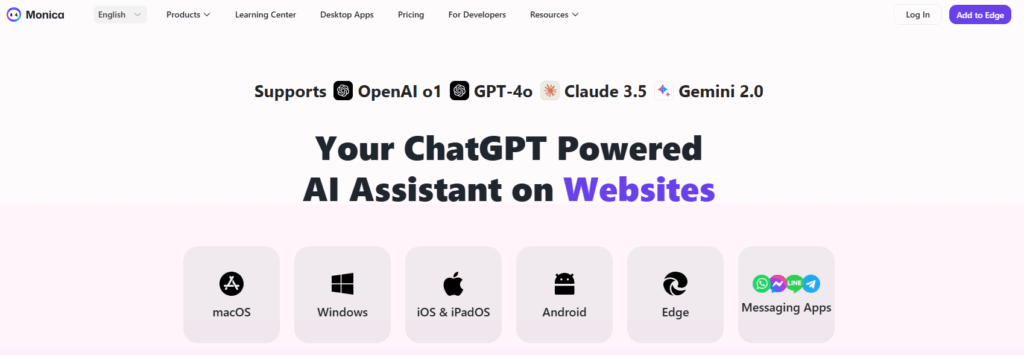
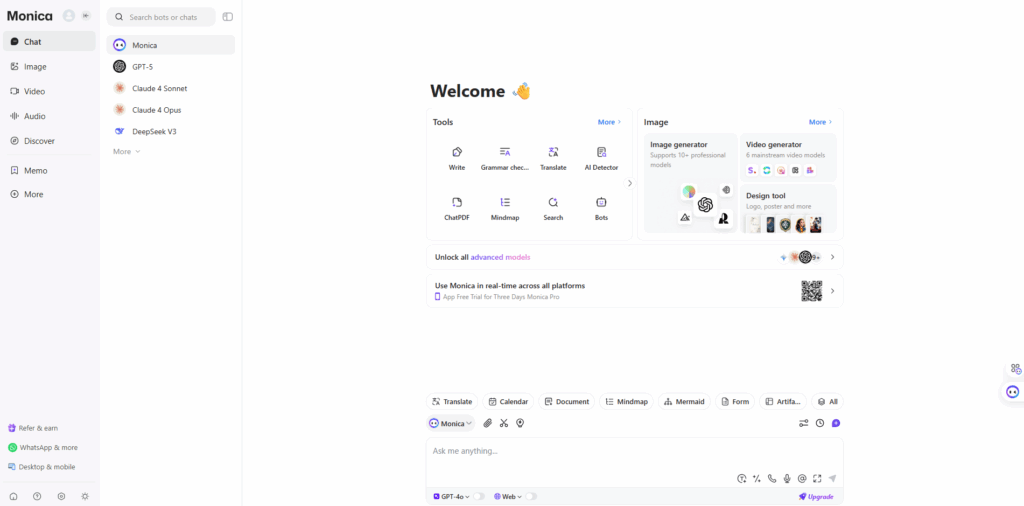
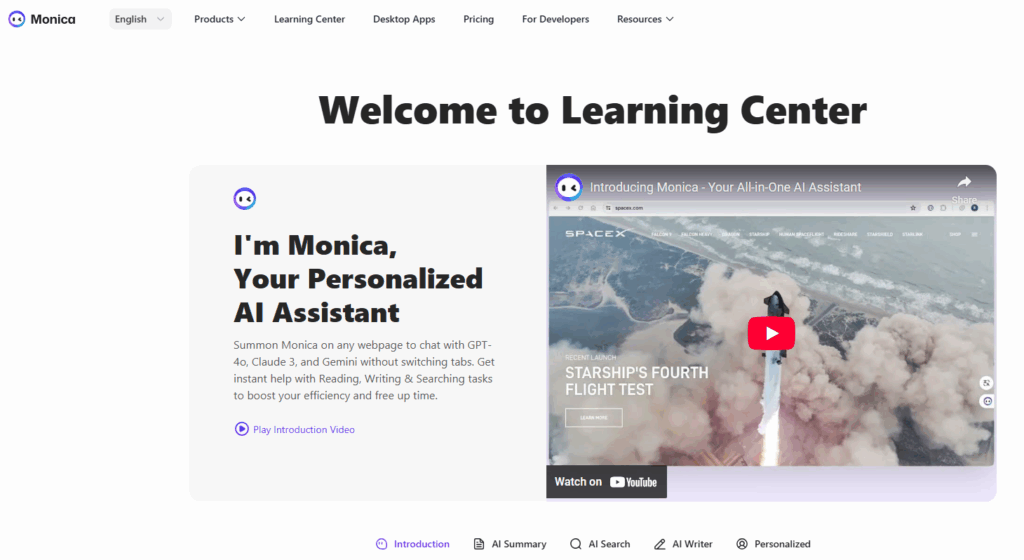
Monica AI is an all-in-one AI assistant powered by advanced models like GPT-4o, Claude 3.7, and Gemini 2.0, designed to enhance productivity through chat, writing, translation, coding, and creative tasks across platforms like Chrome, Edge, iOS, and Android. It integrates seamlessly into workflows, offering tools for professionals, content creators, and casual users to streamline digital tasks.
- AI-Powered Chat:
- Monica supports conversational tasks, answering questions on topics ranging from general knowledge to complex queries, leveraging models like GPT-4o and Claude 3.7 for accurate, context-aware responses. Users can engage in dialogues for brainstorming, problem-solving, or learning, with the AI adapting to conversational nuances.
- Content Generation:
- The tool excels at creating high-quality content, such as articles, emails, social media posts, or marketing copy, with customizable tones (e.g., formal, casual, persuasive). It can generate drafts based on prompts, refine existing text, or suggest improvements to enhance clarity and engagement.
- Translation:
- Monica offers real-time translation across multiple languages, ideal for professionals working with global teams or content creators targeting diverse audiences. It ensures accurate translations with context preservation, supporting both text and document formats.
- Coding Assistance:
- Developers can use Monica to write, debug, or optimize code in languages like Python, JavaScript, and more, with features like code completion and error explanations. It’s particularly useful for automating repetitive coding tasks or learning new programming concepts.
- Summarization and Analysis:
- Monica can summarize web pages, PDFs, YouTube videos, or long documents, extracting key points in seconds. It also analyzes content to provide insights, such as identifying themes in research papers or summarizing meeting notes for quick reference.
- Creative Tasks:
- With tools like Hailuo AI, Monica generates images and videos from text prompts or existing visuals, catering to content creators needing assets for marketing, presentations, or social media. It supports creative workflows by offering customizable outputs for various styles.
Limitations:
- Usage Limits on Free Plan:
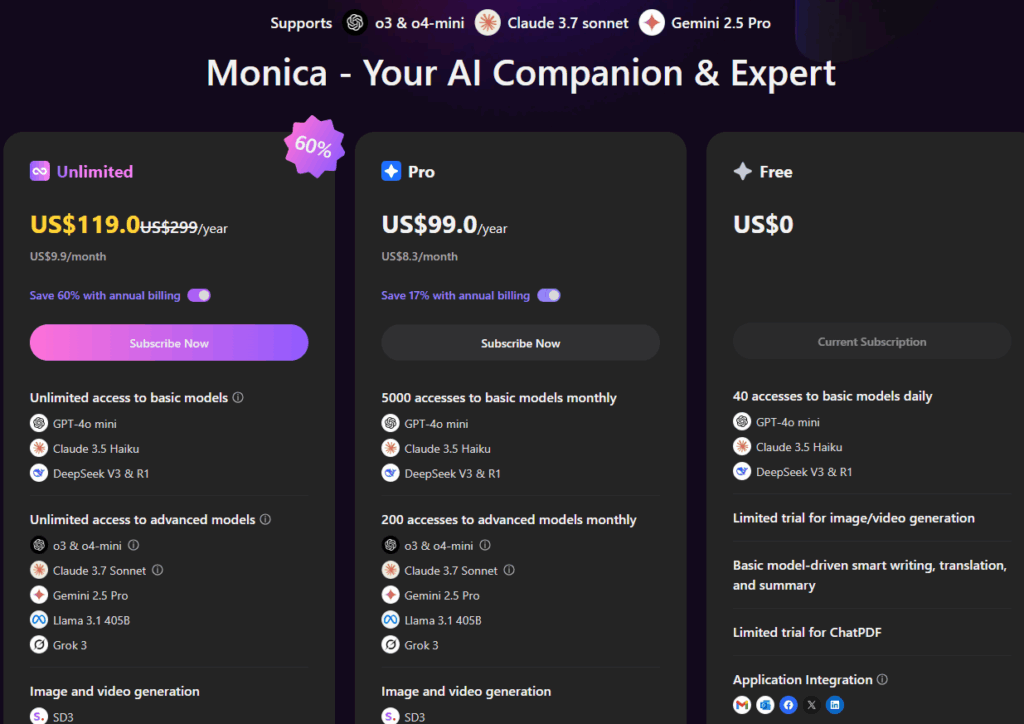
- The free tier restricts users to approximately 30 queries per day, limiting access to advanced features like image or video generation, which may require a paid subscription (Pro or Unlimited plans) for frequent use. Heavy users may find the quota insufficient for daily workflows.
- Offline Functionality:
- Monica primarily operates online, with limited offline capabilities, requiring a stable internet connection for most tasks. This can be inconvenient for users in areas with poor connectivity or those needing offline access for sensitive work.
- File Size Restrictions:
- The tool struggles with very large documents, with a file size limit of around 20MB for uploads like PDFs. This can hinder users working with extensive reports or multimedia files requiring summarization or analysis.
- Conversation Continuity:
- Monica cannot merge insights across multiple conversations, meaning users must repeat context in new sessions for complex, ongoing tasks. This lack of persistent memory can disrupt workflows requiring long-term context retention.
- Subscription Costs for Advanced Features:
- Access to premium models (e.g., Claude 3.7) or high-priority video generation requires paid plans (Pro at $8.30/month or Unlimited at $16.60/month). Users on a budget may find these costs a barrier to unlocking Monica’s full potential.

Visit Monica AI showcase for full experience
Visit Deepseek website for full experience
Remarks
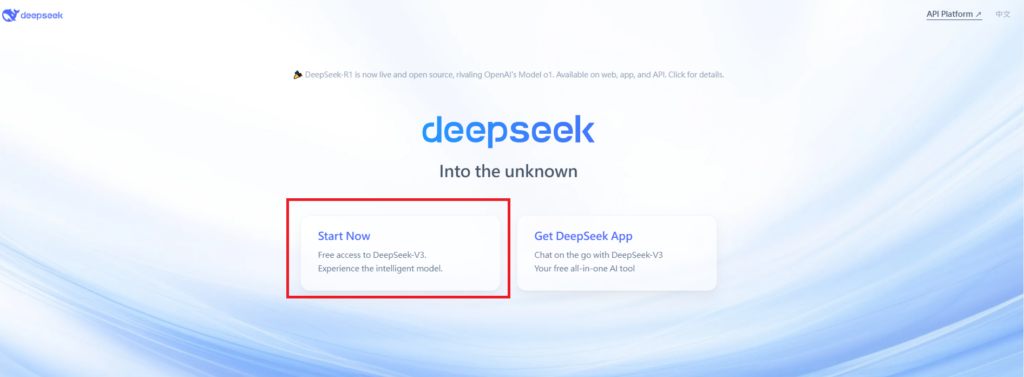
DeepSeek is an AI-powered tool designed for deep information retrieval, analysis, and content generation. It is commonly used in areas such as:
- Advanced Information Retrieval
- DeepSeek can process and analyze large datasets to extract relevant insights.
- It helps users find precise information beyond standard search engines.
- Natural Language Processing (NLP) Applications
- Used for text summarization, sentiment analysis, and question-answering systems.
- Supports various languages and can generate human-like responses.
- AI-Assisted Research and Writing
- Helps researchers analyze academic papers, generate summaries, and suggest references.
- Useful for drafting articles, reports, and creative writing.
- Code Assistance and Debugging
- Provides AI-powered code suggestions, optimizations, and bug fixes.
- Supports multiple programming languages, aiding developers in software development.
- Business and Decision-Making Support
- Analyzes market trends, customer feedback, and financial data for businesses.
- Assists in generating insights for strategic decision-making.
limitation:
- Accuracy and Hallucination Issues
- AI models can sometimes generate incorrect or misleading information.
- Requires human verification before relying on outputs.
- Limited Real-Time Data Access
- May not always provide the latest information if it’s not connected to live data sources.
- Some AI models work with pre-trained datasets, limiting real-time updates.
- Context Limitations
- Struggles with highly nuanced or ambiguous queries.
- Long conversations may lead to context loss or inconsistencies.
- Ethical and Bias Concerns
- AI models can reflect biases present in training data.
- Requires careful consideration when used in sensitive applications.
- Computational Resource Constraints
- Running deep learning models requires significant computational power.
- Latency issues may arise during complex queries or large-scale data analysis.

Lorem ipsum dolor sit amet, consectetur adipiscing elit. Ut elit tellus, luctus nec ullamcorper mattis, pulvinar dapibus leo.