
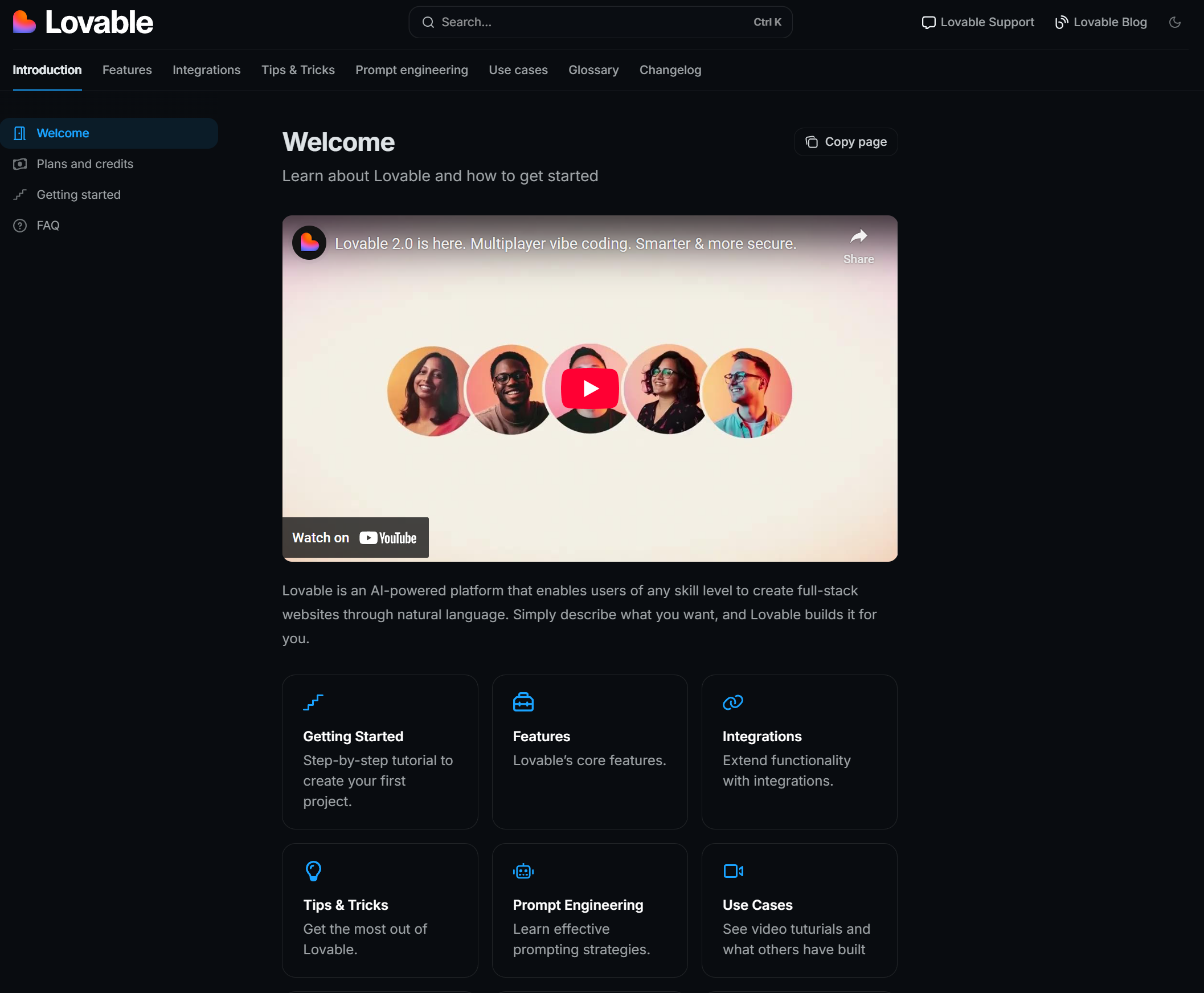
Visit Lovable website for full experience
Remarks
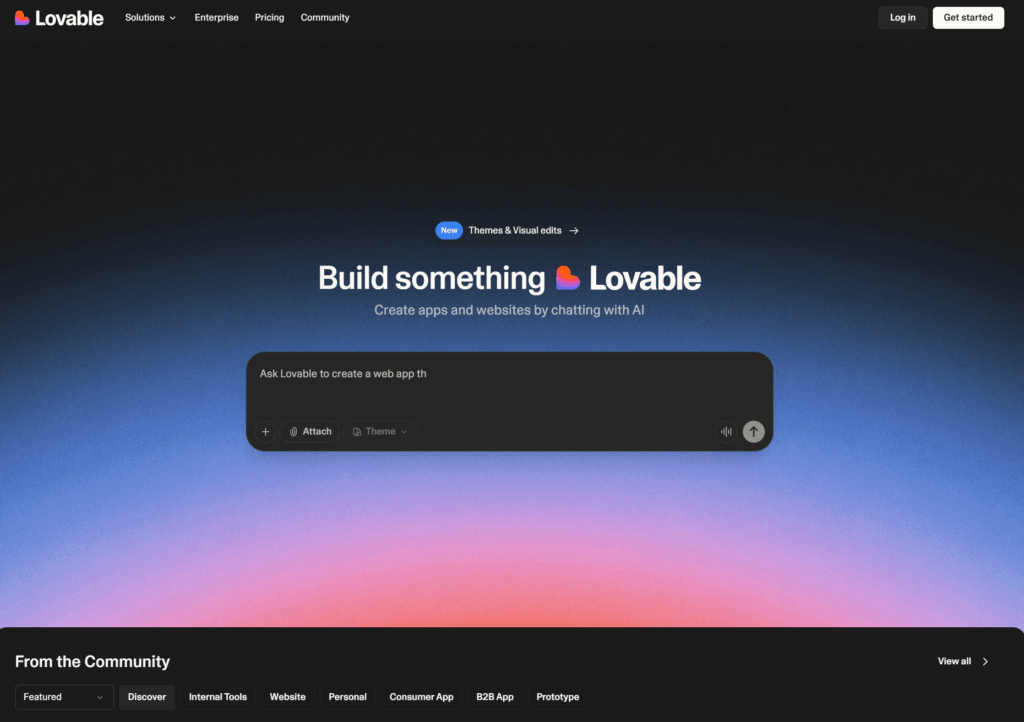
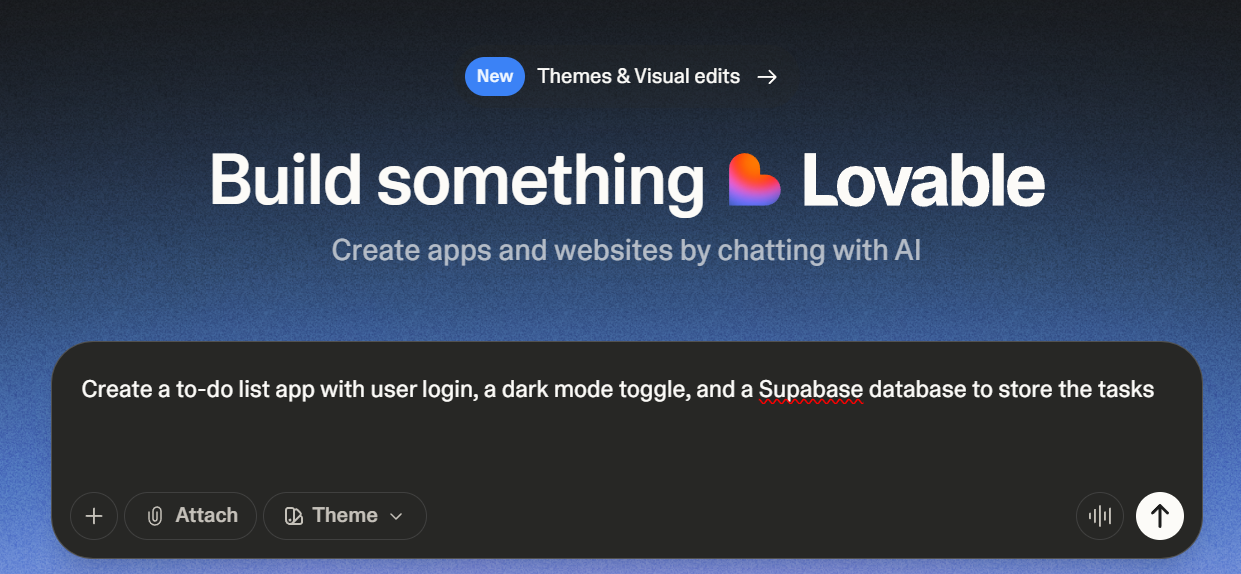
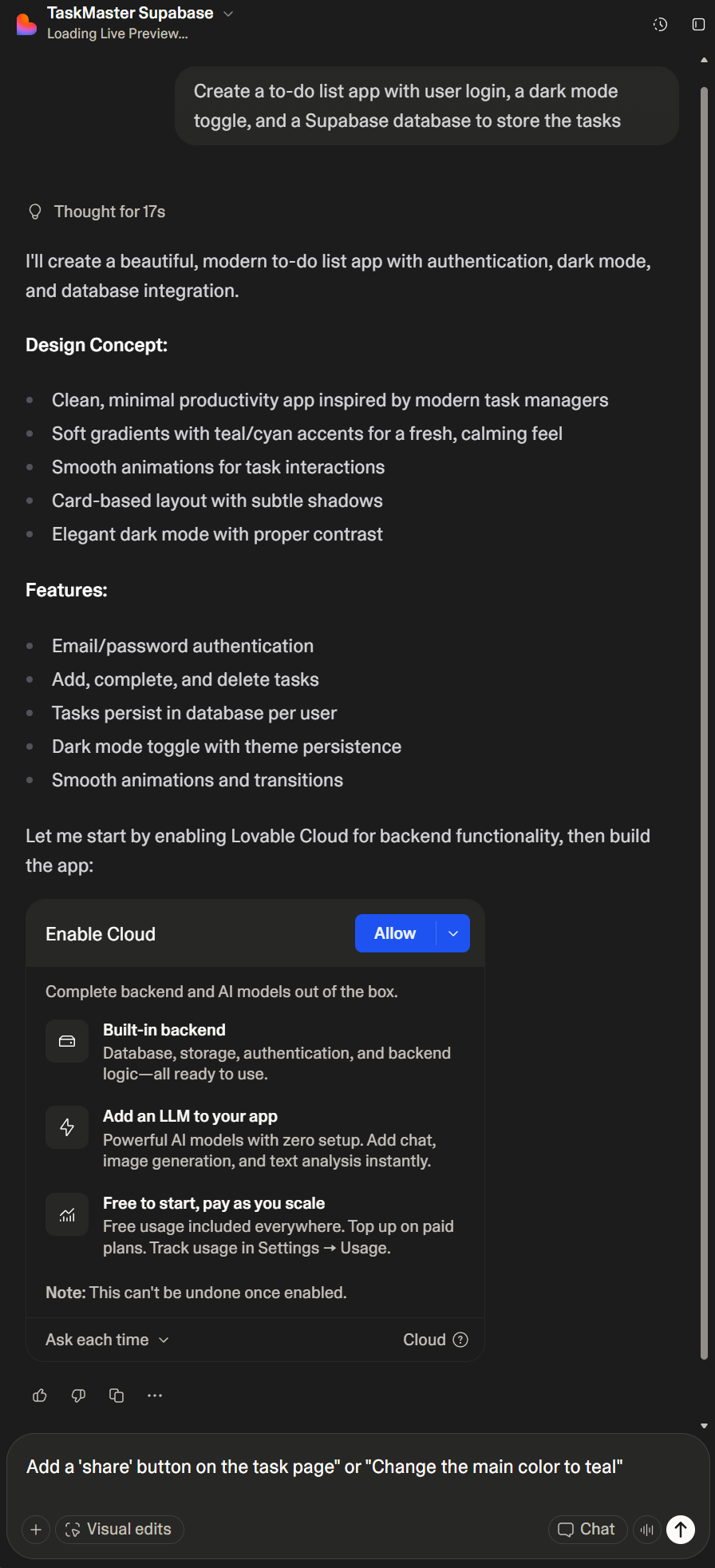
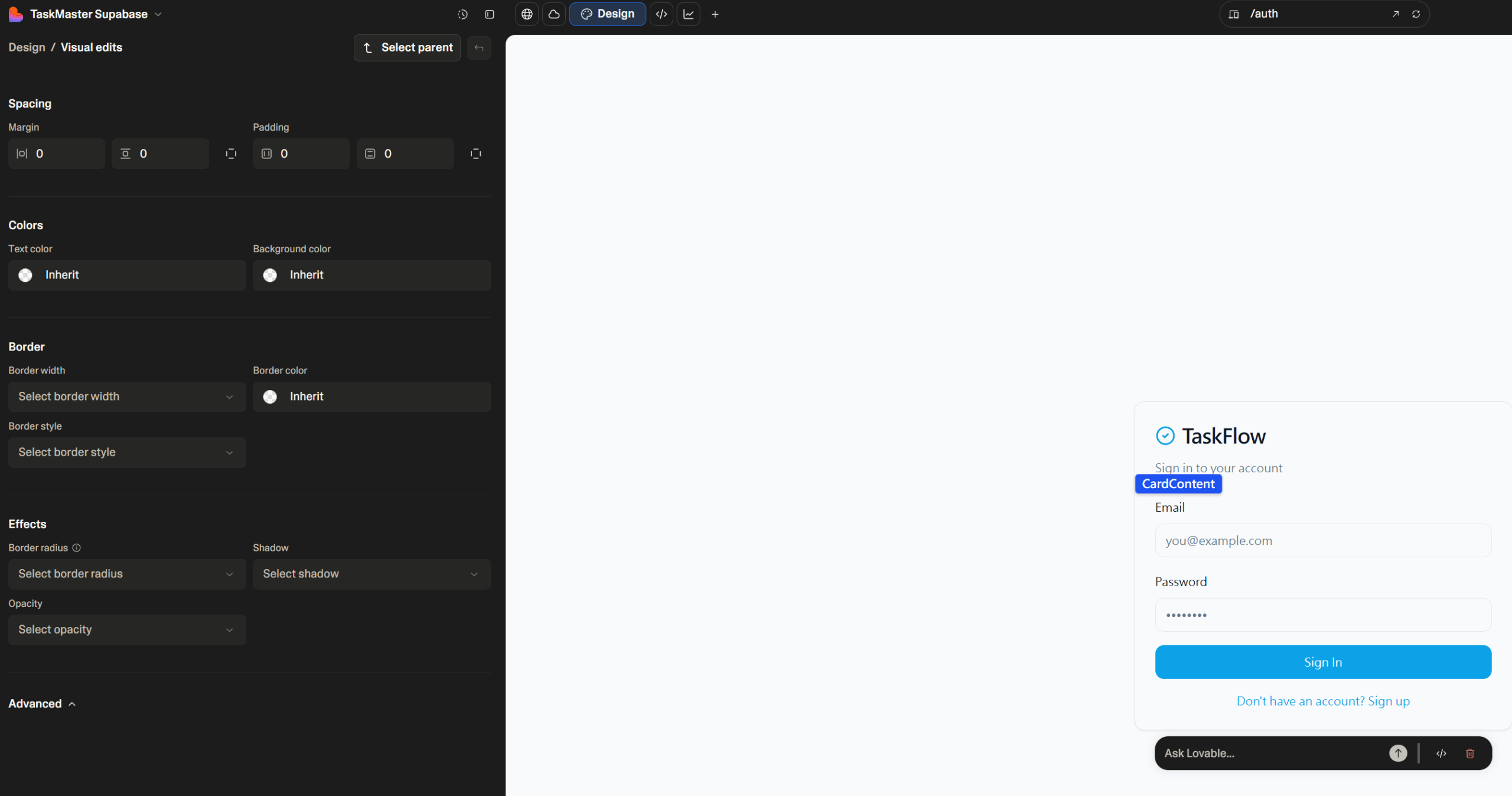
Lovable AI is an innovative, AI-powered app development platform that allows users to generate full-stack web applications and websites using natural language prompts (often referred to as “Vibe Coding”). Unlike traditional no-code or low-code builders that rely heavily on drag-and-drop interfaces, Lovable focuses on real code generation for the frontend, backend, and database logic, accelerating the development process significantly. It is designed to take an idea described in plain English—such as “Create a dashboard with user login and monthly sales charts”—and rapidly produce a functional, editable codebase, often integrating with tools like Supabase for database and authentication.
Lovable is primarily used to go from an idea to a working application in minutes or hours.
- Rapid Prototyping/MVPs: Quickly build a Minimum Viable Product or a prototype to validate a business idea.
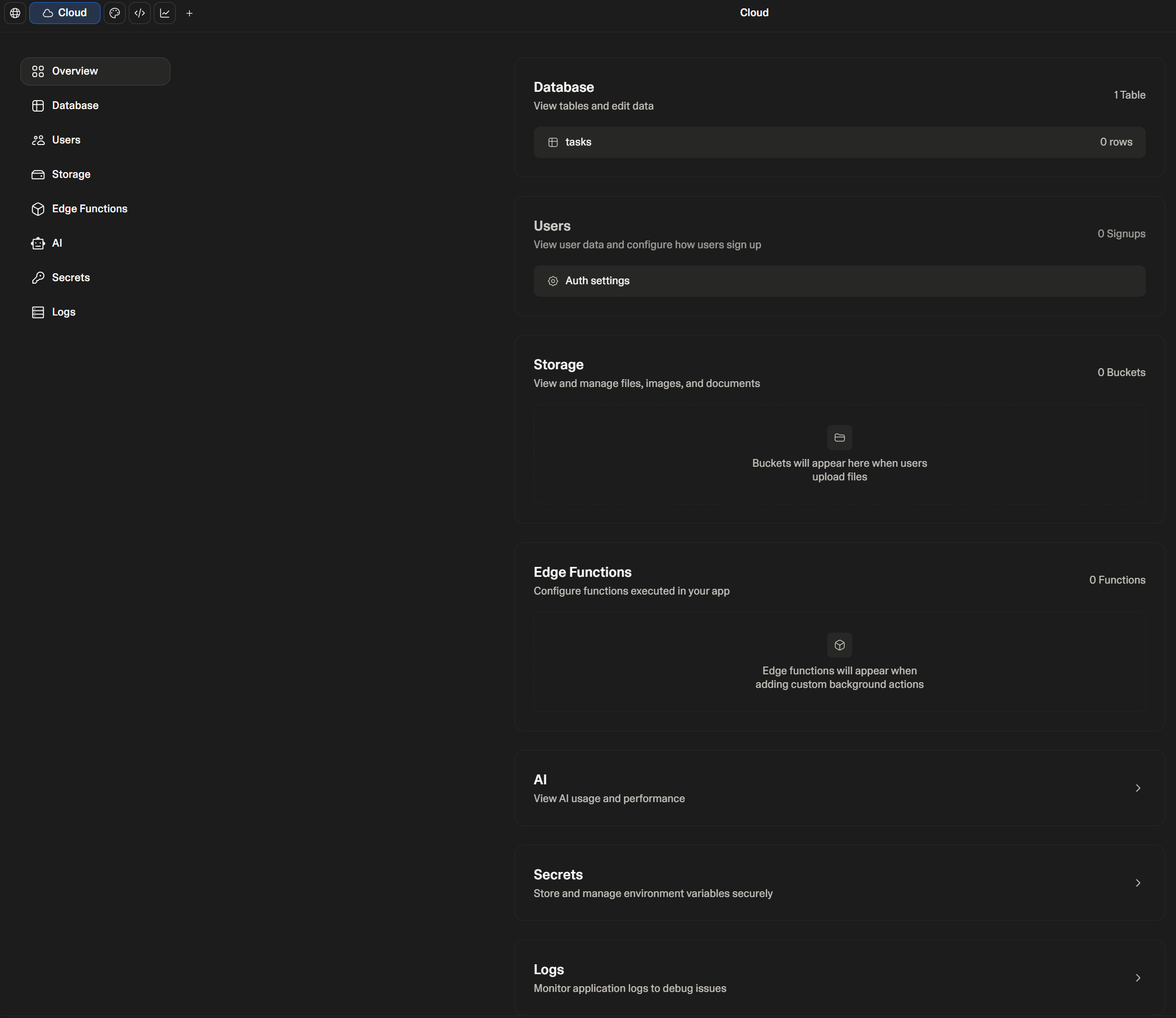
- Full-Stack App Development: Generate entire web applications, including user interfaces, backend logic (like CRUD operations, authentication), and database connections (often with Lovable Cloud or Supabase).
- Websites and Landing Pages: Create marketing websites, portfolio sites, or landing pages with responsive design.
- Internal Tools: Develop custom internal dashboards and workflows for businesses.
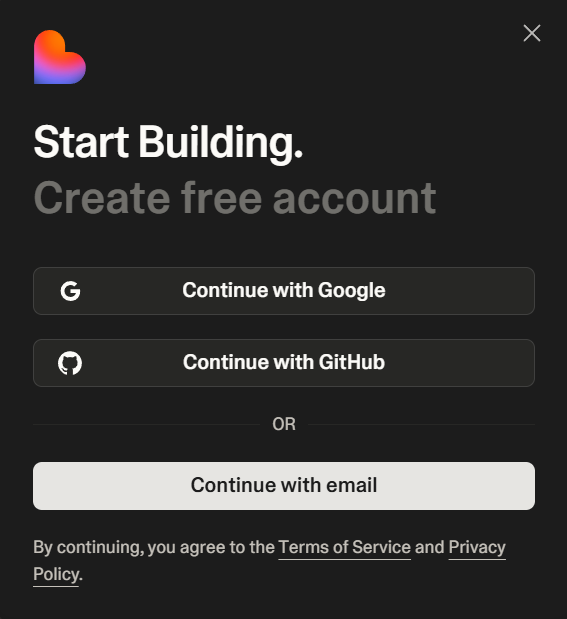
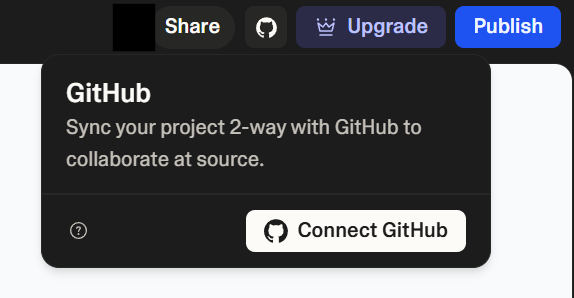
- Code Generation for Developers: Developers can use it to instantly scaffold boilerplate code, which they can then export and customize via GitHub.
Limitations
While powerful, Lovable has certain limitations:
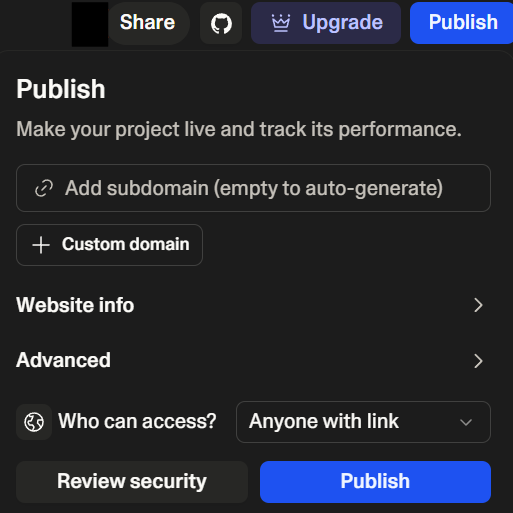
- Requires Technical Literacy: While it is “no-code,” you still need basic development skills (e.g., understanding database concepts, GitHub, and deployment) to fully edit, customize, and deploy the generated applications effectively.
- Limited Visual Design Freedom: The UI design tends to be functional but may be more basic or less customizable than dedicated visual low-code/no-code platforms. Deep visual customization often requires more specific prompts or using their dedicated design tools.
- Prompt Sensitivity: Vague or incomplete prompts can result in incomplete or inaccurate applications, requiring refinement and iterative prompting.
- Cost for AI: The use of powerful underlying AI models (like Gemini or GPT) for code generation and features is often usage-based and not covered by the subscription cost.

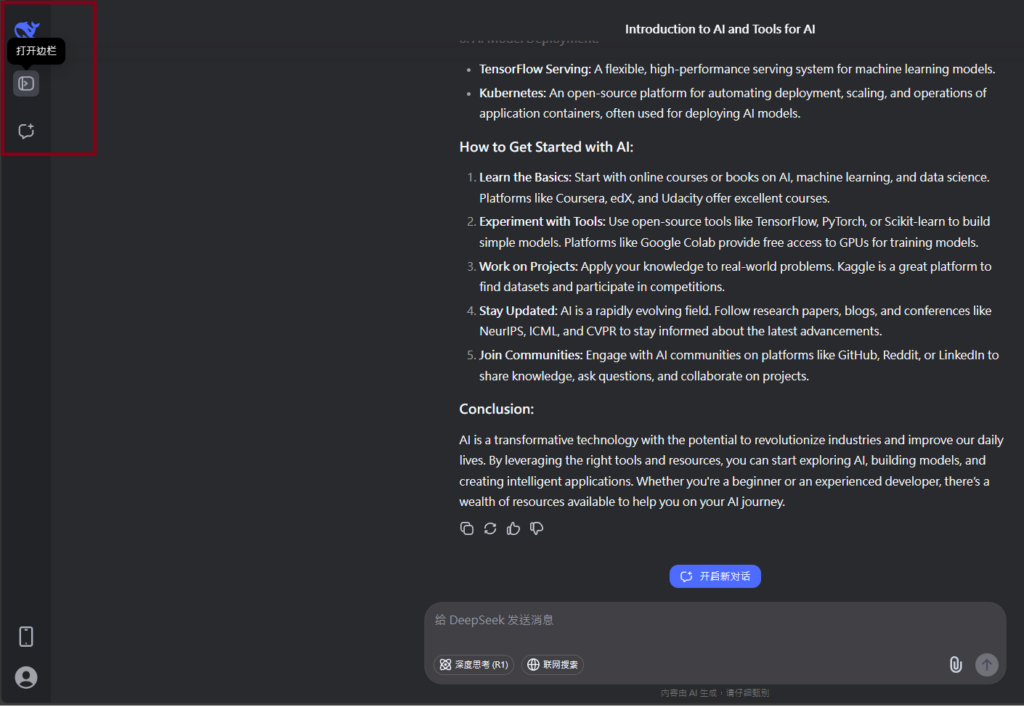
Visit Deepseek website for full experience
Remarks
DeepSeek is an AI-powered tool designed for deep information retrieval, analysis, and content generation. It is commonly used in areas such as:
- Advanced Information Retrieval
- DeepSeek can process and analyze large datasets to extract relevant insights.
- It helps users find precise information beyond standard search engines.
- Natural Language Processing (NLP) Applications
- Used for text summarization, sentiment analysis, and question-answering systems.
- Supports various languages and can generate human-like responses.
- AI-Assisted Research and Writing
- Helps researchers analyze academic papers, generate summaries, and suggest references.
- Useful for drafting articles, reports, and creative writing.
- Code Assistance and Debugging
- Provides AI-powered code suggestions, optimizations, and bug fixes.
- Supports multiple programming languages, aiding developers in software development.
- Business and Decision-Making Support
- Analyzes market trends, customer feedback, and financial data for businesses.
- Assists in generating insights for strategic decision-making.
limitation:
- Accuracy and Hallucination Issues
- AI models can sometimes generate incorrect or misleading information.
- Requires human verification before relying on outputs.
- Limited Real-Time Data Access
- May not always provide the latest information if it’s not connected to live data sources.
- Some AI models work with pre-trained datasets, limiting real-time updates.
- Context Limitations
- Struggles with highly nuanced or ambiguous queries.
- Long conversations may lead to context loss or inconsistencies.
- Ethical and Bias Concerns
- AI models can reflect biases present in training data.
- Requires careful consideration when used in sensitive applications.
- Computational Resource Constraints
- Running deep learning models requires significant computational power.
- Latency issues may arise during complex queries or large-scale data analysis.



Lorem ipsum dolor sit amet, consectetur adipiscing elit. Ut elit tellus, luctus nec ullamcorper mattis, pulvinar dapibus leo.