
Visit Cursor website for full experience
Remarks
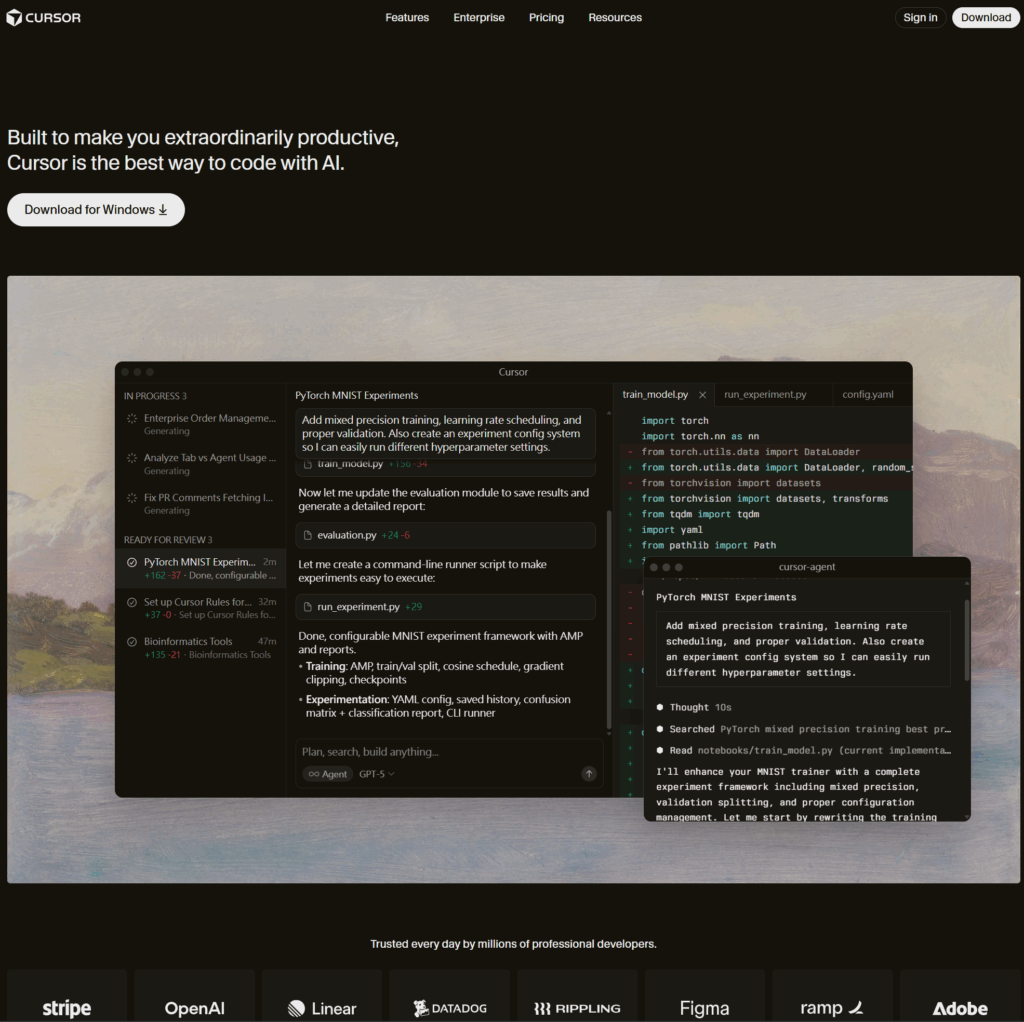
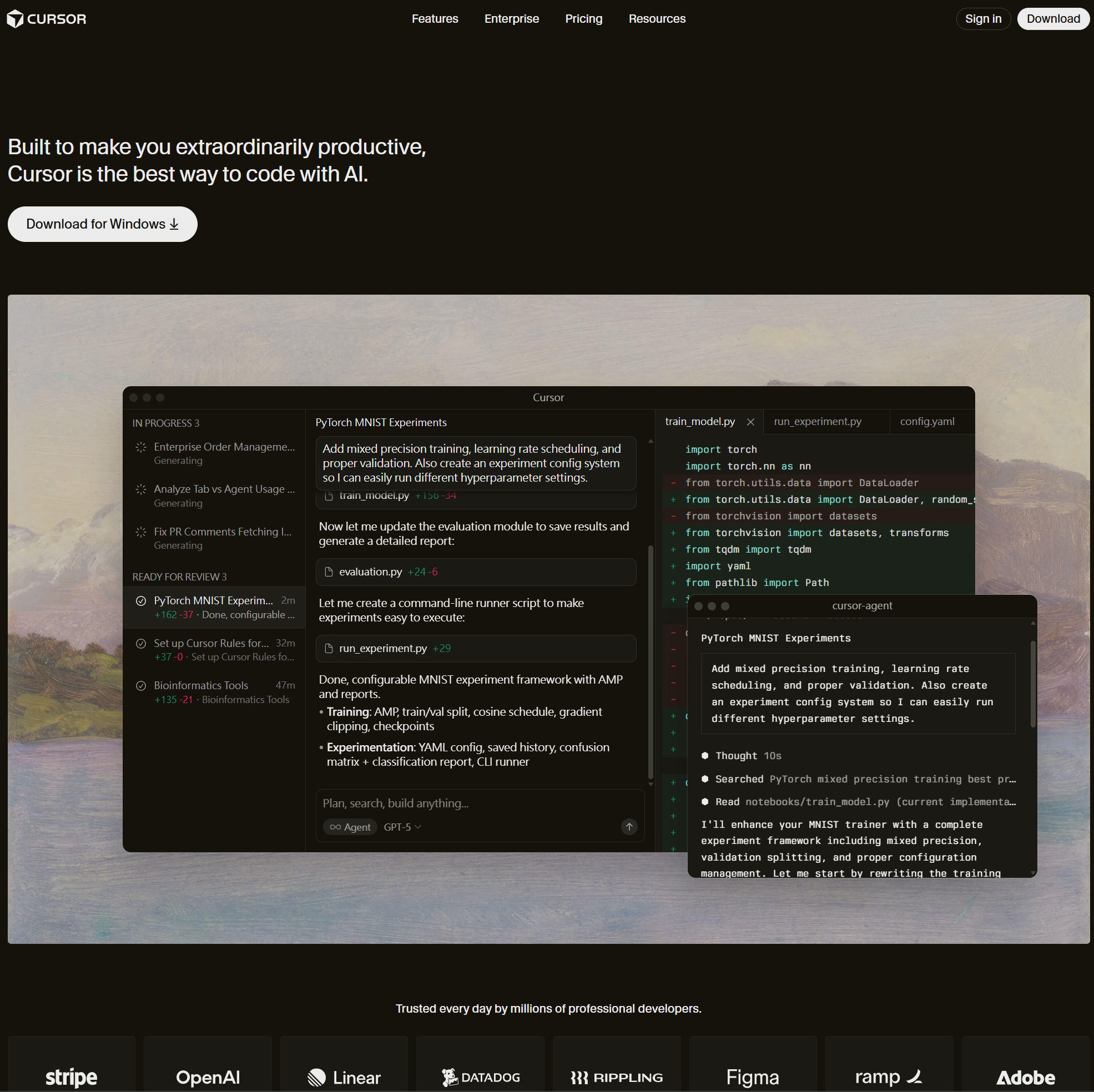
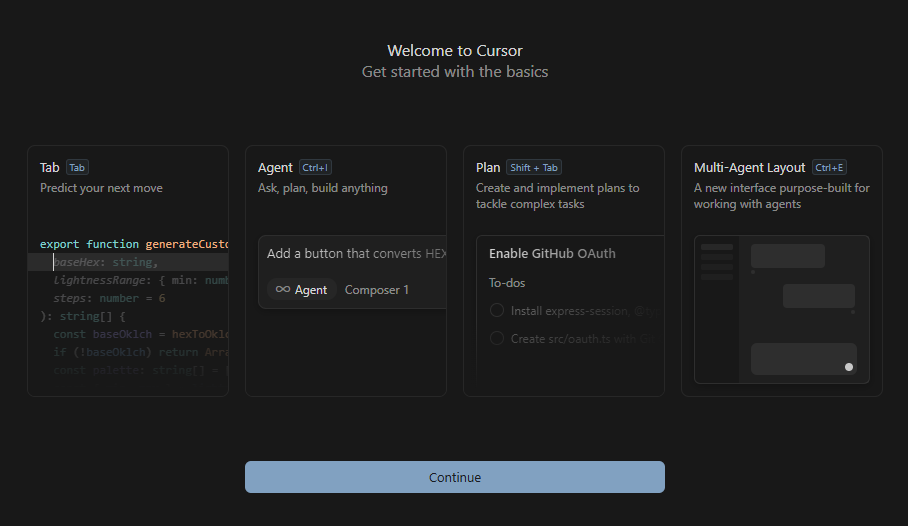
Cursor is an AI-assisted integrated development environment (IDE) built as a fork of Visual Studio Code (VS Code). Its core mission is to make developers “extraordinarily productive” by deeply integrating large language models (LLMs) to understand, write, and manipulate code.
In essence, it’s an environment that allows you to code by describing what you want to build or change using natural language, rather than solely writing traditional code.
Cursor is designed to handle nearly every aspect of the software development workflow with AI.
- Code Generation:
- Chat Panel (Cmd/Ctrl + L): Generate new functions, components, or entire files from scratch using a natural language prompt.
- Code Editing/Refactoring:
- Inline Edit (Cmd/Ctrl + K): Select code and instruct the AI to perform refactoring tasks (e.g., “Refactor this function to use
async/await“) or fix specific issues (e.g., “Fix all linting errors in this file”).
- Inline Edit (Cmd/Ctrl + K): Select code and instruct the AI to perform refactoring tasks (e.g., “Refactor this function to use
- Codebase Understanding:
- Codebase-Aware Chat: Ask complex questions about the project (e.g., “How does the user authentication flow work?”) and receive answers by searching the entire project repository.
- Automation:
- Agent Mode: Execute high-level goals (e.g., “Implement a new ‘dark mode’ feature”). The AI will generate a multi-step plan, run terminal commands, and propose code changes across multiple files.
- Autocomplete:
- Context-Aware Autocomplete: Provides accurate, multi-line code suggestions based on the context of the entire repository.
- Debugging:
- Error Fixing: Automatically identifies stack traces and build errors and proposes context-aware fixes directly within the relevant files.
Limitations
While powerful, Cursor is not a silver bullet and has a few limitations to consider:
- Reliance on Prompt Quality: The AI’s output quality is heavily dependent on how clear, precise, and contextual your natural language prompt is. Vague prompts can lead to unintended or incorrect code.
- Cost of Premium Models: While a free plan exists, the most advanced, high-context features often rely on premium LLMs (like GPT-4 or Claude Opus), which may incur higher costs depending on your subscription and usage.
- Need for Review: As with any AI coding assistant, the generated code must be reviewed by a human developer to ensure it meets architectural standards, is free of subtle bugs, and adheres to security best practices.
- Learning Curve for Advanced Features: Utilizing powerful features like “Agent Mode,” “Rules,” and “Browser Control” effectively requires understanding new workflows and best practices specific to Cursor.




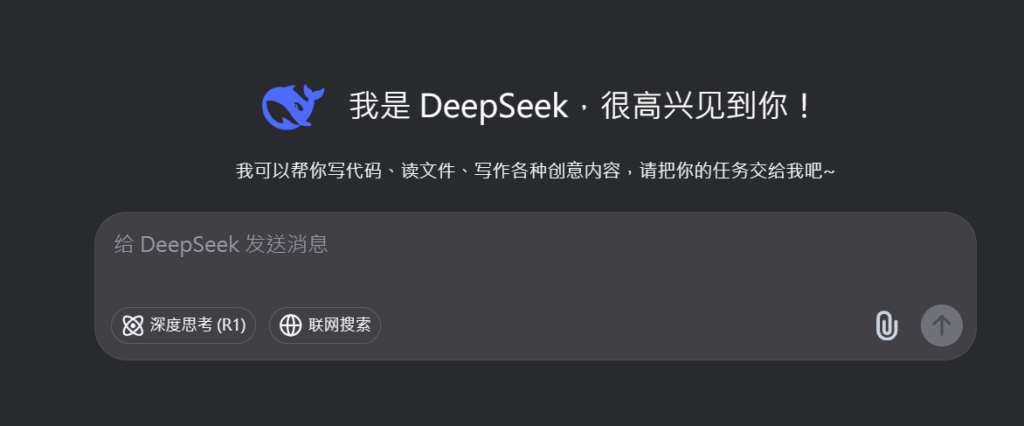
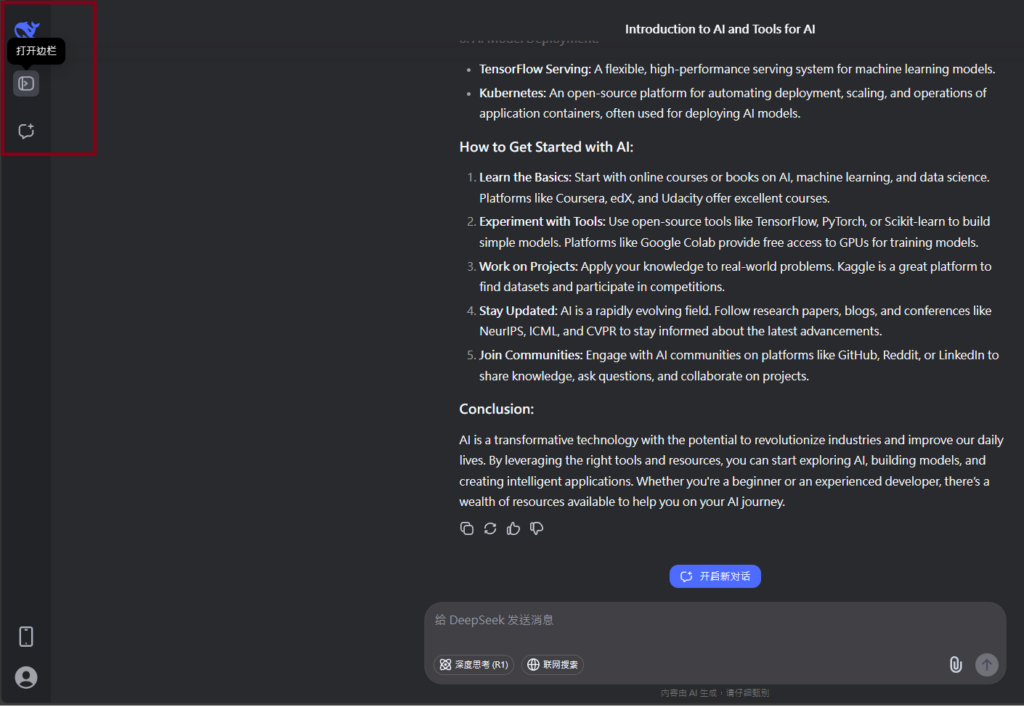
Visit Deepseek website for full experience
Remarks
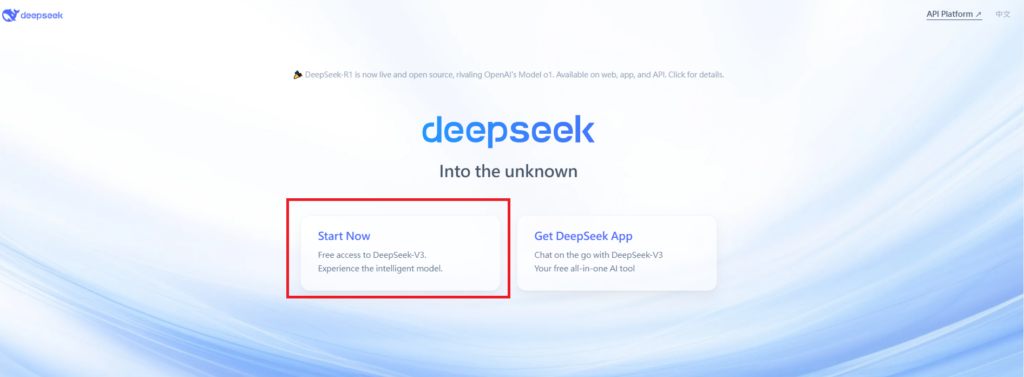
DeepSeek is an AI-powered tool designed for deep information retrieval, analysis, and content generation. It is commonly used in areas such as:
- Advanced Information Retrieval
- DeepSeek can process and analyze large datasets to extract relevant insights.
- It helps users find precise information beyond standard search engines.
- Natural Language Processing (NLP) Applications
- Used for text summarization, sentiment analysis, and question-answering systems.
- Supports various languages and can generate human-like responses.
- AI-Assisted Research and Writing
- Helps researchers analyze academic papers, generate summaries, and suggest references.
- Useful for drafting articles, reports, and creative writing.
- Code Assistance and Debugging
- Provides AI-powered code suggestions, optimizations, and bug fixes.
- Supports multiple programming languages, aiding developers in software development.
- Business and Decision-Making Support
- Analyzes market trends, customer feedback, and financial data for businesses.
- Assists in generating insights for strategic decision-making.
limitation:
- Accuracy and Hallucination Issues
- AI models can sometimes generate incorrect or misleading information.
- Requires human verification before relying on outputs.
- Limited Real-Time Data Access
- May not always provide the latest information if it’s not connected to live data sources.
- Some AI models work with pre-trained datasets, limiting real-time updates.
- Context Limitations
- Struggles with highly nuanced or ambiguous queries.
- Long conversations may lead to context loss or inconsistencies.
- Ethical and Bias Concerns
- AI models can reflect biases present in training data.
- Requires careful consideration when used in sensitive applications.
- Computational Resource Constraints
- Running deep learning models requires significant computational power.
- Latency issues may arise during complex queries or large-scale data analysis.

Lorem ipsum dolor sit amet, consectetur adipiscing elit. Ut elit tellus, luctus nec ullamcorper mattis, pulvinar dapibus leo.