
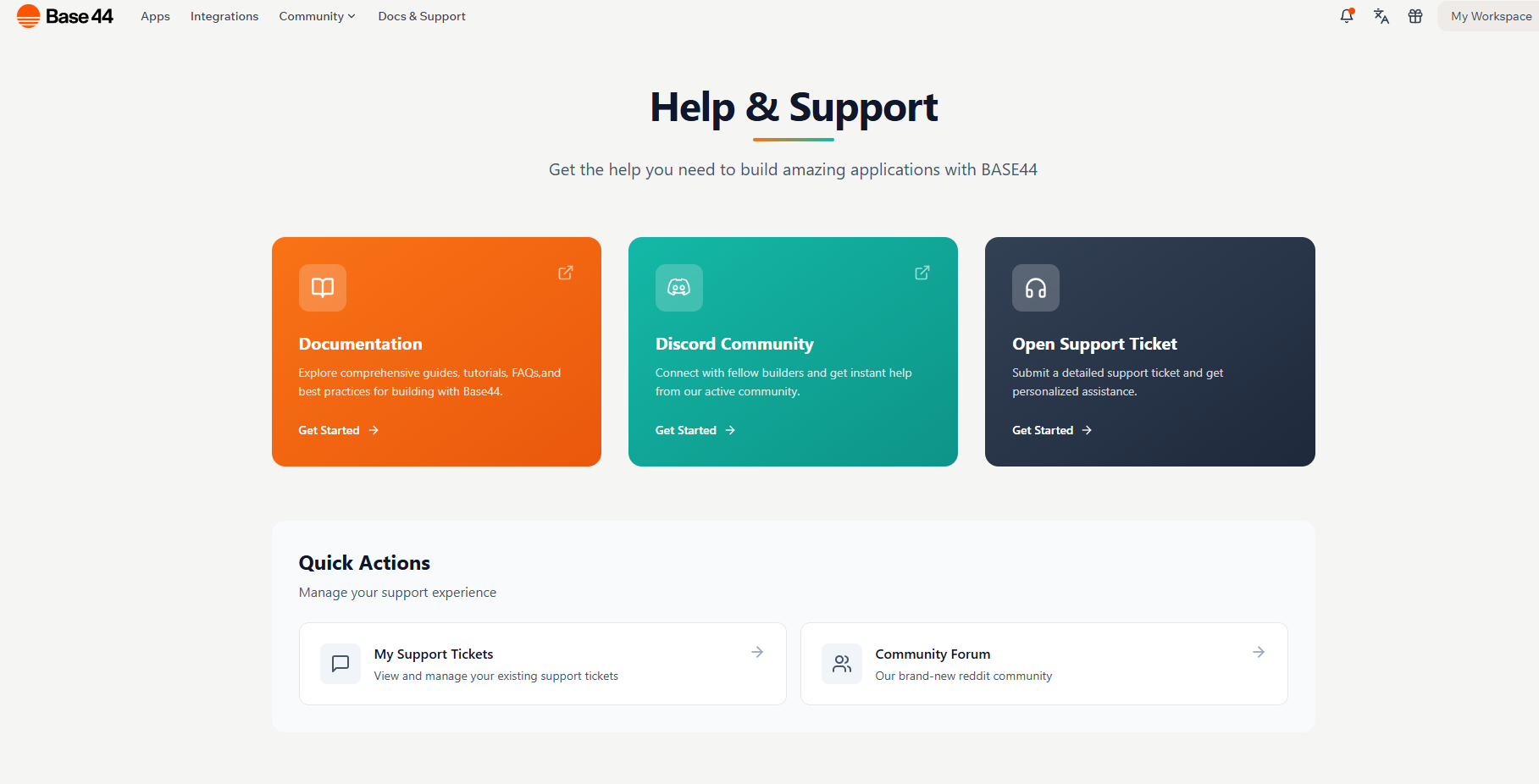
Visit Base44 website for full experience
Remarks
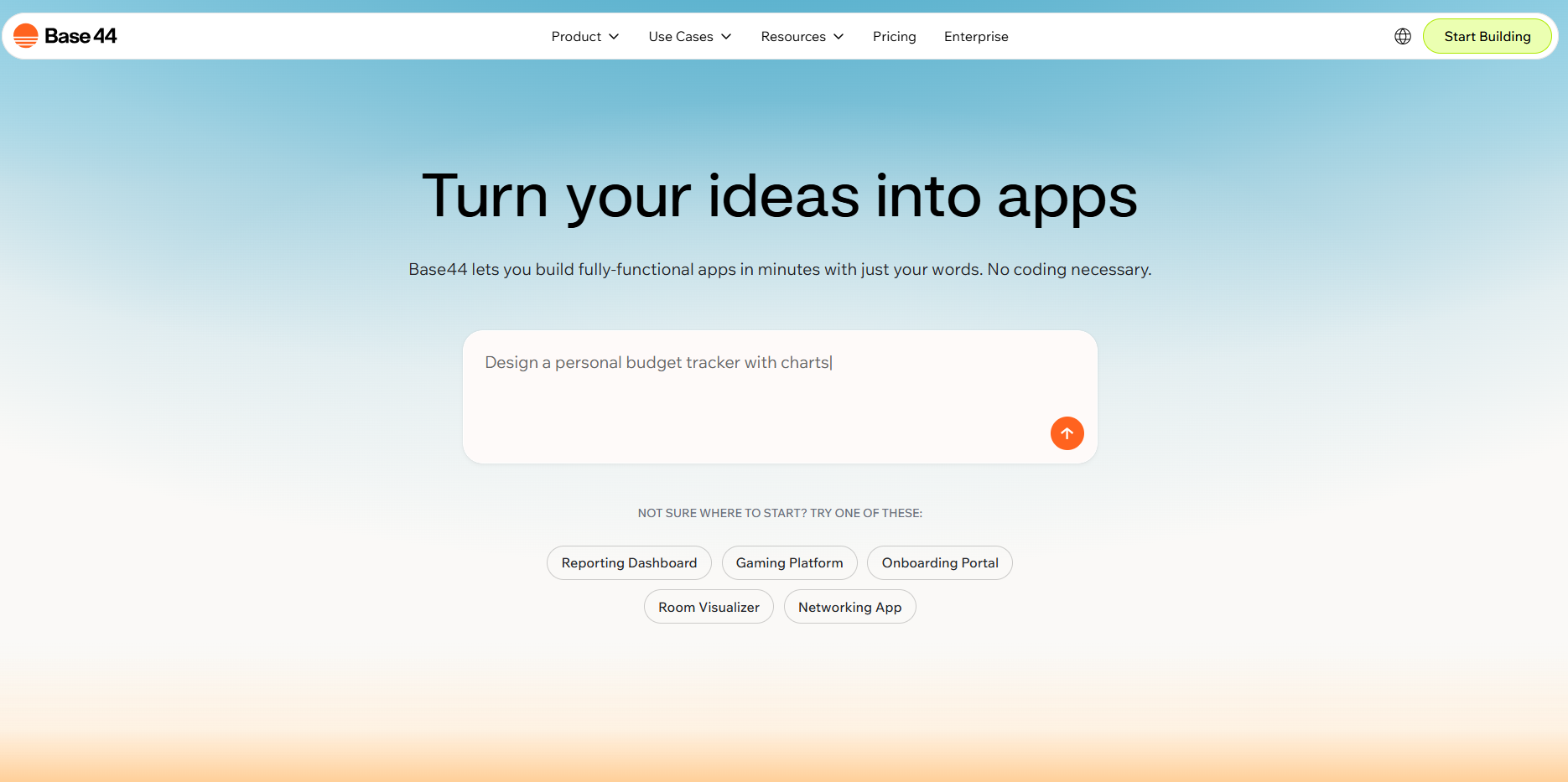
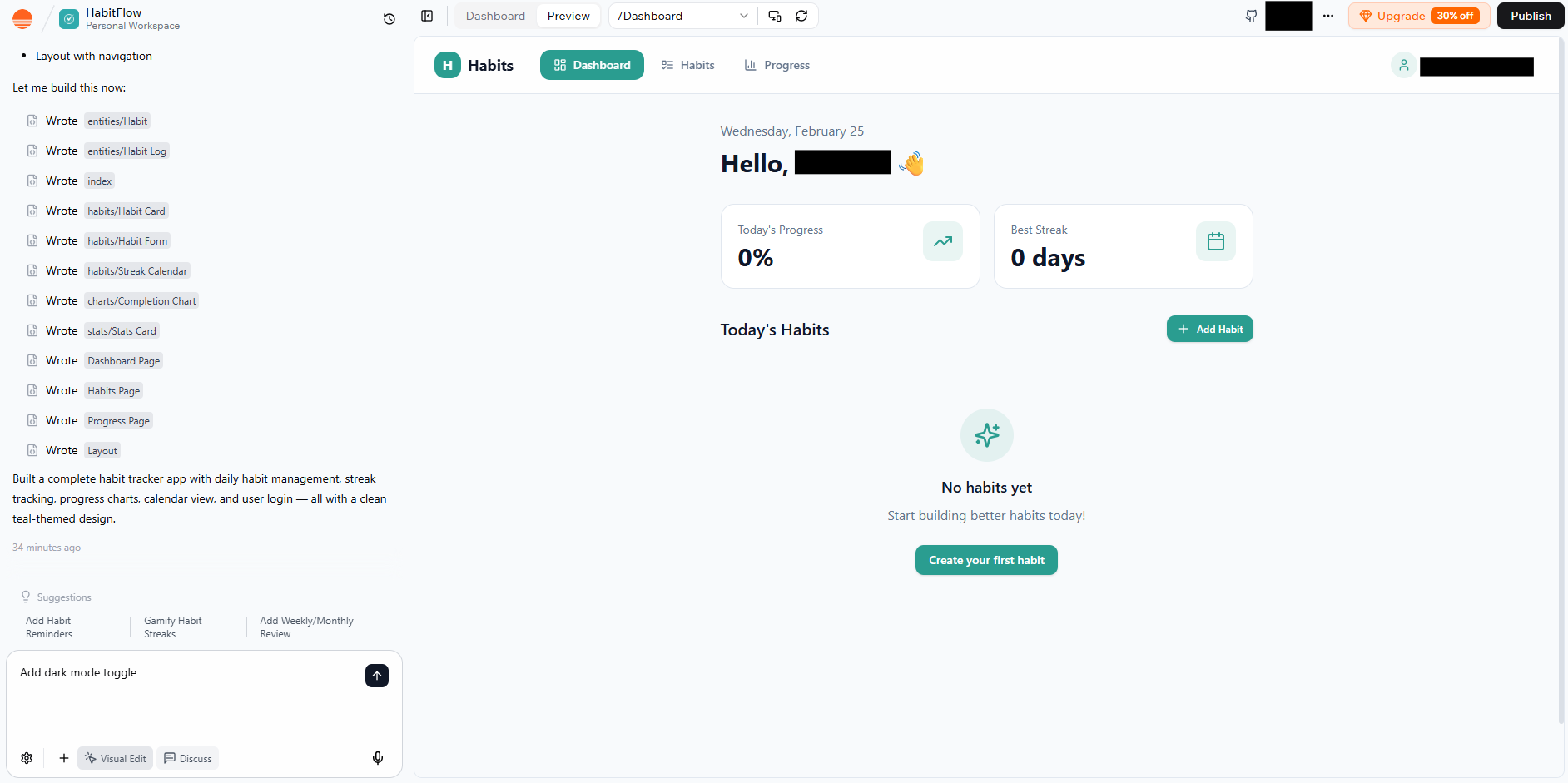
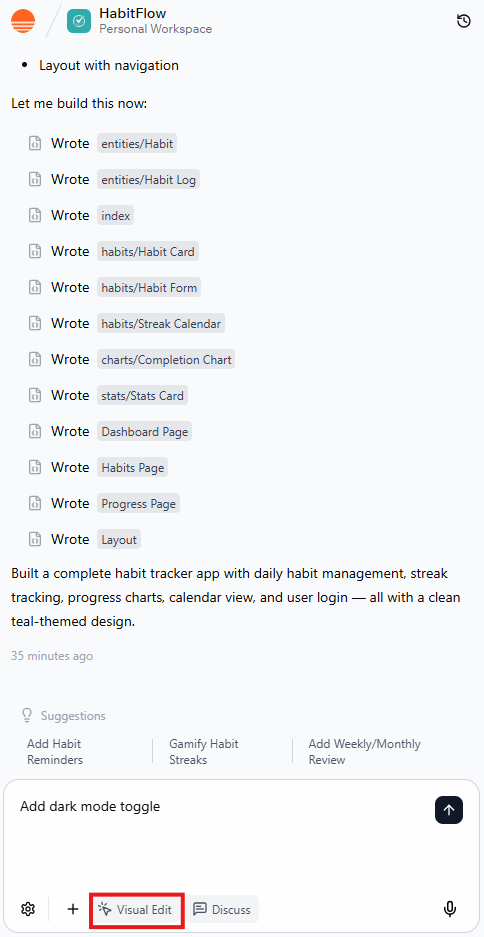
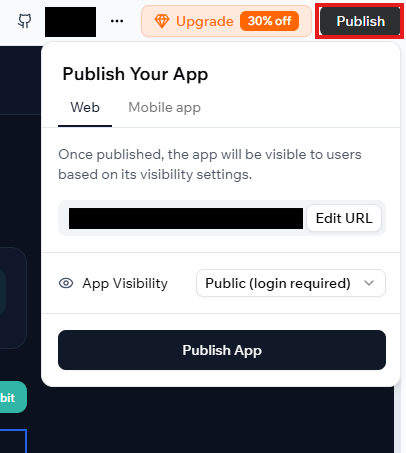
Unlike traditional website builders (like Wix) that focus on visuals, Base44 builds the “brain” of the app too, including databases, user authentication, and backend logic. It was recently acquired by Wix in June 2025 to bolster their AI development capabilities.
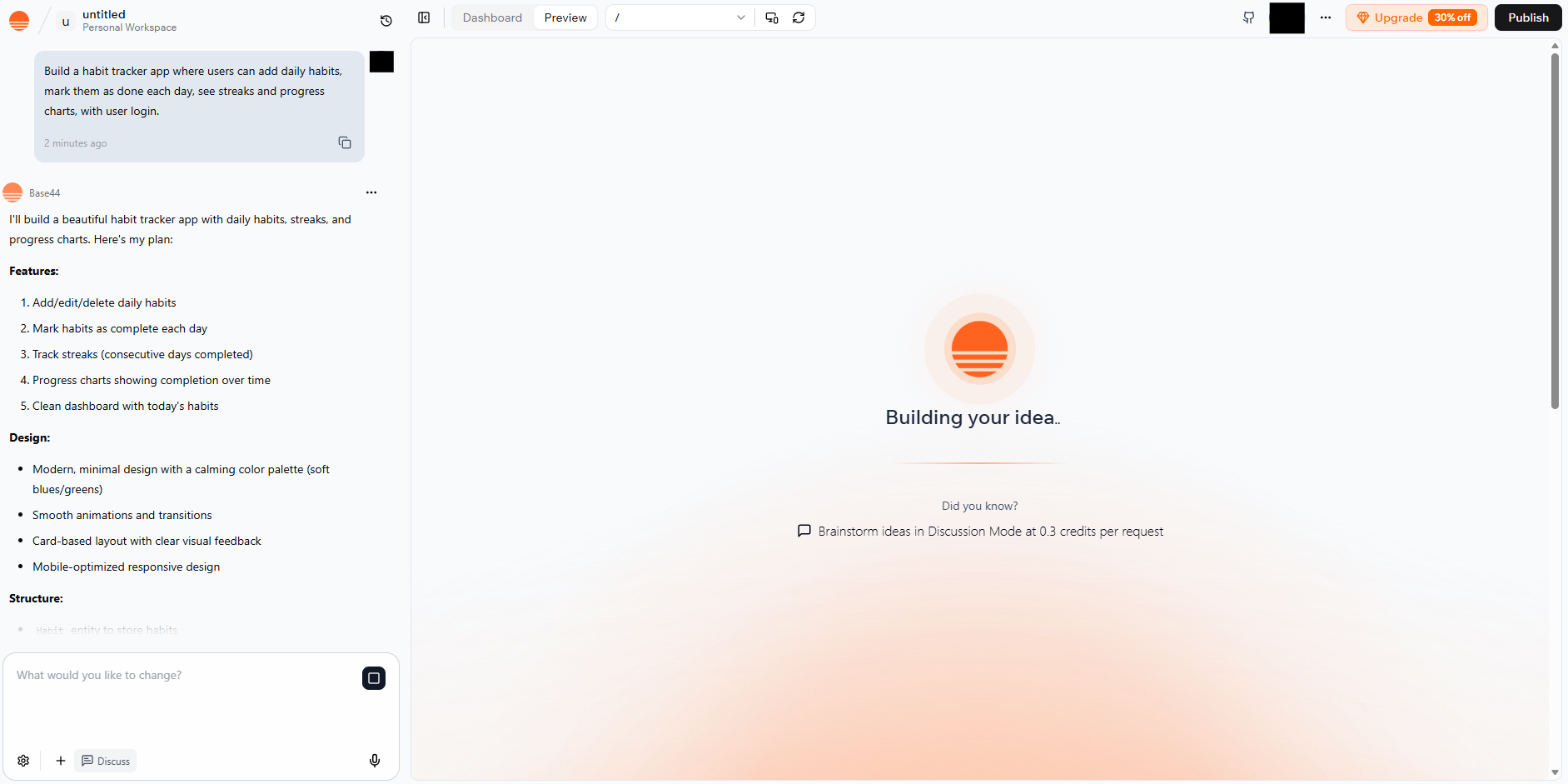
Base44 is designed for speed and “scaffolding”—getting the heavy lifting done in seconds so you can focus on the idea.
- MVPs (Minimum Viable Products): Quickly launch a startup idea to test with real users.
- Internal Business Tools: Build custom CRMs, inventory managers, or employee directories.
- Customer Portals: Create secure areas where clients can log in, upload files, and track projects.
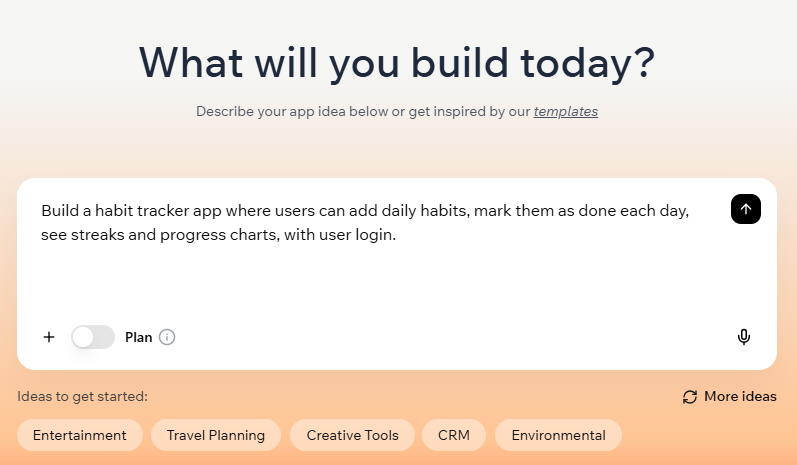
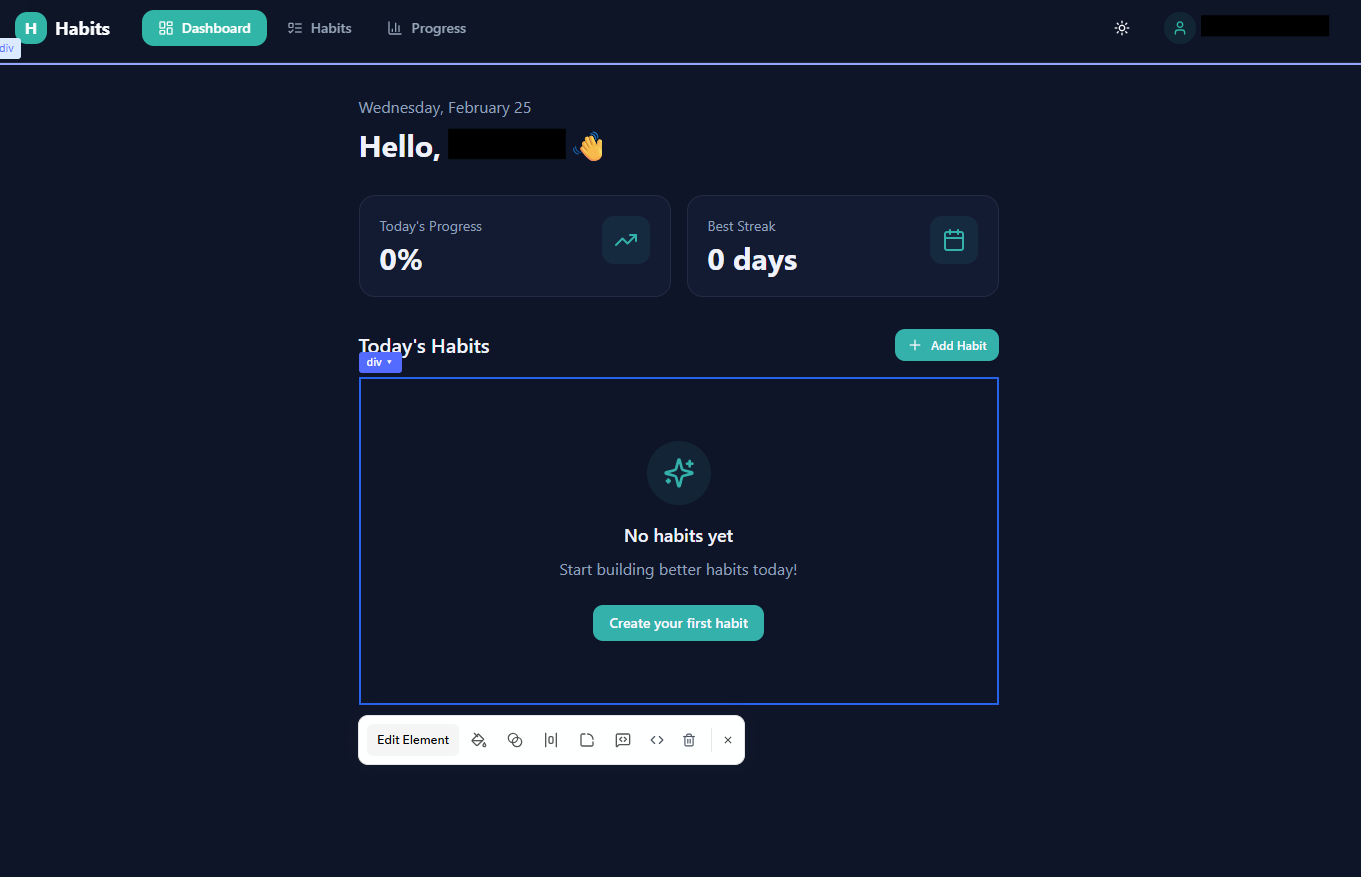
- Personal Productivity: Apps like habit trackers, workout logs, or niche budget managers.
Limitations
While it’s powerful, it isn’t a “magic button” for every scenario:
- Complexity Ceiling: As apps get extremely complex (e.g., high-frequency trading or massive social networks), the AI can struggle to manage the massive codebase it generated, sometimes leading to “hallucinated” bugs.
- Customization Limits: If you need a hyper-specific, proprietary algorithm or a very unusual integration, you might hit a wall where the no-code tools can’t keep up.
- Platform Lock-in: While it offers code access in higher tiers, your app is primarily built to live within the Base44/Wix ecosystem.
- “Junior Dev” Logic: Think of the AI as a very fast but sometimes literal junior developer. It might miss edge cases (like double-booking a slot if the prompt wasn’t specific) unless you guide it.
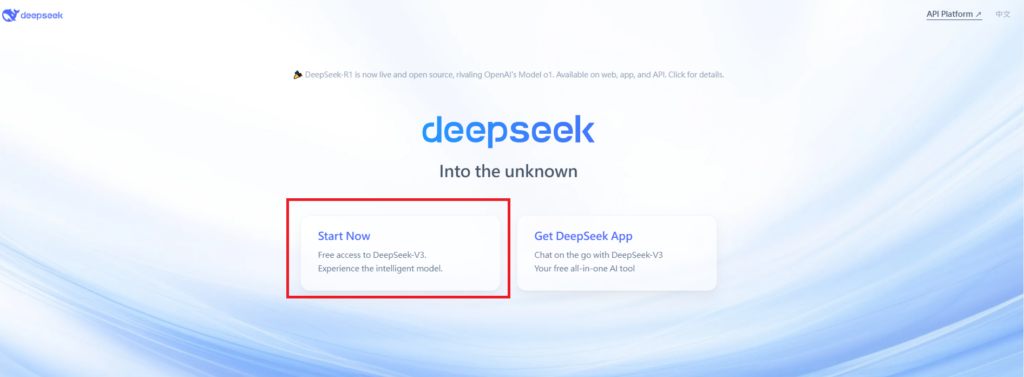
Visit Deepseek website for full experience
Remarks
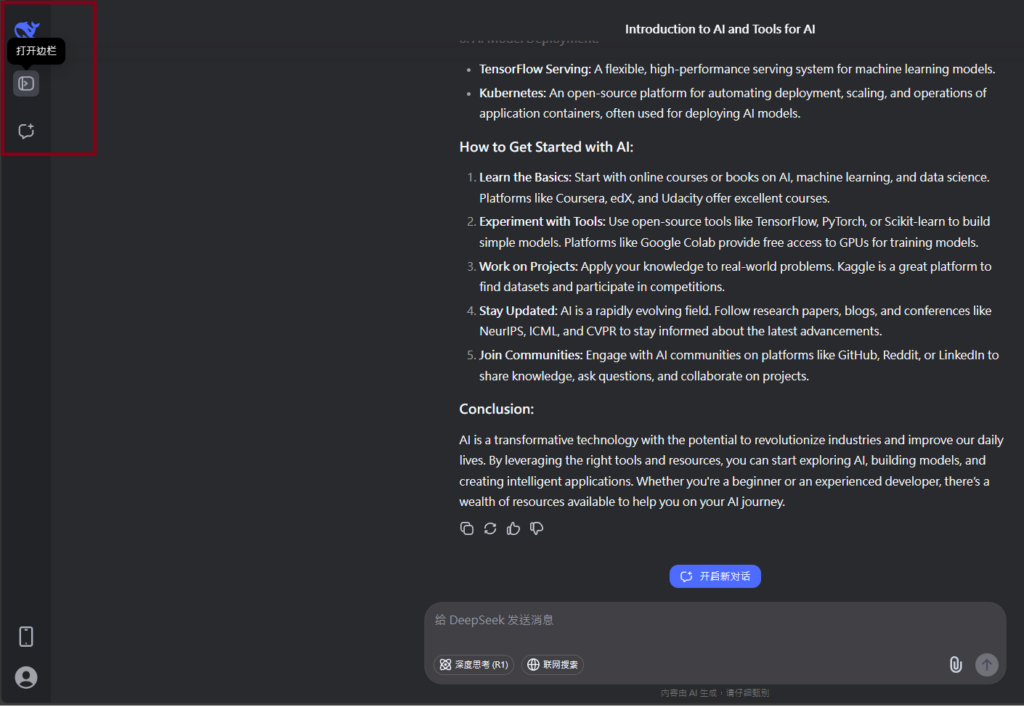
DeepSeek is an AI-powered tool designed for deep information retrieval, analysis, and content generation. It is commonly used in areas such as:
- Advanced Information Retrieval
- DeepSeek can process and analyze large datasets to extract relevant insights.
- It helps users find precise information beyond standard search engines.
- Natural Language Processing (NLP) Applications
- Used for text summarization, sentiment analysis, and question-answering systems.
- Supports various languages and can generate human-like responses.
- AI-Assisted Research and Writing
- Helps researchers analyze academic papers, generate summaries, and suggest references.
- Useful for drafting articles, reports, and creative writing.
- Code Assistance and Debugging
- Provides AI-powered code suggestions, optimizations, and bug fixes.
- Supports multiple programming languages, aiding developers in software development.
- Business and Decision-Making Support
- Analyzes market trends, customer feedback, and financial data for businesses.
- Assists in generating insights for strategic decision-making.
limitation:
- Accuracy and Hallucination Issues
- AI models can sometimes generate incorrect or misleading information.
- Requires human verification before relying on outputs.
- Limited Real-Time Data Access
- May not always provide the latest information if it’s not connected to live data sources.
- Some AI models work with pre-trained datasets, limiting real-time updates.
- Context Limitations
- Struggles with highly nuanced or ambiguous queries.
- Long conversations may lead to context loss or inconsistencies.
- Ethical and Bias Concerns
- AI models can reflect biases present in training data.
- Requires careful consideration when used in sensitive applications.
- Computational Resource Constraints
- Running deep learning models requires significant computational power.
- Latency issues may arise during complex queries or large-scale data analysis.


Lorem ipsum dolor sit amet, consectetur adipiscing elit. Ut elit tellus, luctus nec ullamcorper mattis, pulvinar dapibus leo.