
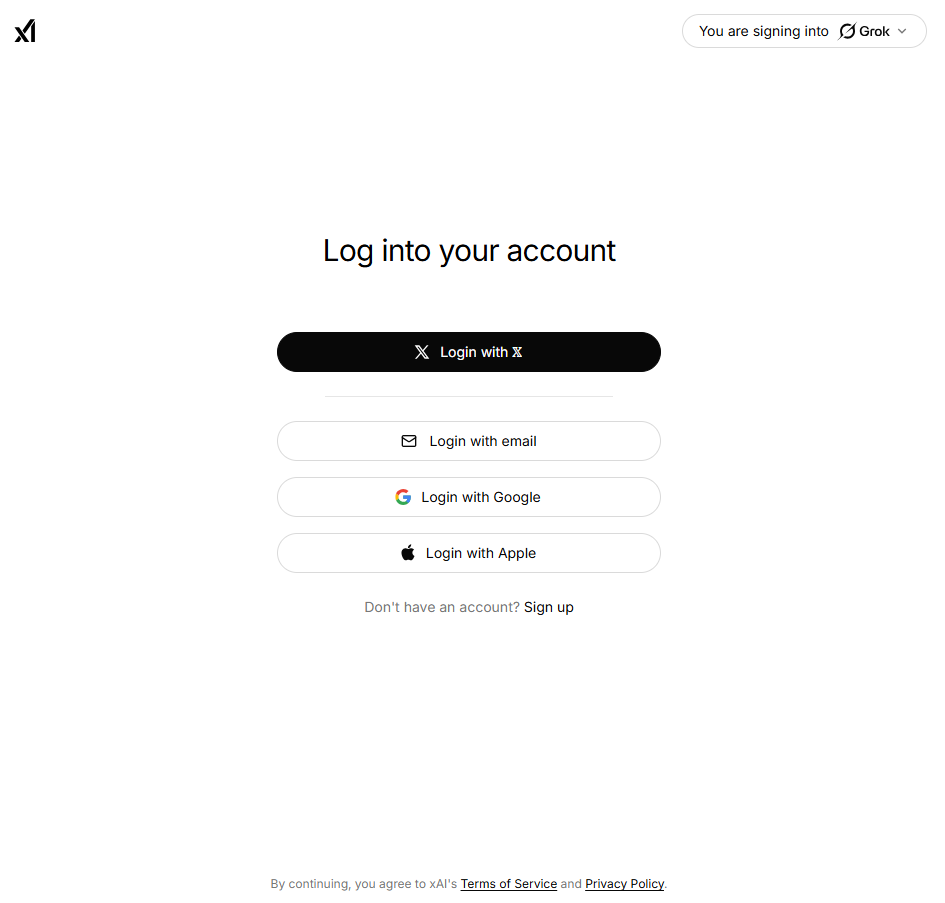
Visit Grok website for full experience

Remarks
Grok AI is a generative artificial intelligence developed by xAI, a company founded by Elon Musk. It is designed to be a “truth-seeking” assistant with a distinctive personality—often described as having a witty and rebellious streak—inspired by The Hitchhiker’s Guide to the Galaxy.
Unlike many other AI models that rely on static training data, Grok’s standout feature is its integration with the X (formerly Twitter) platform. This allows it to browse and summarize real-time news, trends, and public sentiment directly from the social network.
- Real-Time Information: It excels at providing updates on breaking news and current events by analyzing live posts on X.
- Coding and Reasoning: The latest versions (such as Grok-4) are highly capable in writing complex code, debugging, and solving mathematical or logical problems.
- Multimodal Generation: Grok can generate and analyze high-fidelity images and videos (using models like “Aurora” or specialized video generation engines).
- Voice Interactions: It supports native voice conversations, allowing for hands-free assistance on mobile devices.
- Platform Integration: Beyond the standalone web and mobile apps, it is integrated into X and is even utilized in Tesla’s Optimus robots.
Limitation
- Access Barriers: Primarily requires a subscription (X Premium); the free tier has strict daily message caps and lacks priority access.
- Source Bias: Its reliance on real-time data from X can sometimes lead to summaries influenced by social media misinformation or polarized opinions.
- Hallucinations: Like all LLMs, it can confidently state incorrect facts or “hallucinate” details, requiring manual verification.
- Context Decay: While it handles long conversations, extremely complex or massive datasets can cause it to lose track of earlier details.
- Safety & Policy Filters: It will refuse to generate content that violates strict safety guidelines regarding illegal acts or explicit material.







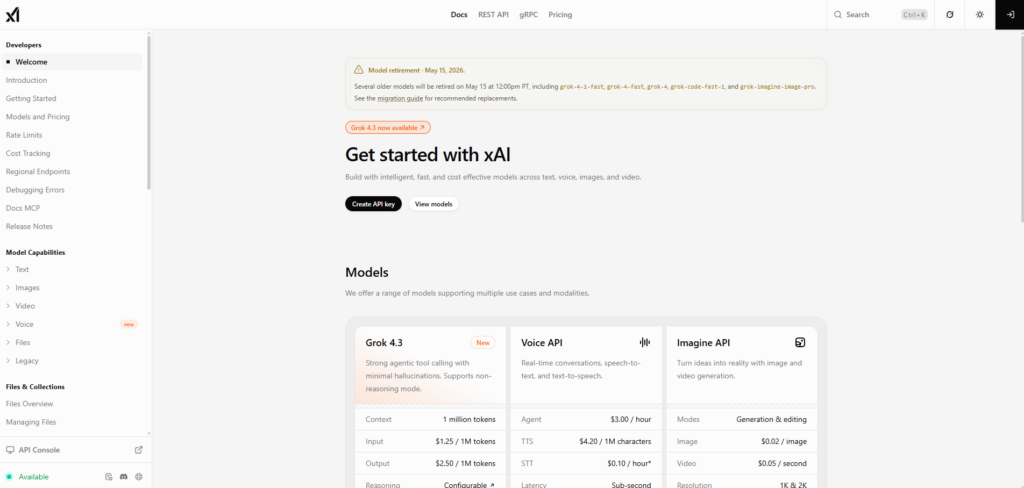
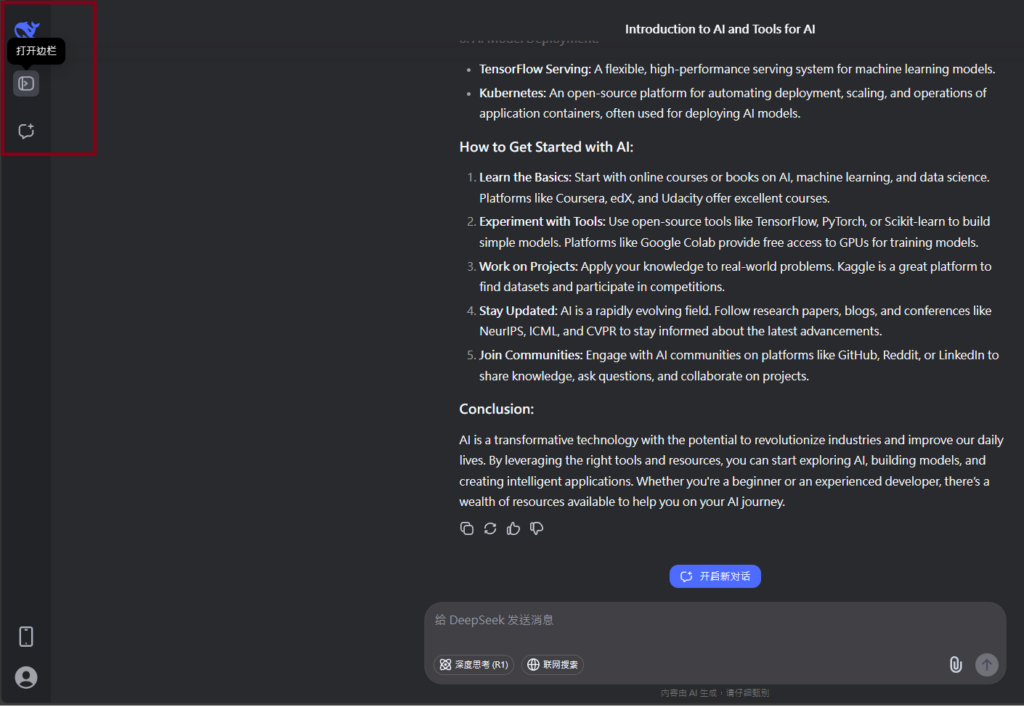
Visit Deepseek website for full experience
Remarks
DeepSeek is an AI-powered tool designed for deep information retrieval, analysis, and content generation. It is commonly used in areas such as:
- Advanced Information Retrieval
- DeepSeek can process and analyze large datasets to extract relevant insights.
- It helps users find precise information beyond standard search engines.
- Natural Language Processing (NLP) Applications
- Used for text summarization, sentiment analysis, and question-answering systems.
- Supports various languages and can generate human-like responses.
- AI-Assisted Research and Writing
- Helps researchers analyze academic papers, generate summaries, and suggest references.
- Useful for drafting articles, reports, and creative writing.
- Code Assistance and Debugging
- Provides AI-powered code suggestions, optimizations, and bug fixes.
- Supports multiple programming languages, aiding developers in software development.
- Business and Decision-Making Support
- Analyzes market trends, customer feedback, and financial data for businesses.
- Assists in generating insights for strategic decision-making.
limitation:
- Accuracy and Hallucination Issues
- AI models can sometimes generate incorrect or misleading information.
- Requires human verification before relying on outputs.
- Limited Real-Time Data Access
- May not always provide the latest information if it’s not connected to live data sources.
- Some AI models work with pre-trained datasets, limiting real-time updates.
- Context Limitations
- Struggles with highly nuanced or ambiguous queries.
- Long conversations may lead to context loss or inconsistencies.
- Ethical and Bias Concerns
- AI models can reflect biases present in training data.
- Requires careful consideration when used in sensitive applications.
- Computational Resource Constraints
- Running deep learning models requires significant computational power.
- Latency issues may arise during complex queries or large-scale data analysis.



Lorem ipsum dolor sit amet, consectetur adipiscing elit. Ut elit tellus, luctus nec ullamcorper mattis, pulvinar dapibus leo.