
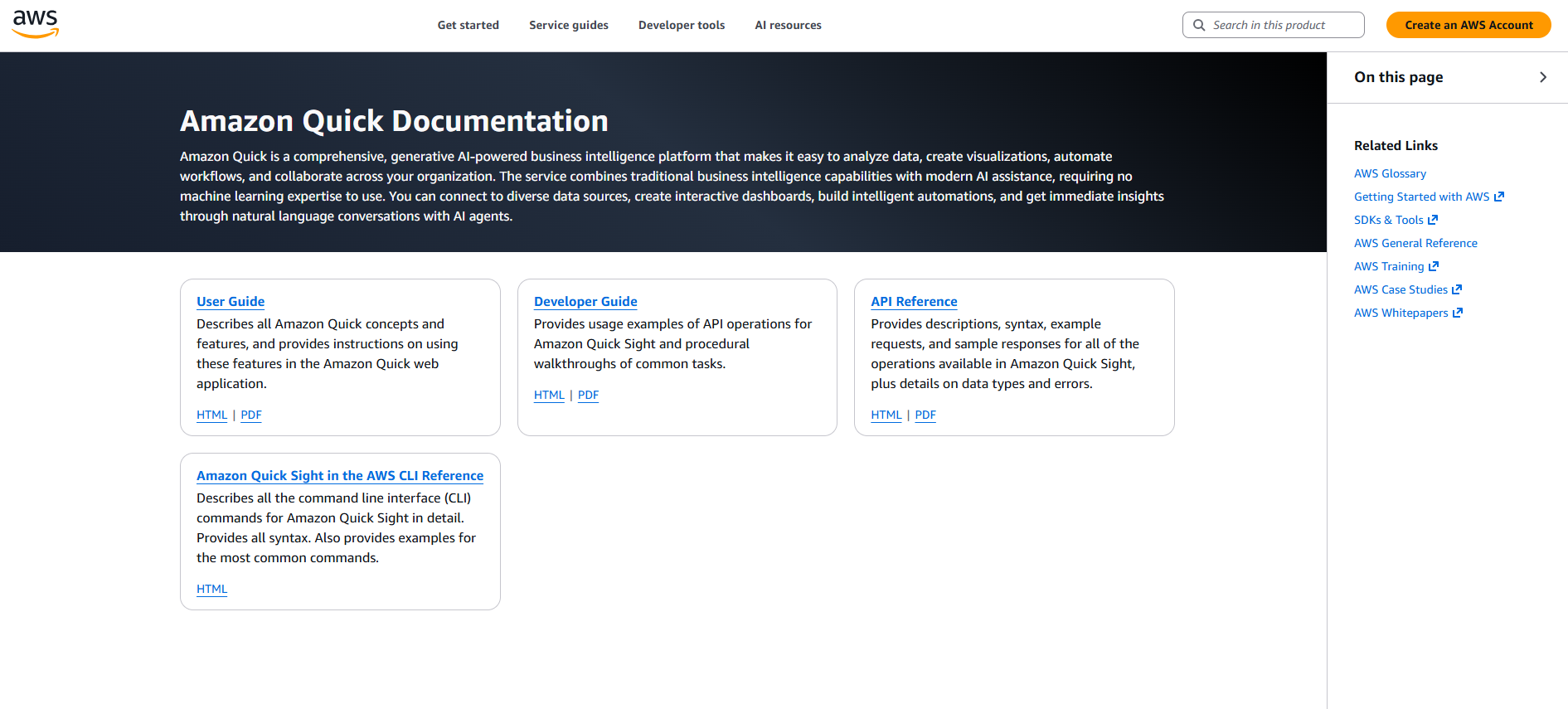
Visit Amazon Quick website for full experience
Remarks
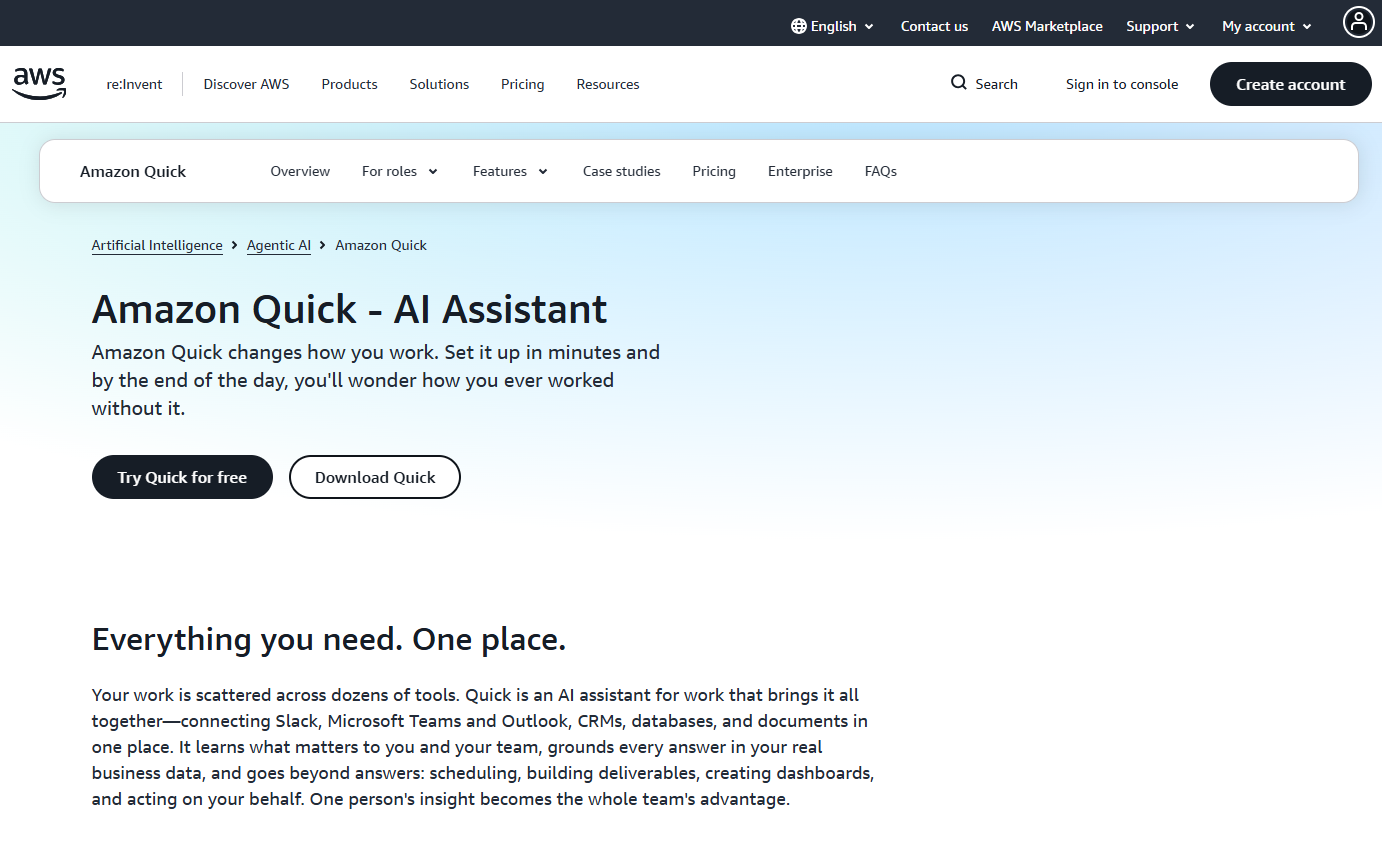
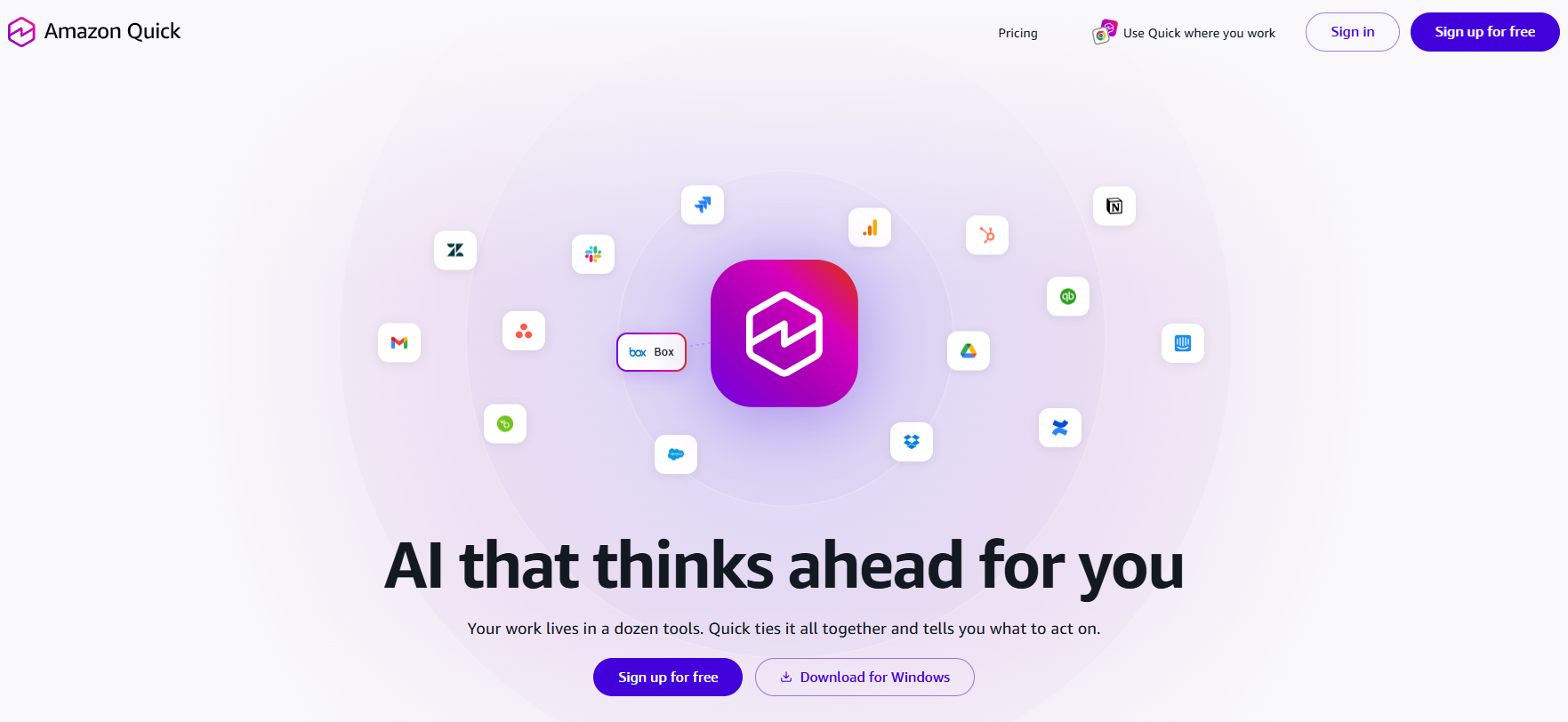
By connecting to your organization’s scattered tools (such as Slack, Microsoft Teams, Outlook, CRMs, Snowflake, and Amazon S3), Amazon Quick builds a personal knowledge graph to learn your workflow, answer ad-hoc questions, and proactively execute tasks on your behalf.
It integrates five core capabilities:
- Quick Sight: (Formerly Amazon QuickSight) For data visualization and business intelligence dashboards.
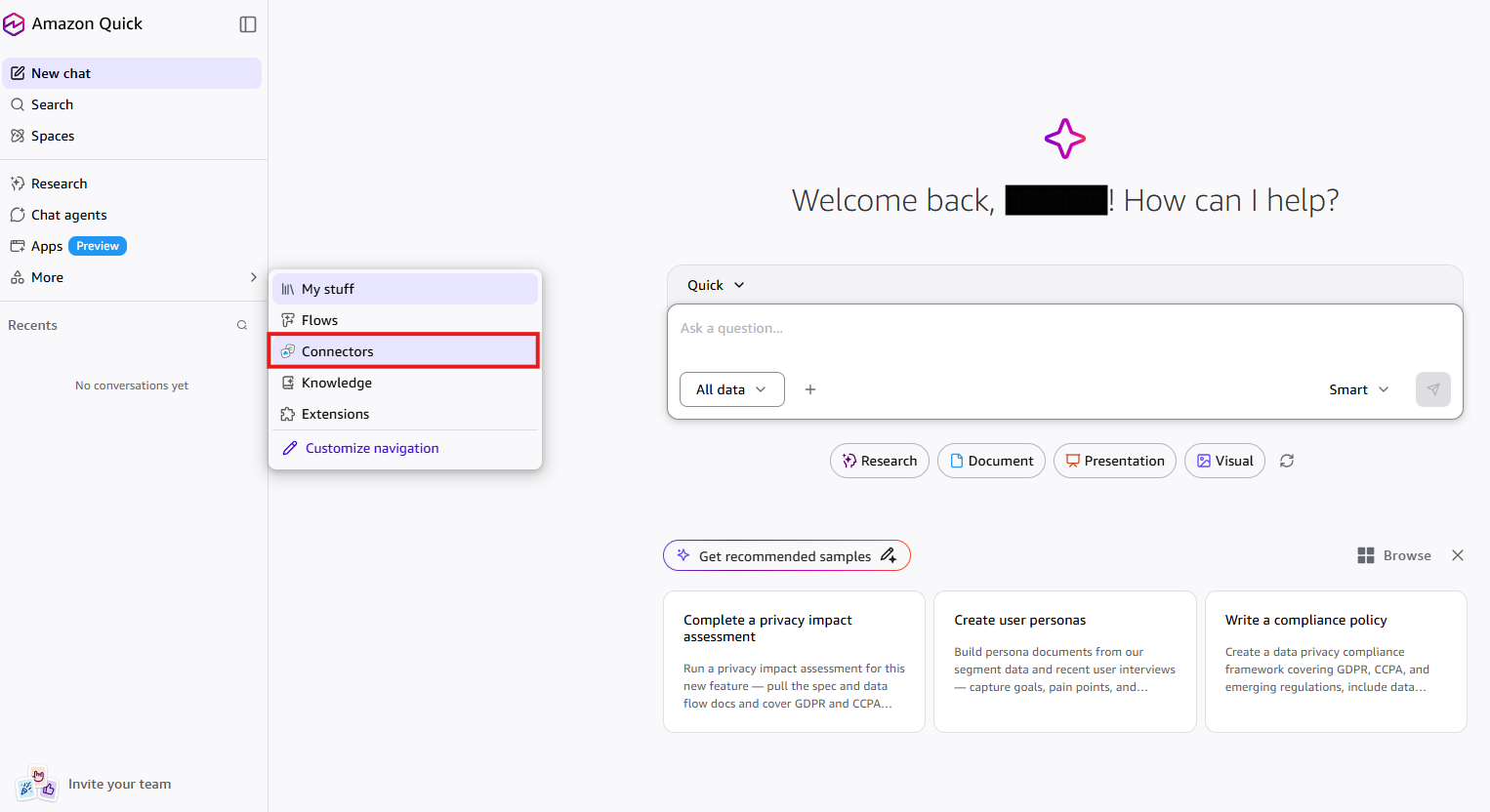
- Quick Index: For discovering, connecting, and securely centralizing data from over 50 built-in sources and 1,000+ apps via Model Context Protocol (MCP).
- Quick Research: For scouring internal databases and the public internet to compile long-form, professional research reports.
- Quick Flows / Quick Automate: For setting up no-code, multi-step autonomous AI agents that handle repetitive tasks continuously in the background.
Key Usages
- Continuous Workflow Automation: You can build autonomous, no-code AI agents to monitor specific channels (like email or Slack) and perform background tasks—such as drafting follow-ups for stalled sales deals, generating summary reports of overnight regulatory changes, or auto-processing routine invoices.
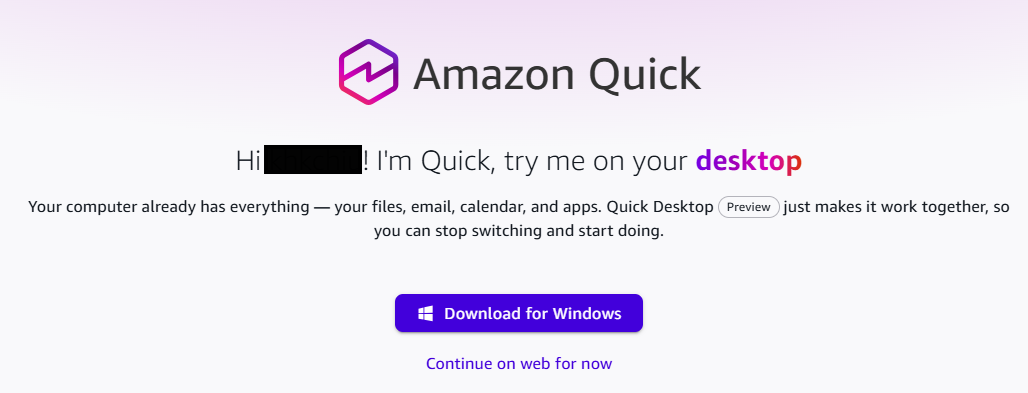
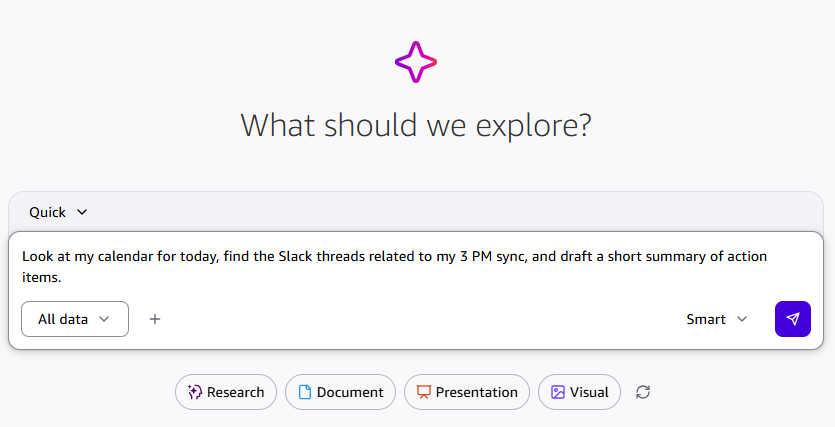
- Cross-Platform Data Synthesis & Search: Instead of digging through multiple platforms, you can ask plain-language questions (e.g., via its desktop app or Chrome extension) to instantly pull and combine data from your calendar, local files, cloud databases, and emails.
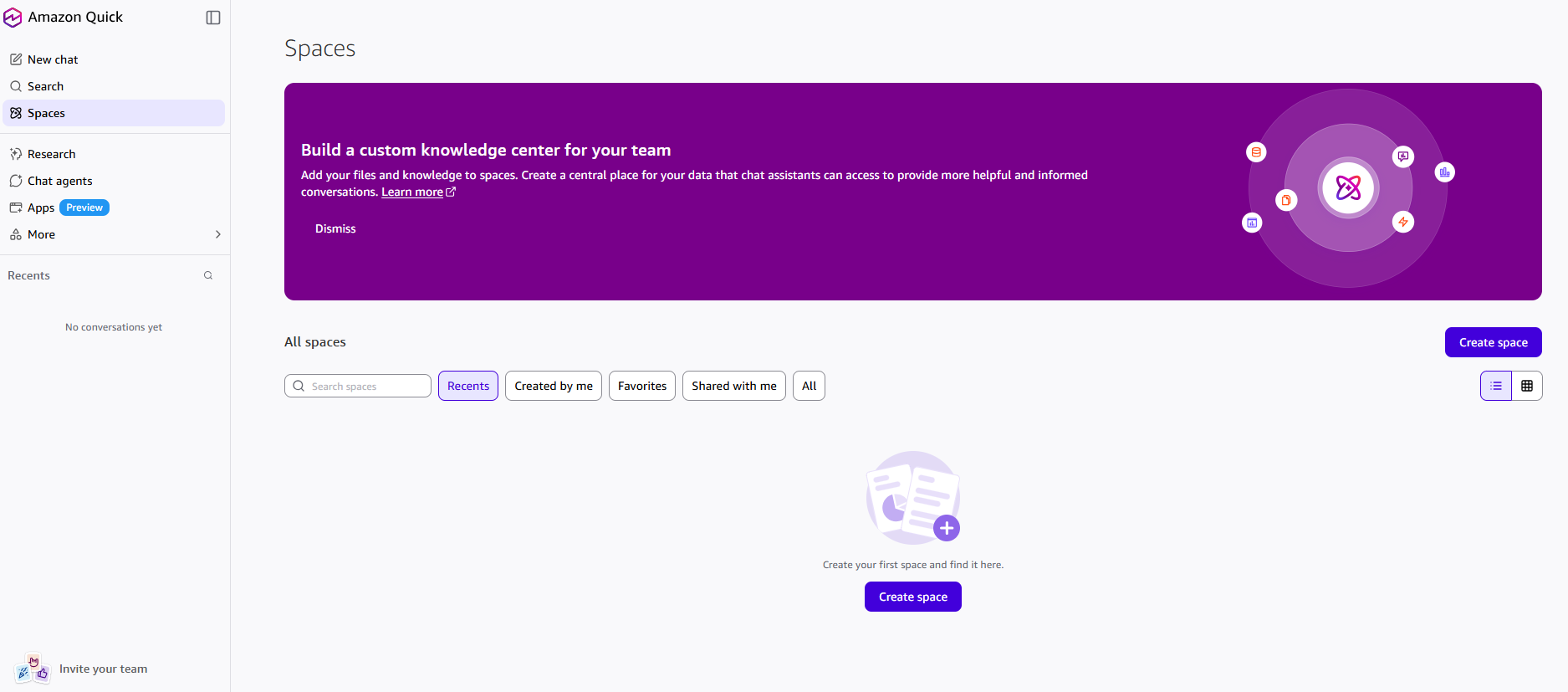
- Ad-Hoc Business Intelligence: You can spin up data visualizations or build out collaborative “Spaces” and dashboards without needing data engineering or machine learning expertise.
Limitation
- Integration Dependencies & Connection Health: Because Quick relies heavily on active connectors to external platforms (SharePoint, Salesforce, local files, etc.), any API changes, disconnected credentials, or formatting updates in those third-party apps can disrupt its workflows or cause data blindness.
- Guardrails and Human-in-the-Loop Bottlenecks: For security and compliance, Quick enforces strict permission boundaries. Any action involving creating, modifying, or sending out data typically requires real-time human confirmation. While safe, this “human-in-the-loop” requirement means it cannot be entirely hands-off for critical external actions.
- Risk of Enterprise Context Hallucinations: Like all generative AI models, while Quick is grounded in your company’s real data via RAG (Retrieval-Augmented Generation), it can still misinterpret highly ambiguous internal jargon, conflicting documentation, or outdated files if your company’s data hygiene is poor.
- Rigid Flat-Rate Cost Commitment: Unlike traditional AWS services that use granular, consumption-based pricing (pay-per-token or pay-per-second), Amazon Quick uses a transparent but fixed monthly subscription per user (Professional and Enterprise tiers). For smaller teams or organizations with highly intermittent usage, this predictable fixed cost might prove less cost-effective than variable pricing models.
Visit Deepseek website for full experience
Remarks
DeepSeek is an AI-powered tool designed for deep information retrieval, analysis, and content generation. It is commonly used in areas such as:
- Advanced Information Retrieval
- DeepSeek can process and analyze large datasets to extract relevant insights.
- It helps users find precise information beyond standard search engines.
- Natural Language Processing (NLP) Applications
- Used for text summarization, sentiment analysis, and question-answering systems.
- Supports various languages and can generate human-like responses.
- AI-Assisted Research and Writing
- Helps researchers analyze academic papers, generate summaries, and suggest references.
- Useful for drafting articles, reports, and creative writing.
- Code Assistance and Debugging
- Provides AI-powered code suggestions, optimizations, and bug fixes.
- Supports multiple programming languages, aiding developers in software development.
- Business and Decision-Making Support
- Analyzes market trends, customer feedback, and financial data for businesses.
- Assists in generating insights for strategic decision-making.
limitation:
- Accuracy and Hallucination Issues
- AI models can sometimes generate incorrect or misleading information.
- Requires human verification before relying on outputs.
- Limited Real-Time Data Access
- May not always provide the latest information if it’s not connected to live data sources.
- Some AI models work with pre-trained datasets, limiting real-time updates.
- Context Limitations
- Struggles with highly nuanced or ambiguous queries.
- Long conversations may lead to context loss or inconsistencies.
- Ethical and Bias Concerns
- AI models can reflect biases present in training data.
- Requires careful consideration when used in sensitive applications.
- Computational Resource Constraints
- Running deep learning models requires significant computational power.
- Latency issues may arise during complex queries or large-scale data analysis.



Lorem ipsum dolor sit amet, consectetur adipiscing elit. Ut elit tellus, luctus nec ullamcorper mattis, pulvinar dapibus leo.