
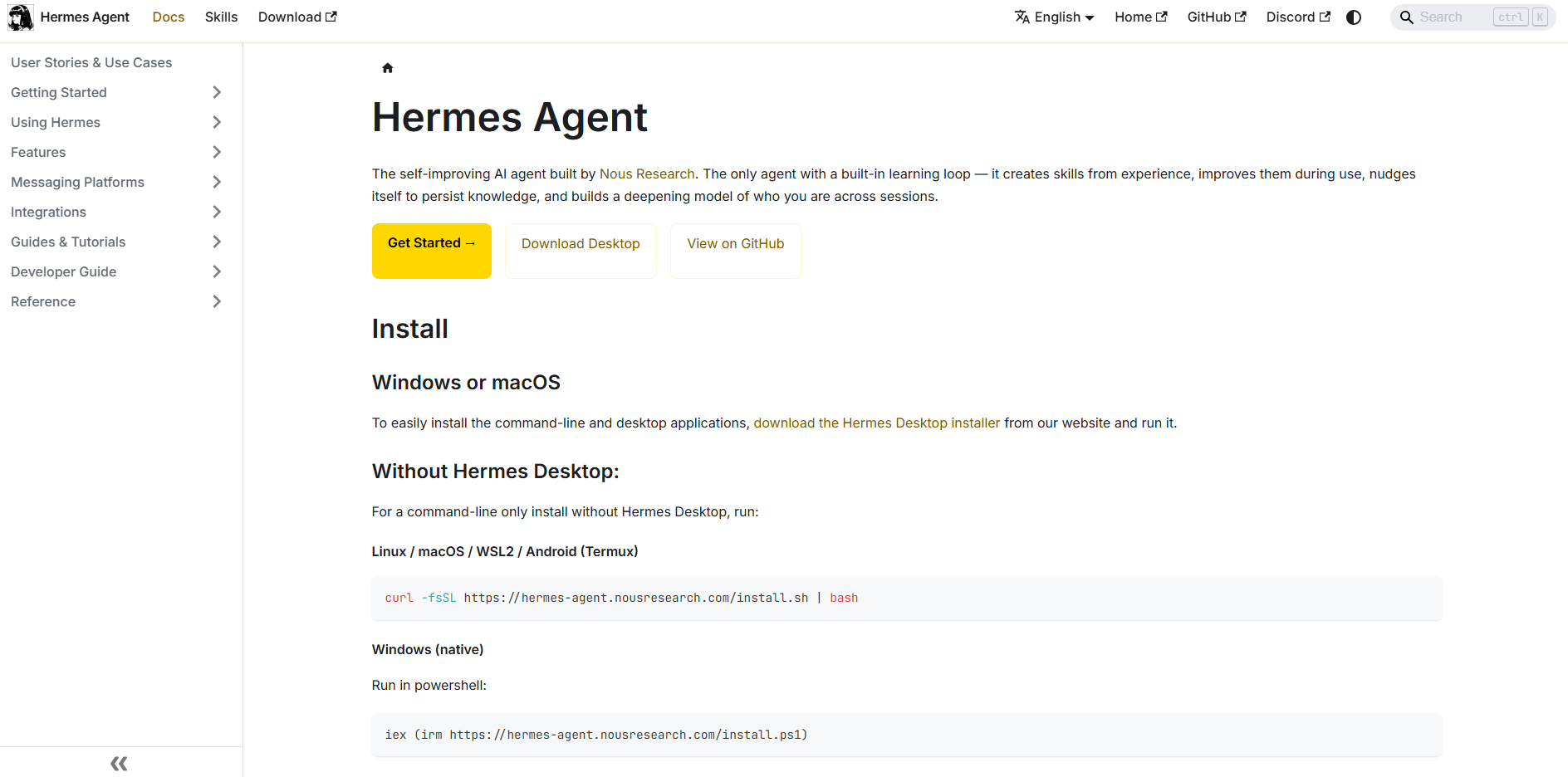
Visit Hermes Agent website for full experience

Remarks
Hermes Agent goes far beyond answering prompts; it interacts directly with computer environments and messaging ecosystems to execute long-running or recurring tasks.
Key Usages & Workflows
- Multi-Platform Communication & Automation: You can deploy a single Hermes instance and connect it to over 20 messaging platforms (including Telegram, Discord, Slack, WhatsApp, and Signal). You can kick off a task via Telegram on your phone, and Hermes will execute it in a cloud VM and ping you when finished.
- System Administration & Environment Control: It features 6 terminal backends (including Local, Docker, SSH, Daytona, and Modal). It can run shell commands, interact with databases, perform MLOps tasks, and spin up isolated parallel sub-agents to multi-thread complex workflows.
- Web Automation & Browser Control: Hermes can fully control a web browser—navigating sites, clicking elements, typing into fields, taking screenshots, and utilizing vision analysis to scrape or interact with web apps.
- Scheduled Background Tasks (Cron Jobs): It has a built-in cron scheduler. You can instruct it to perform unattended actions like gathering a customized morning news briefing, executing nightly server backups, or running weekly data audits.
- RL Training and Trajectory Data Generation: For AI researchers, it serves as a platform to run Reinforcement Learning (RL) experiments and export multi-step tool-calling histories (trajectories) in ShareGPT format to fine-tune other models.
Limitation
- Strict Memory Cap Limits: Hermes manages its persistent cross-session memory through specific files (
MEMORY.mdandUSER.md). These have rigid character limits—approximately 2,200 characters (~800 tokens) for general environment facts and 1,375 characters (~500 tokens) for user profiles. When these limits are breached, the tool throws an error, requiring the agent (or user) to manually consolidate or delete entries rather than silently dropping them. - Context Window Drift: Long, continuous agent chat sessions can rapidly bloat the underlying LLM’s context window. While it includes a
/compressfunction to distill history, massive contexts can still lead to high token costs or API timeouts if not actively managed. - Infrastructure Overhead & Third-Party Costs: The framework itself is completely free and open-source (MIT License), but connecting it to live services requires significant infrastructure setup. Unless you route it entirely through a free local engine (like Ollama with a local model), you are entirely responsible for the LLM token consumption costs accrued by your chosen API providers (OpenRouter, OpenAI, Anthropic, etc.).
- Security & Execution Risks: Because the agent has programmatic tool-calling abilities and can execute code directly via terminal environments, running it outside a securely hardened, sandboxed container (like Docker) poses safety risks to the host operating system if given destructive instructions or untrusted inputs.
- Local LLM Hardware Demands: Running Hermes autonomously on local infrastructure requires sufficient hardware. If your local GPU lacks the VRAM to hold both the model and the expanded context required for tool-calling loops, performance will bottleneck significantly, leading to extreme latency.
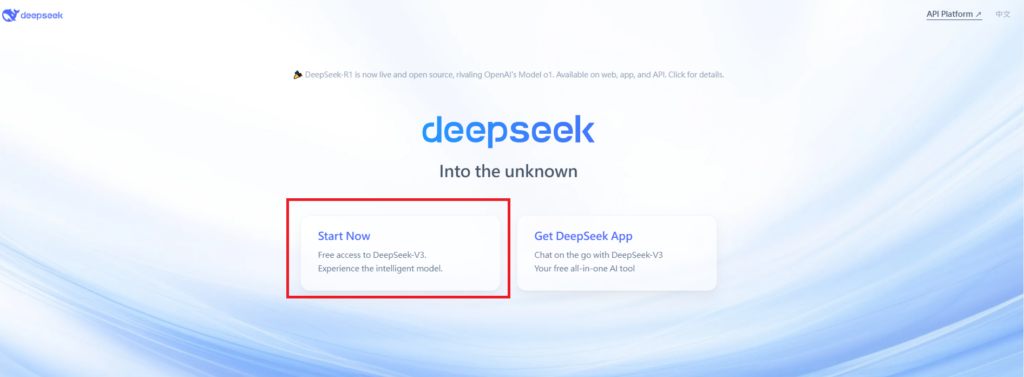
Visit Deepseek website for full experience
Remarks
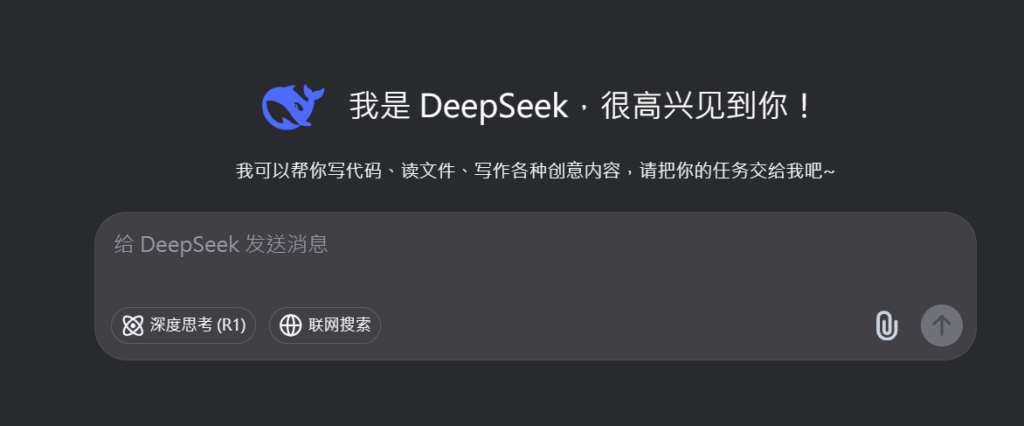
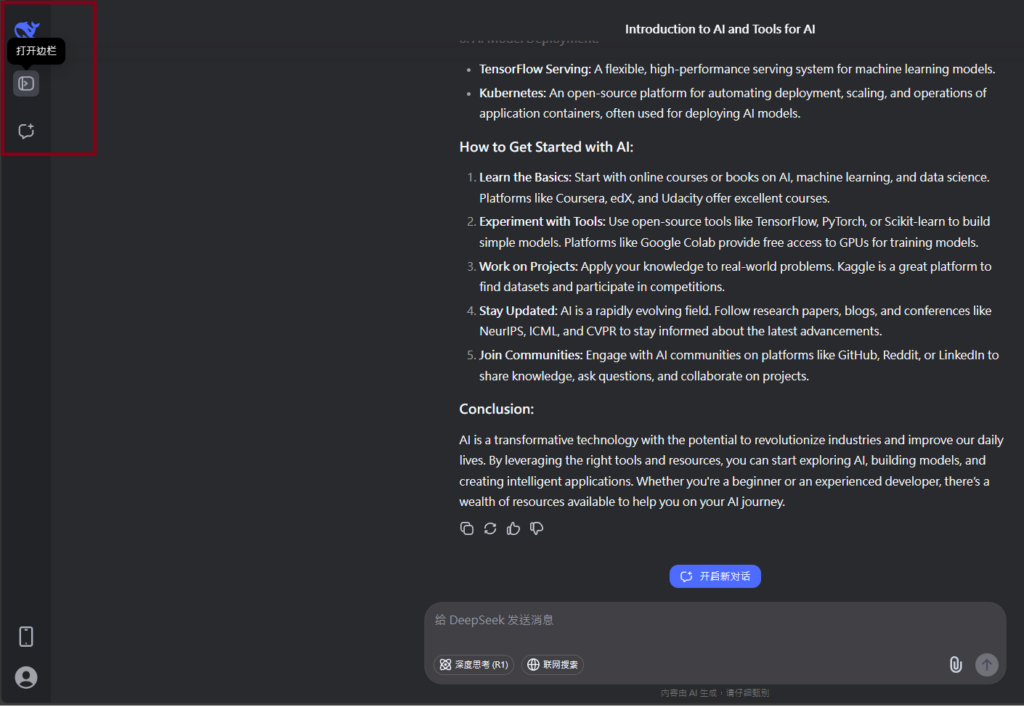
DeepSeek is an AI-powered tool designed for deep information retrieval, analysis, and content generation. It is commonly used in areas such as:
- Advanced Information Retrieval
- DeepSeek can process and analyze large datasets to extract relevant insights.
- It helps users find precise information beyond standard search engines.
- Natural Language Processing (NLP) Applications
- Used for text summarization, sentiment analysis, and question-answering systems.
- Supports various languages and can generate human-like responses.
- AI-Assisted Research and Writing
- Helps researchers analyze academic papers, generate summaries, and suggest references.
- Useful for drafting articles, reports, and creative writing.
- Code Assistance and Debugging
- Provides AI-powered code suggestions, optimizations, and bug fixes.
- Supports multiple programming languages, aiding developers in software development.
- Business and Decision-Making Support
- Analyzes market trends, customer feedback, and financial data for businesses.
- Assists in generating insights for strategic decision-making.
limitation:
- Accuracy and Hallucination Issues
- AI models can sometimes generate incorrect or misleading information.
- Requires human verification before relying on outputs.
- Limited Real-Time Data Access
- May not always provide the latest information if it’s not connected to live data sources.
- Some AI models work with pre-trained datasets, limiting real-time updates.
- Context Limitations
- Struggles with highly nuanced or ambiguous queries.
- Long conversations may lead to context loss or inconsistencies.
- Ethical and Bias Concerns
- AI models can reflect biases present in training data.
- Requires careful consideration when used in sensitive applications.
- Computational Resource Constraints
- Running deep learning models requires significant computational power.
- Latency issues may arise during complex queries or large-scale data analysis.

Lorem ipsum dolor sit amet, consectetur adipiscing elit. Ut elit tellus, luctus nec ullamcorper mattis, pulvinar dapibus leo.