Rork

Rork AI is a specialized AI-powered platform designed for building native mobile applications (iOS and Android) using plain English prompts. Unlike other tools that focus on web apps, Rork is built specifically to generate production-ready code for mobile environments using React Native and Swift.

Visit Rork website for full experience

Remarks

Rork AI is an AI-powered, no-code platform designed to let you build native mobile applications (iOS and Android) using plain English. It is part of the growing trend of “vibe coding” platforms, where you describe your app idea to an AI, and it handles the heavy lifting of building the structure, logic, and UI.

  1. Prompt-to-App: You describe your app idea (e.g., “A meditation app with a calm UI and daily reminders”), and Rork generates the screens, logic, and navigation.
  2. Native Capabilities: It supports hardware-specific features like NFC, HealthKit, AR/LiDAR scanning, Dynamic Island, and Home Screen widgets.
  3. No Mac/Xcode Needed: You can build and deploy iOS apps directly from your browser without owning a Mac or installing heavy development software.
  4. Backend Integration: It offers built-in support for Supabase (authentication), RevenueCat (in-app purchases), and its own serverless “Rork Backend.”

Limitation

  1. Credit-Based Model: Every change you request via chat consumes “messages” or “credits.” Inefficient prompting can burn through your monthly quota quickly.
  2. Logic Complexity: While great for MVPs and consumer apps, it can struggle with highly complex, data-heavy enterprise logic or very large-scale applications.
  3. No Drag-and-Drop: It is a “chat-first” builder. If you prefer a visual UI editor like Figma, you may find the iterative chat process slightly slower for fine-tuning layout.
  4. Third-Party Fees: While Rork handles the code, you still need your own Apple Developer ($99/year) and Google Play ($25 one-time) accounts to actually list the app.
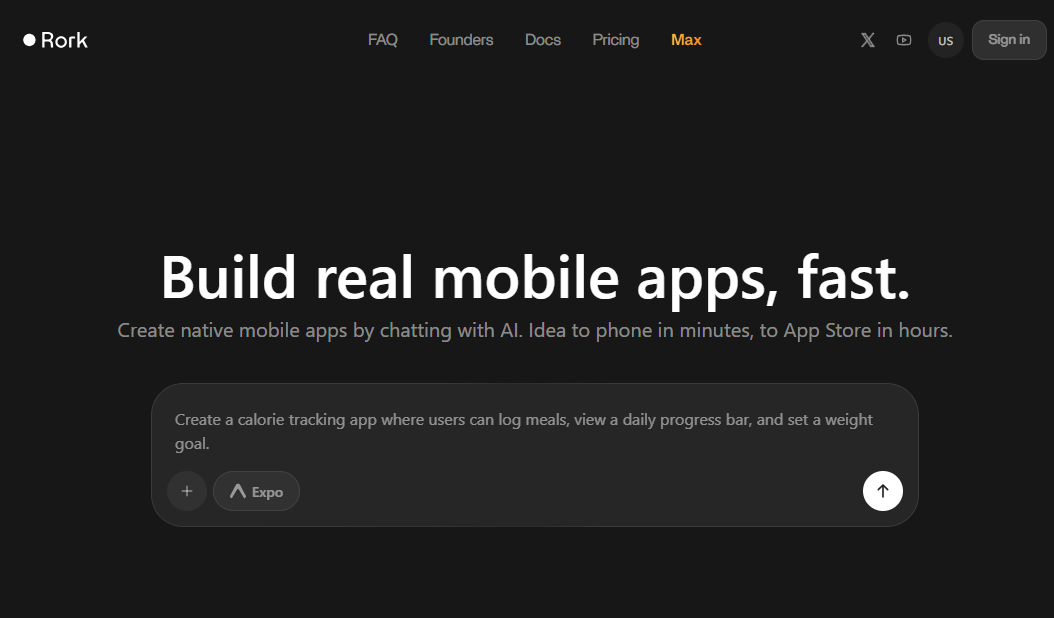
Step 1 : Setup

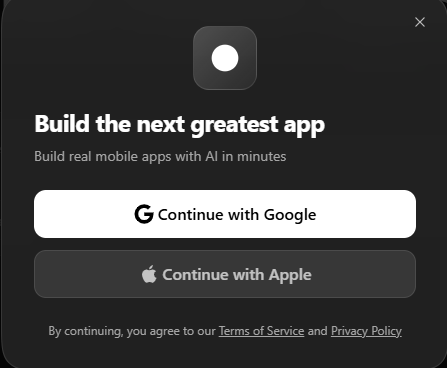
Create an Account: Visit rork.com and sign in (Google and Apple sign-in are typically supported).
Define Your Idea: Before prompting, decide if you want a cross-platform app (standard Rork using React Native) or a high-performance Apple-exclusive app (Rork Max using native Swift).

Step 2 : Generate the Initial App

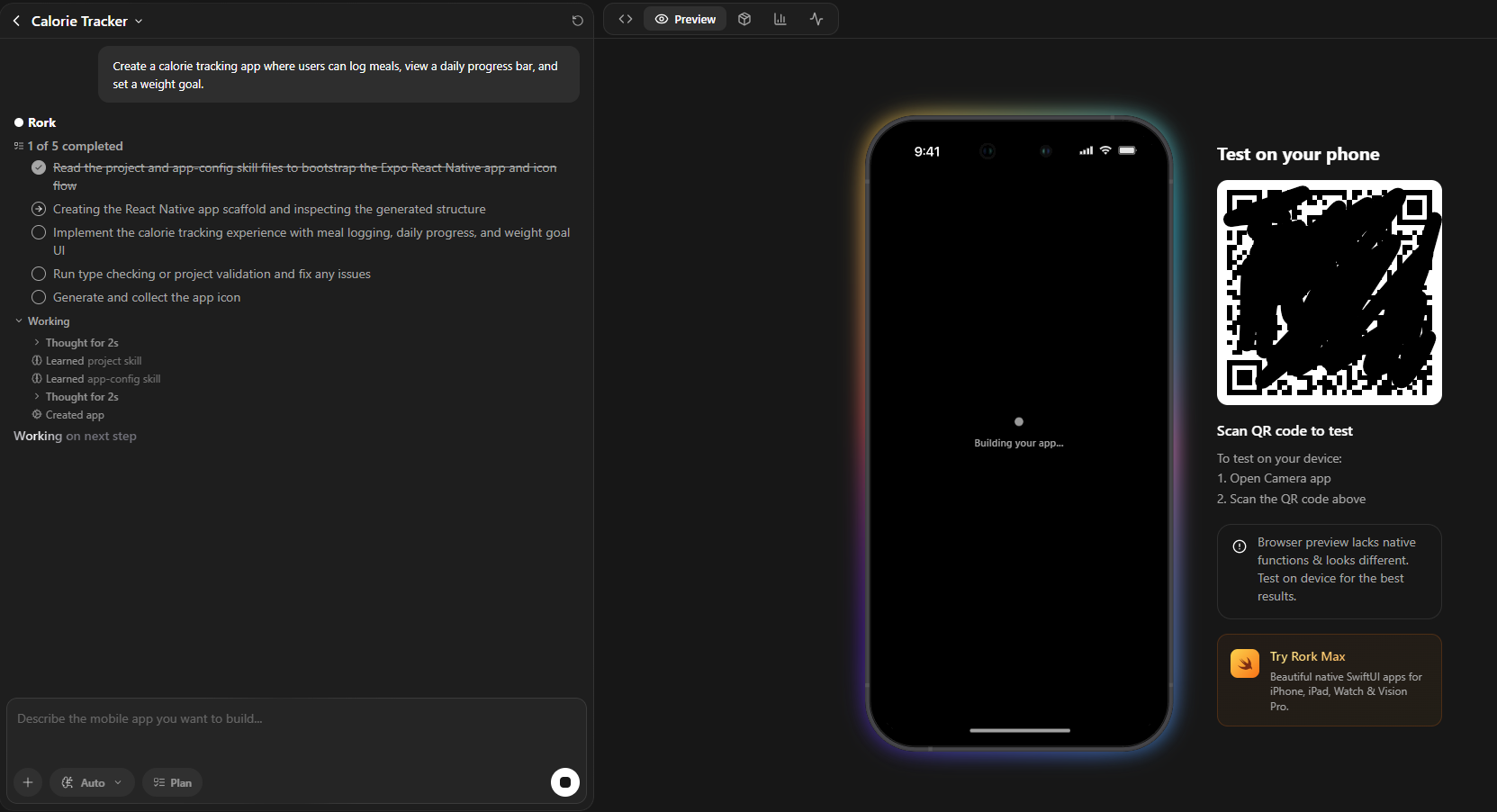
Enter Your Prompt: On the home screen, describe your app idea.
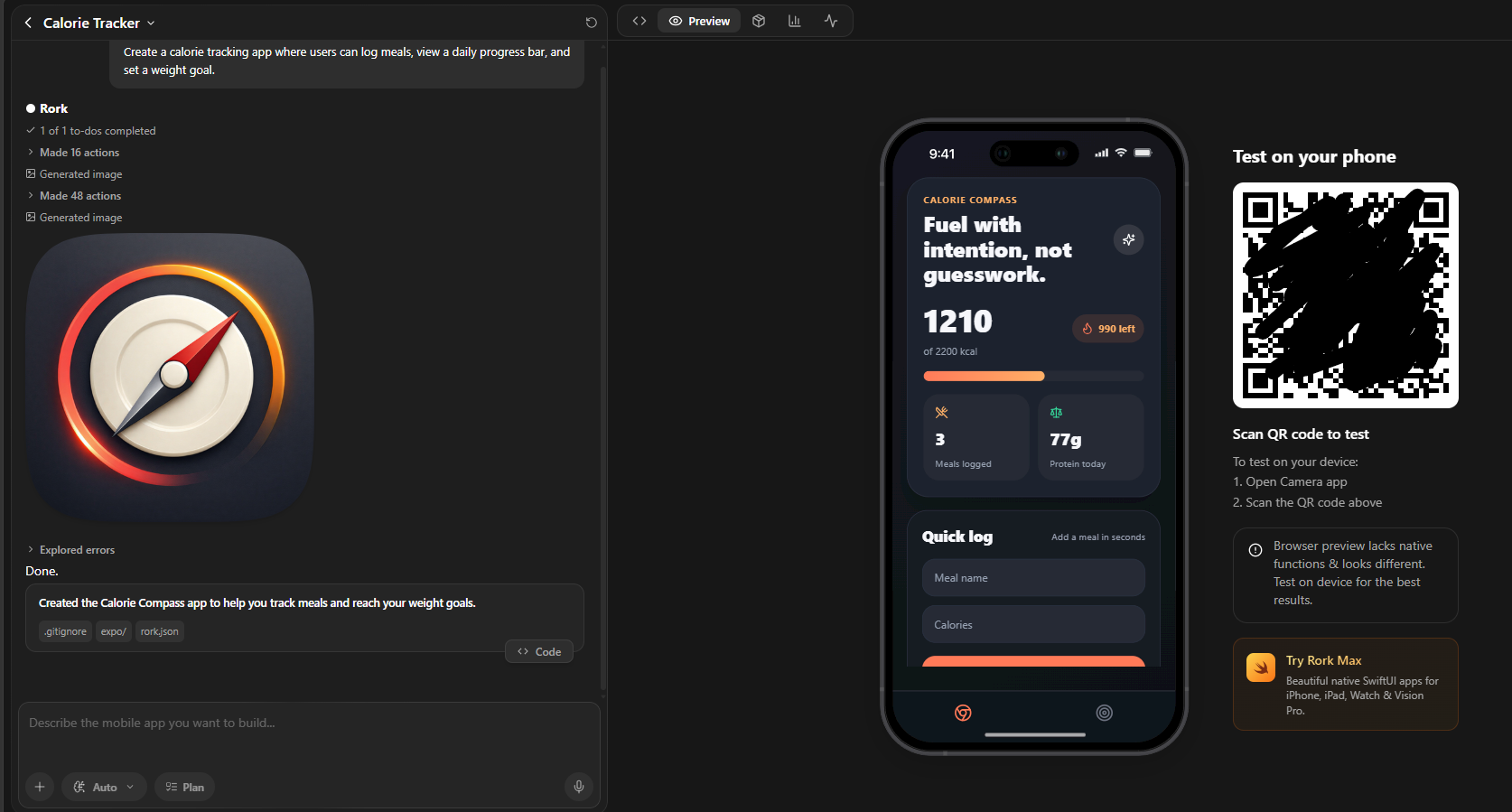
Tip: Start with one main function. For example: “Create a calorie tracking app where users can log meals, view a daily progress bar, and set a weight goal.”
Use Visuals: You can upload screenshots or sketches to give the AI a reference for the UI layout you want.
Select Model: Choose your underlying AI engine (e.g., Rork Pro or Rork Max).

Step 3 : The “Vibe Coding” Iteration

Once the initial version is generated, you will enter the Rork Editor.
Chat to Refine: Use the sidebar chat to request specific changes.
Design: “Make the dashboard look more modern with a dark theme and rounded cards.”
Logic: “Add a feature where users can scan a barcode to log food.”

Integrations: You can ask Rork to integrate specific services like Supabase for authentication or RevenueCat for subscriptions and in-app purchases.

Step 4 : Live Testing

Web Simulator: Test basic interactions directly in your browser.
On-Device Testing (Expo Go): Scan the provided QR code with your phone to run the app instantly via the Expo Go app. This allows you to test mobile-specific features like haptics and GPS.
One-Click Download (Max Users): If you are using Rork Max, you can plug your iPhone into a Mac and download the native build directly.

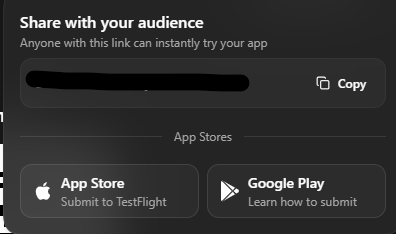
Step 5 : Publishing to App Stores

Rork automates much of the “heavy lifting” usually associated with deployment.
Select ‘Publish’: Choose your platform (iOS or Android).
Configure Metadata: Update your app name, description, and icon (you can even generate the icon with AI within Rork).
Connect Developer Accounts: You will need an active Apple Developer ($99/yr) or Google Play Console account. Rork handles the certificates and provisioning profiles for you.

Remarks : Official Support Resources

To learn the fundamental functions of Rork , explore the following resources for more comprehensive information:
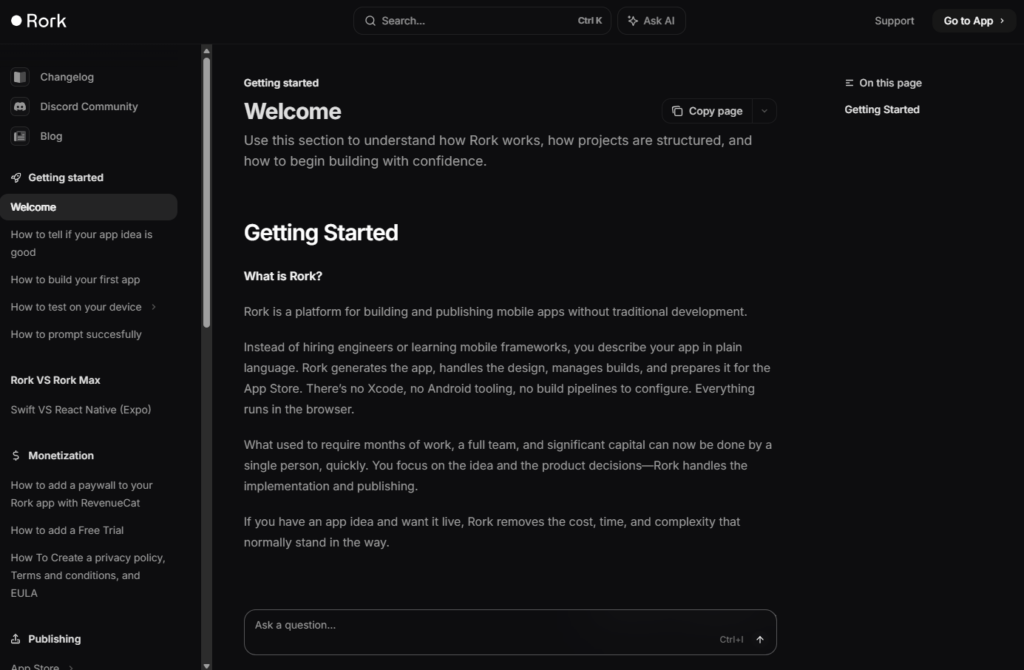
Welcome – Rork : https://docs.rork.com/

01

Introducing Rork Max. Best AI for iOS apps. Website that replaces Xcode

02

18y/o Makes $30K/Month With AI Apps | Rork raises $15M seed

03

Build any mobile app with AI | Introducing Rork

04

How to add a paywall to Rork apps with RevenueCat

Visit Deepseek website for full experience

Remarks

DeepSeek is an AI-powered tool designed for deep information retrieval, analysis, and content generation. It is commonly used in areas such as:

  1. Advanced Information Retrieval
    • DeepSeek can process and analyze large datasets to extract relevant insights.
    • It helps users find precise information beyond standard search engines.
  2. Natural Language Processing (NLP) Applications
    • Used for text summarization, sentiment analysis, and question-answering systems.
    • Supports various languages and can generate human-like responses.
  3. AI-Assisted Research and Writing
    • Helps researchers analyze academic papers, generate summaries, and suggest references.
    • Useful for drafting articles, reports, and creative writing.
  4. Code Assistance and Debugging
    • Provides AI-powered code suggestions, optimizations, and bug fixes.
    • Supports multiple programming languages, aiding developers in software development.
  5. Business and Decision-Making Support
    • Analyzes market trends, customer feedback, and financial data for businesses.
    • Assists in generating insights for strategic decision-making.

limitation:

  1. Accuracy and Hallucination Issues
    • AI models can sometimes generate incorrect or misleading information.
    • Requires human verification before relying on outputs.
  2. Limited Real-Time Data Access
    • May not always provide the latest information if it’s not connected to live data sources.
    • Some AI models work with pre-trained datasets, limiting real-time updates.
  3. Context Limitations
    • Struggles with highly nuanced or ambiguous queries.
    • Long conversations may lead to context loss or inconsistencies.
  4. Ethical and Bias Concerns
    • AI models can reflect biases present in training data.
    • Requires careful consideration when used in sensitive applications.
  5. Computational Resource Constraints
    • Running deep learning models requires significant computational power.
    • Latency issues may arise during complex queries or large-scale data analysis.
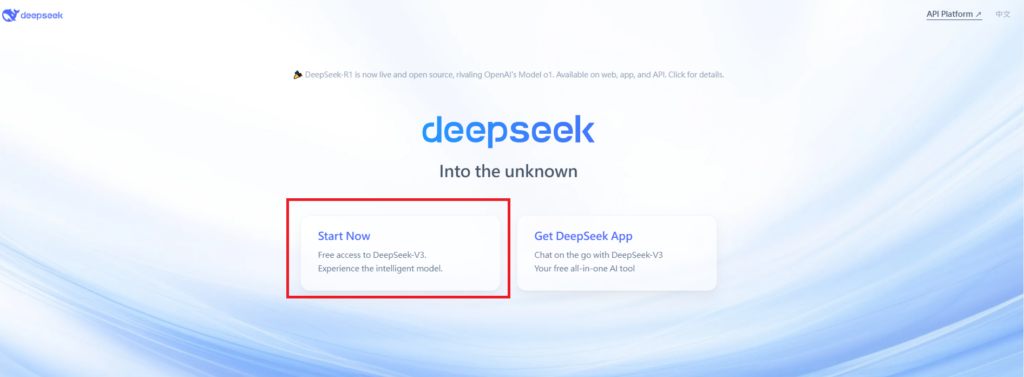
Step 1

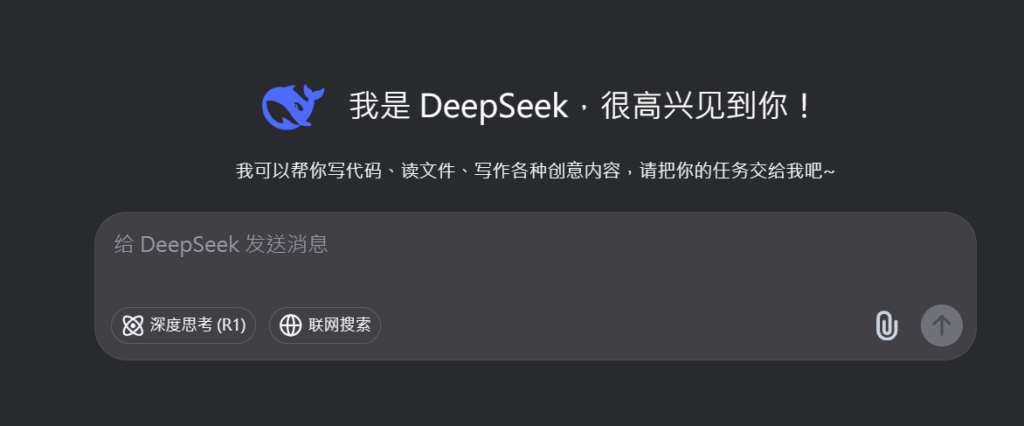
Visit the DeepSeek website. Click on “Start Now” and fill in your details.
Verify your email address to activate your account.

Step 2

Log in to your DeepSeek account.
Navigate to the “Chat” section to start using the chatbot.

Step 3

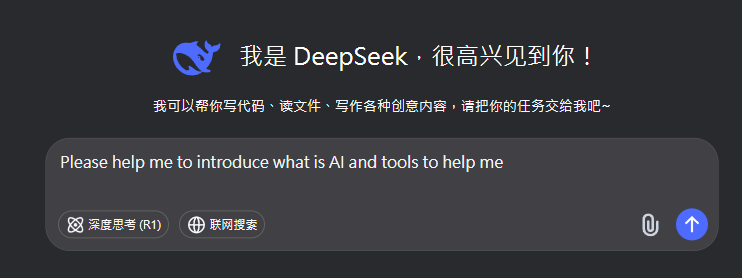
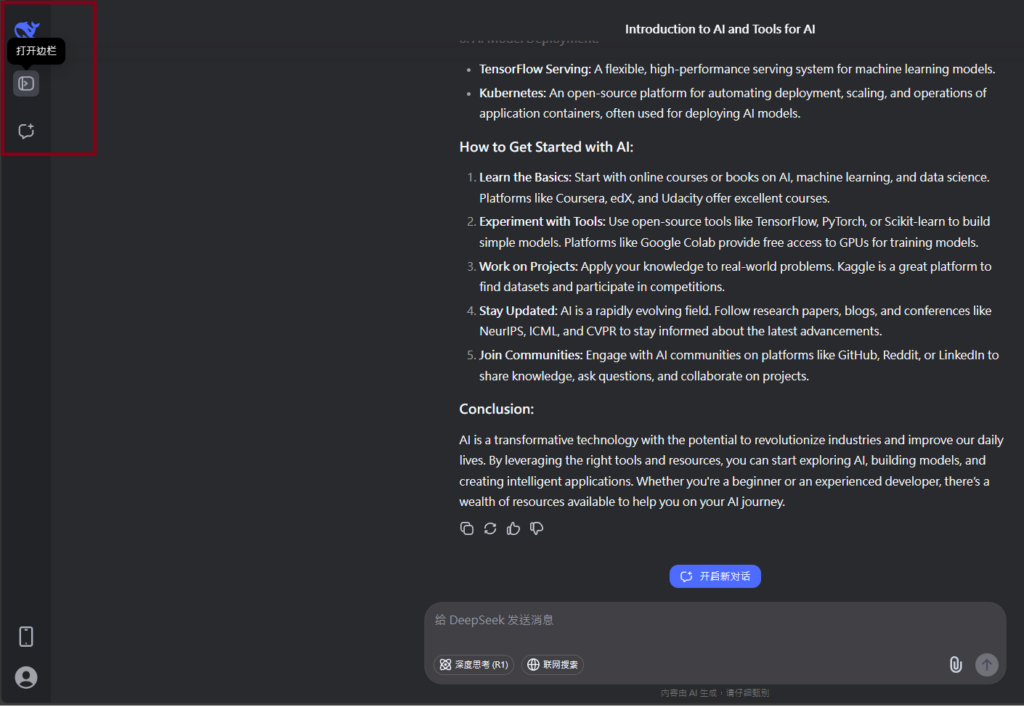
Type your question or request in the chat box. Press “Enter” to send your message. The chatbot will respond with relevant information or assistance.


Writing Assistance: Ask the chatbot to help with writing tasks, such as drafting emails, creating content, or summarizing text.
Translations: Request translations for text in different languages.
Information Retrieval: Ask questions to get quick answers on various topics.

Remarks.

You can view and manage your chat history.Save important conversations for future reference. Customize Your Experience:

Lorem ipsum dolor sit amet, consectetur adipiscing elit. Ut elit tellus, luctus nec ullamcorper mattis, pulvinar dapibus leo.

Sign In

Register

Reset Password

Please enter your username or email address, you will receive a link to create a new password via email.

Scroll to Top