

Visit Design Sparks website for full experience
Remarks
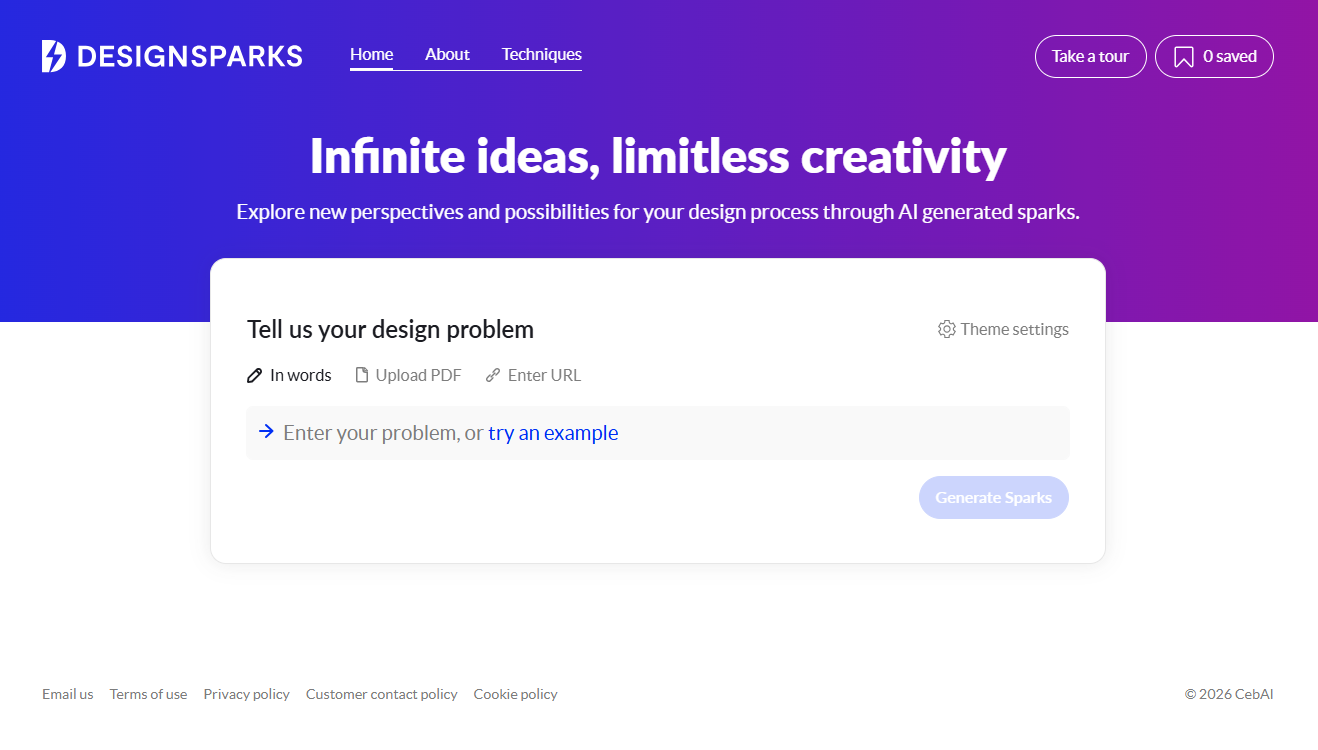
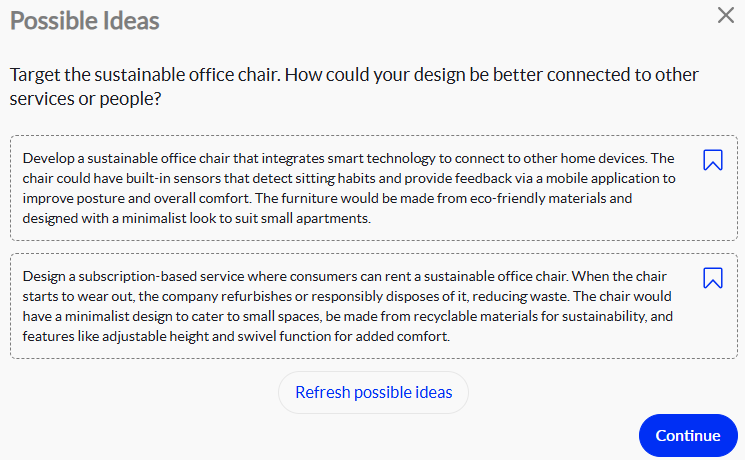
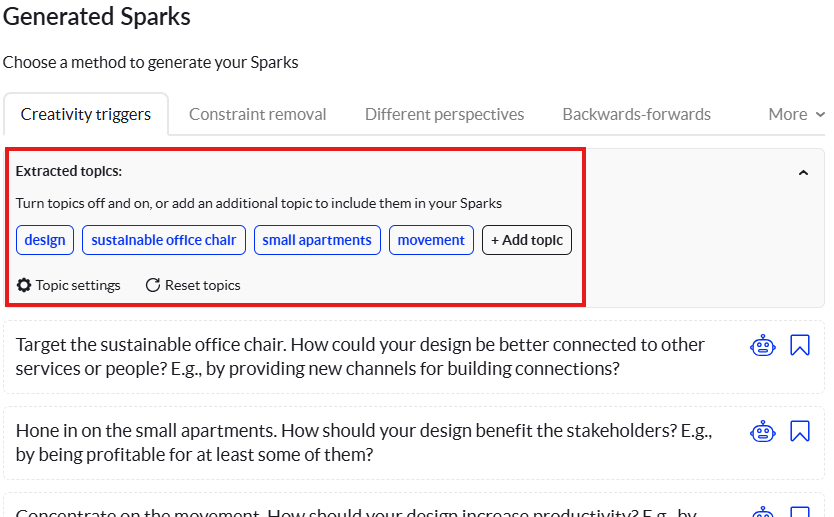
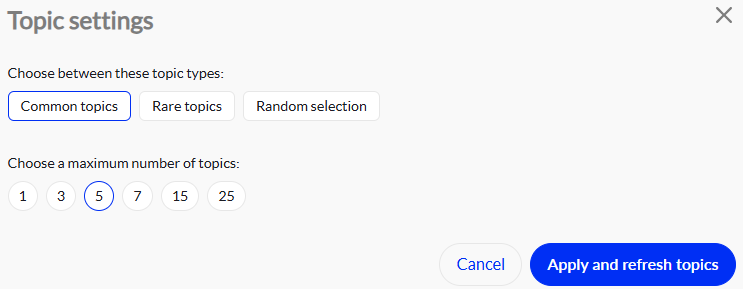
Design Sparks AI as a digital “brainstorming partner” designed to kickstart your creative engine when you’re staring at a blank canvas.
Developed by the Centre for Business Creativity (CebAI) at City, University of London, it isn’t just another image generator. It’s a science-backed tool built to help designers and creative teams overcome “creative block” by applying proven psychological techniques to the design process.
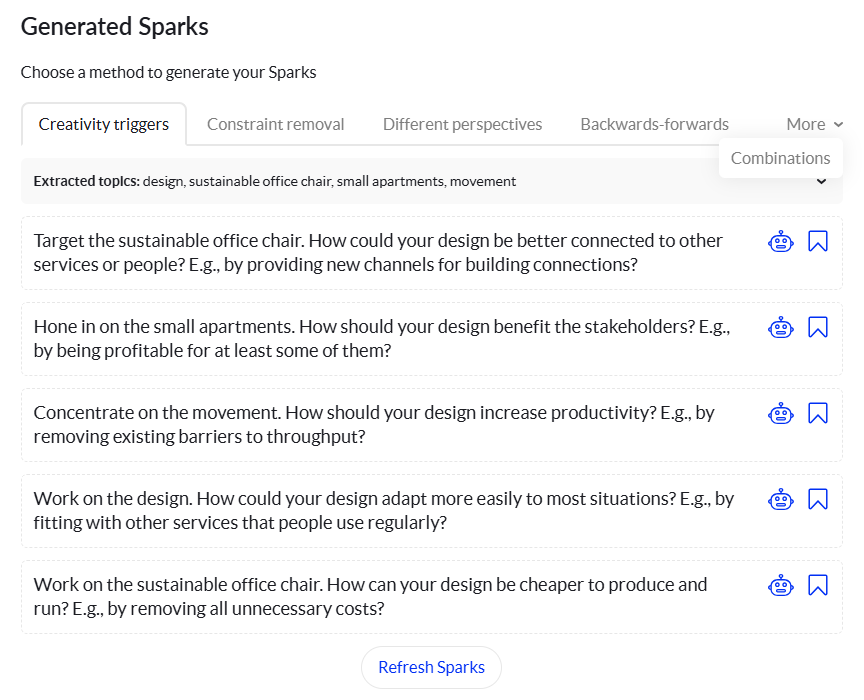
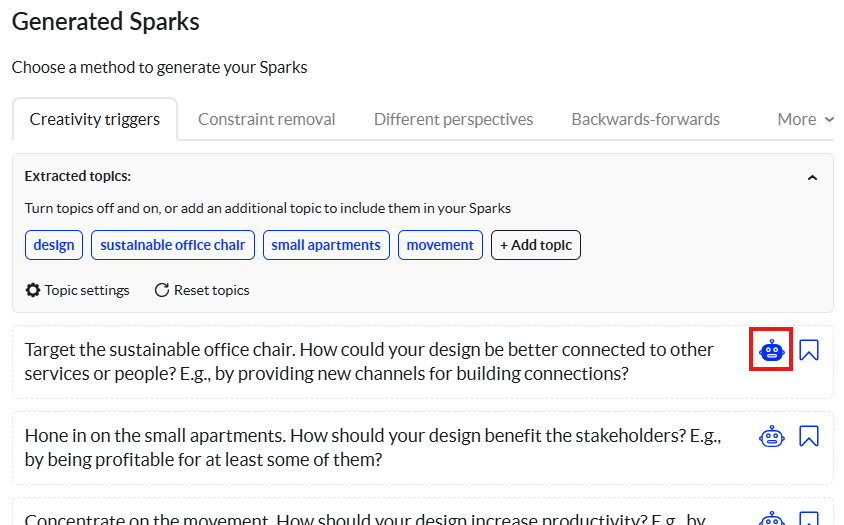
The primary goal of Design Sparks is to provide “sparks”—small, provocative ideas—that lead to larger design solutions.
- Creative Unblocking: When you’ve hit a wall on a project, it generates hundreds of new angles in seconds.
- Sustainable & Circular Design: It includes dedicated modules (co-developed with the Design Council) to help create products that are durable, repairable, and waste-free.
- Workshop Preparation: Facilitators use it to generate diverse perspectives before a brainstorming session to ensure the team isn’t just “recycling” old ideas.
- Cross-Disciplinary Input: It allows non-designers (product managers, stakeholders) to contribute high-quality creative ideas without needing formal design training.
Limitations
While powerful, Design Sparks AI is a specialized tool and has specific boundaries:
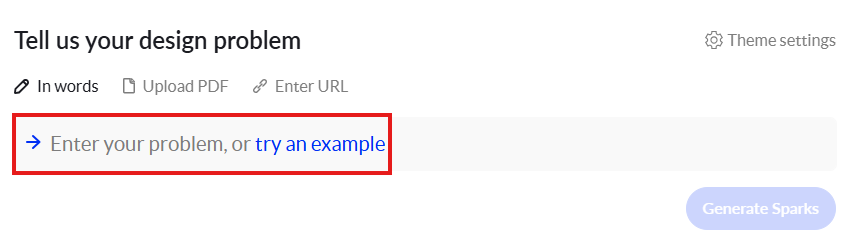
- Garbage In, Garbage Out: The quality of the “sparks” is highly dependent on how well you describe the design problem. Vague prompts lead to generic results.
- Incremental Creativity: Since it is trained on existing creative patterns, it excels at incremental innovation but may struggle with “Blue Ocean” ideas that have no historical precedent.
- Lacks Emotional Nuance: While it understands logic and design principles, it cannot truly “feel” user empathy or cultural subtext unless you explicitly describe those factors in your input.
- Not a Design Tool: It generates ideas (text-based prompts and concepts), not final UI mockups or CAD files. You still need tools like Figma or DesignSpark Mechanical to execute the work.
Visit Deepseek website for full experience
Remarks
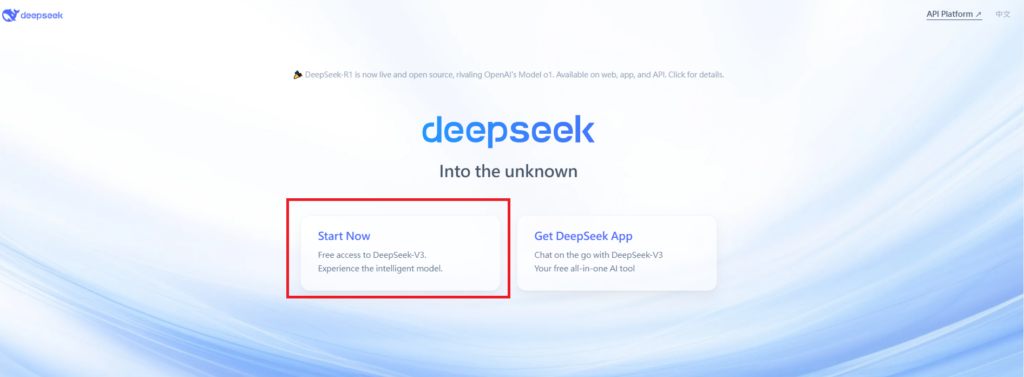
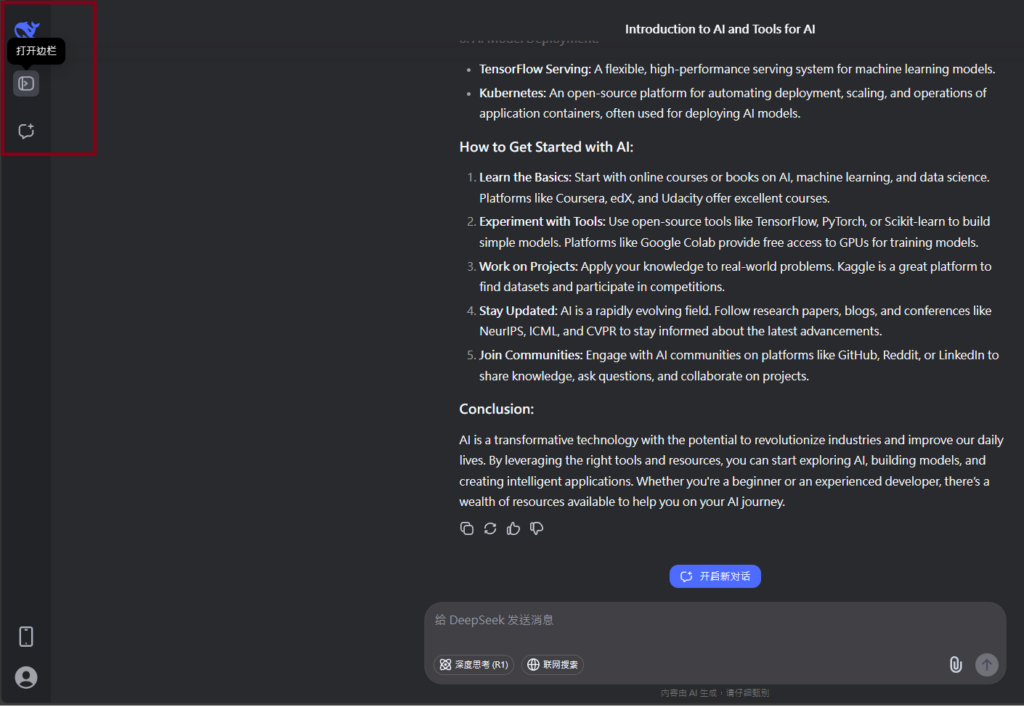
DeepSeek is an AI-powered tool designed for deep information retrieval, analysis, and content generation. It is commonly used in areas such as:
- Advanced Information Retrieval
- DeepSeek can process and analyze large datasets to extract relevant insights.
- It helps users find precise information beyond standard search engines.
- Natural Language Processing (NLP) Applications
- Used for text summarization, sentiment analysis, and question-answering systems.
- Supports various languages and can generate human-like responses.
- AI-Assisted Research and Writing
- Helps researchers analyze academic papers, generate summaries, and suggest references.
- Useful for drafting articles, reports, and creative writing.
- Code Assistance and Debugging
- Provides AI-powered code suggestions, optimizations, and bug fixes.
- Supports multiple programming languages, aiding developers in software development.
- Business and Decision-Making Support
- Analyzes market trends, customer feedback, and financial data for businesses.
- Assists in generating insights for strategic decision-making.
limitation:
- Accuracy and Hallucination Issues
- AI models can sometimes generate incorrect or misleading information.
- Requires human verification before relying on outputs.
- Limited Real-Time Data Access
- May not always provide the latest information if it’s not connected to live data sources.
- Some AI models work with pre-trained datasets, limiting real-time updates.
- Context Limitations
- Struggles with highly nuanced or ambiguous queries.
- Long conversations may lead to context loss or inconsistencies.
- Ethical and Bias Concerns
- AI models can reflect biases present in training data.
- Requires careful consideration when used in sensitive applications.
- Computational Resource Constraints
- Running deep learning models requires significant computational power.
- Latency issues may arise during complex queries or large-scale data analysis.


Lorem ipsum dolor sit amet, consectetur adipiscing elit. Ut elit tellus, luctus nec ullamcorper mattis, pulvinar dapibus leo.