

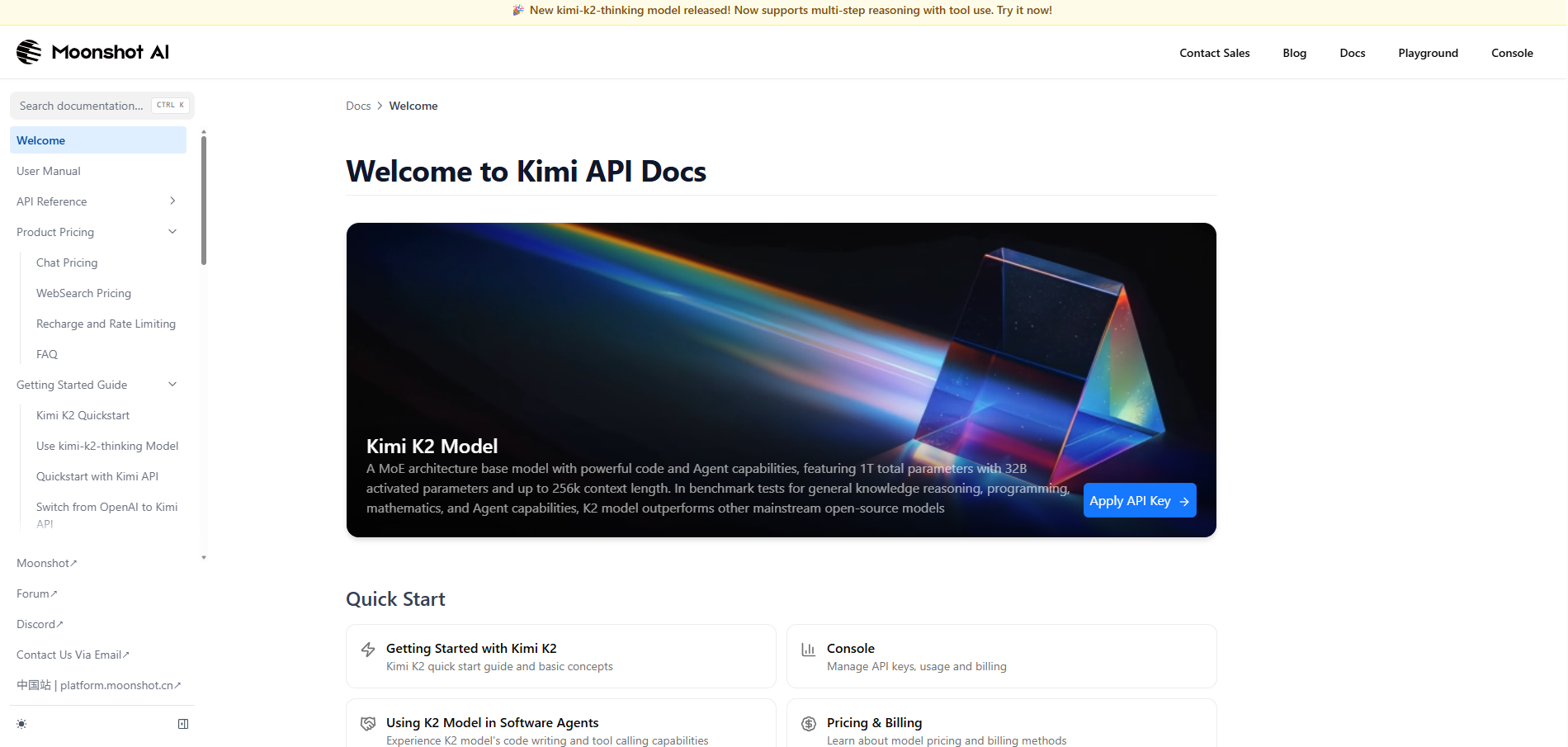
Visit Kimi website for full experience
Remarks
Kimi AI is a next-generation artificial intelligence platform developed by the Beijing-based startup Moonshot AI (founded by Yang Zhilin, a former Google and Meta researcher).
Since its debut, Kimi has gained international attention for its “long-context” window, which allows it to process massive amounts of data—such as entire books, long legal contracts, or complex codebases—in a single prompt without losing its “train of thought.”
Kimi is designed as a high-performance productivity partner. Its best use cases include:
- Long-Document Analysis: You can upload PDFs, Word docs, or Excel sheets (up to 2 million Chinese characters or hundreds of pages) and ask Kimi to summarize, extract specific data points, or find contradictions within the text.
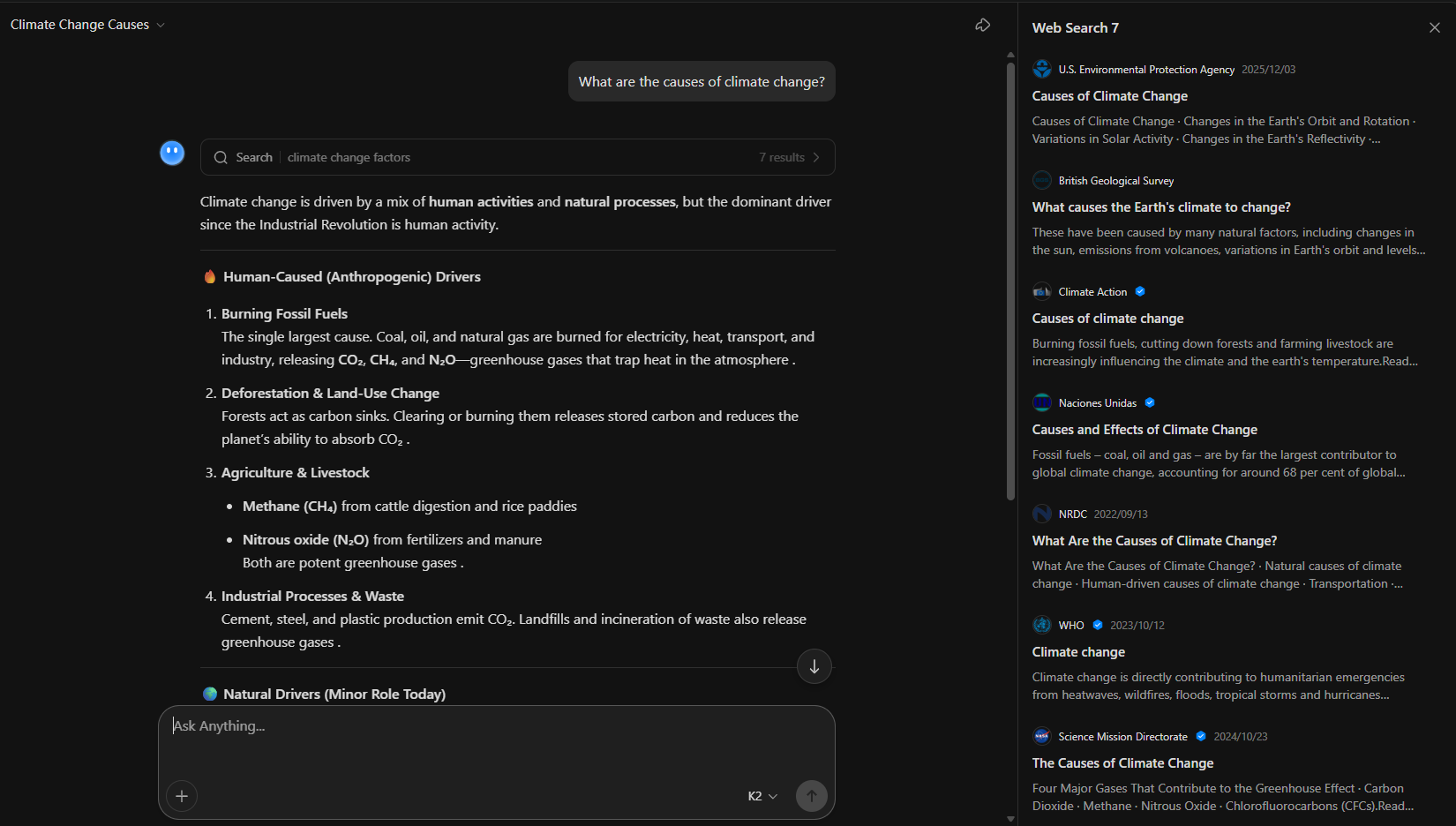
- “Explorer” Web Research: Unlike standard chatbots, Kimi’s Explorer Edition performs autonomous web searches, visiting multiple sources to synthesize a comprehensive report on a topic rather than just providing a single-sentence answer.
- Advanced Coding & Logic: With the release of models like Kimi K2 Thinking, it excels at multi-step reasoning. It is frequently used for debugging complex code, translating between programming languages, and mathematical proofs.
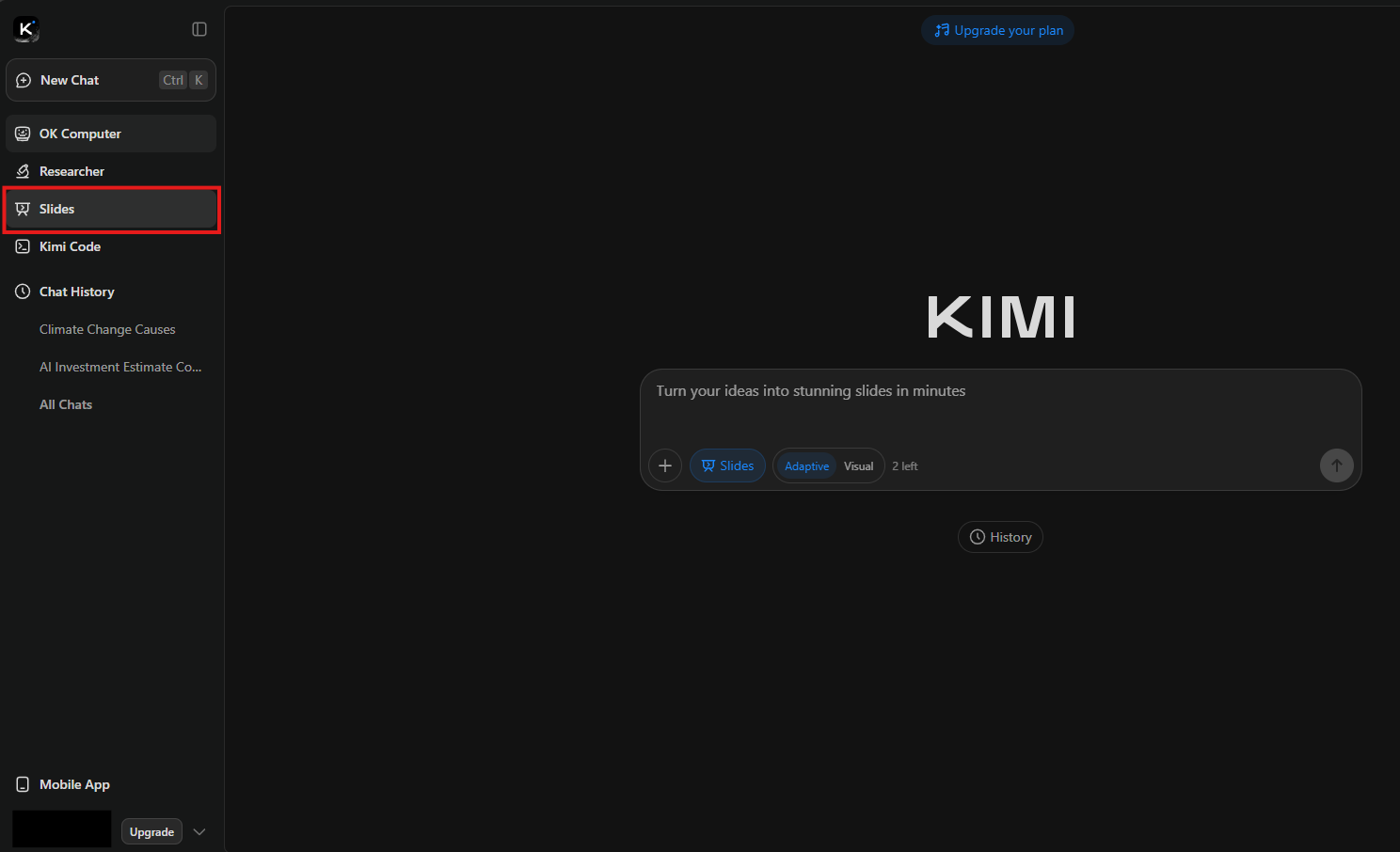
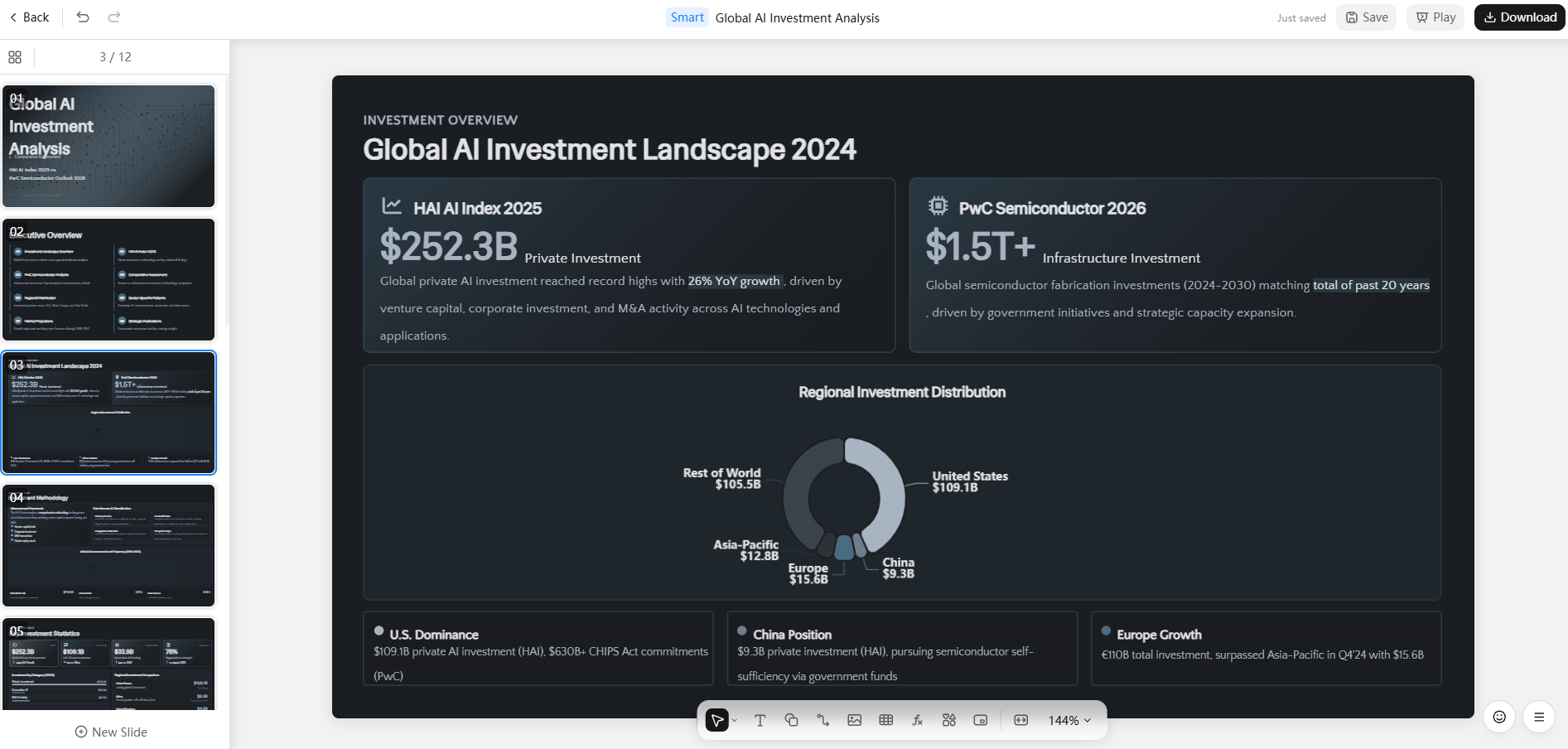
- Creative Writing & Structuring: It can generate outlines, draft emails, and even create editable slides or simple websites through its “Agent” mode.
Limitations
While powerful, Kimi has specific constraints:
- “Thinking” Latency: When using the advanced reasoning modes (like K2 Thinking), the response speed is significantly slower (15–35% more latency) because the model is “thinking” through steps before outputting text.
- Language Bias: While it supports English and other languages very well, its primary optimization and training data remain heavily focused on Chinese culture, logic, and syntax.
- Instruction Drift: On extremely long prompts (over 1,000 words), Kimi may occasionally “forget” some formatting constraints set at the beginning of the prompt.
- Creative Rigidity: It tends to prioritize logic and safety over “wild” creativity. If you want surrealist poetry or highly experimental fiction, it may feel a bit “stiff” compared to models like Claude.



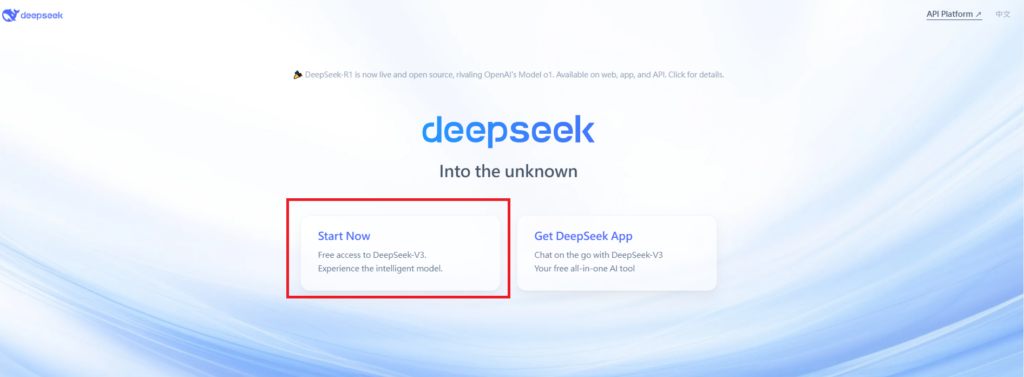
Visit Deepseek website for full experience
Remarks
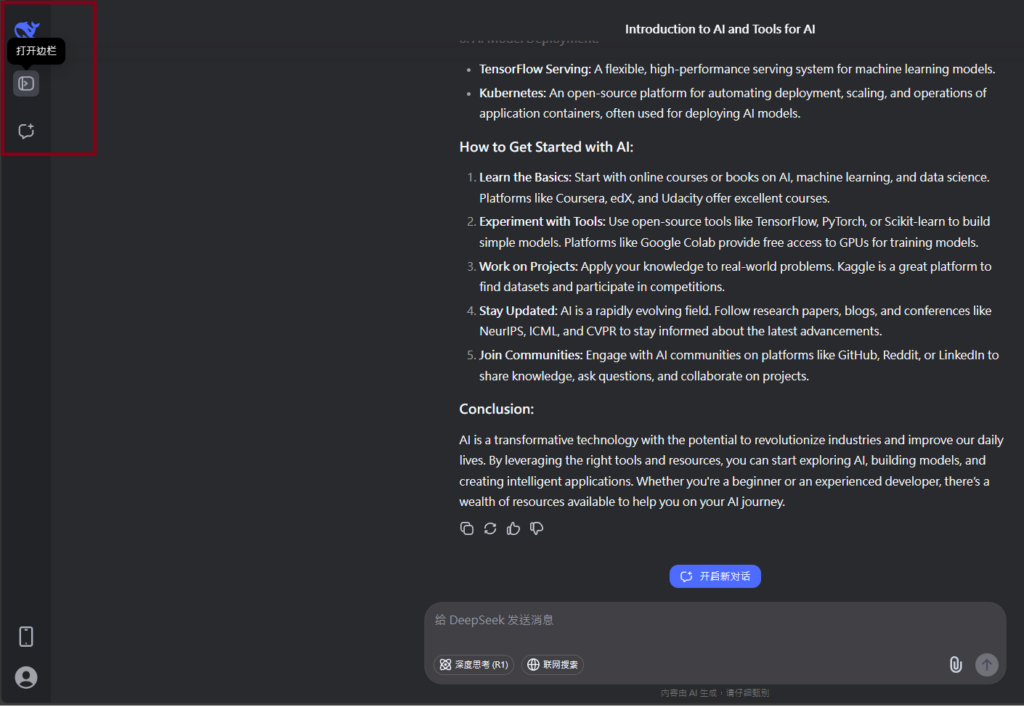
DeepSeek is an AI-powered tool designed for deep information retrieval, analysis, and content generation. It is commonly used in areas such as:
- Advanced Information Retrieval
- DeepSeek can process and analyze large datasets to extract relevant insights.
- It helps users find precise information beyond standard search engines.
- Natural Language Processing (NLP) Applications
- Used for text summarization, sentiment analysis, and question-answering systems.
- Supports various languages and can generate human-like responses.
- AI-Assisted Research and Writing
- Helps researchers analyze academic papers, generate summaries, and suggest references.
- Useful for drafting articles, reports, and creative writing.
- Code Assistance and Debugging
- Provides AI-powered code suggestions, optimizations, and bug fixes.
- Supports multiple programming languages, aiding developers in software development.
- Business and Decision-Making Support
- Analyzes market trends, customer feedback, and financial data for businesses.
- Assists in generating insights for strategic decision-making.
limitation:
- Accuracy and Hallucination Issues
- AI models can sometimes generate incorrect or misleading information.
- Requires human verification before relying on outputs.
- Limited Real-Time Data Access
- May not always provide the latest information if it’s not connected to live data sources.
- Some AI models work with pre-trained datasets, limiting real-time updates.
- Context Limitations
- Struggles with highly nuanced or ambiguous queries.
- Long conversations may lead to context loss or inconsistencies.
- Ethical and Bias Concerns
- AI models can reflect biases present in training data.
- Requires careful consideration when used in sensitive applications.
- Computational Resource Constraints
- Running deep learning models requires significant computational power.
- Latency issues may arise during complex queries or large-scale data analysis.


Lorem ipsum dolor sit amet, consectetur adipiscing elit. Ut elit tellus, luctus nec ullamcorper mattis, pulvinar dapibus leo.