
Visit AhaSlides website for full experience
Remarks
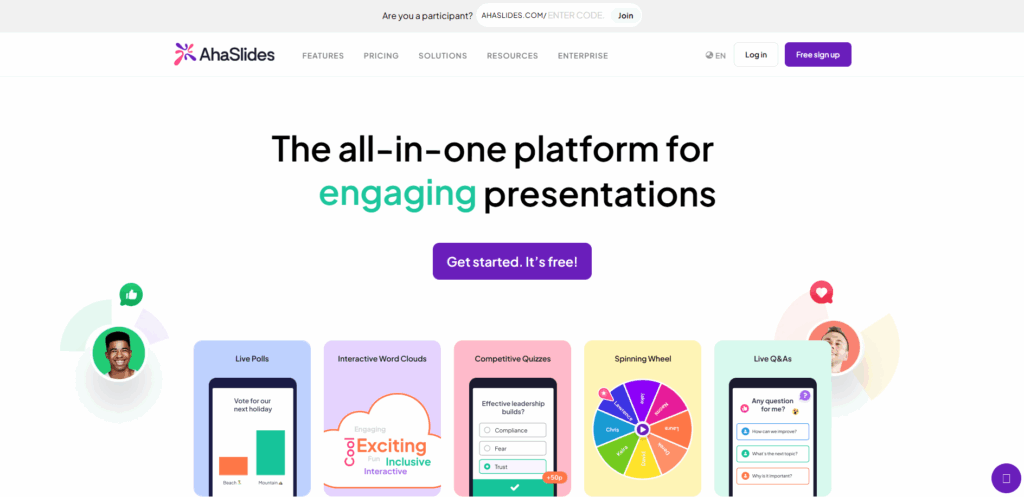
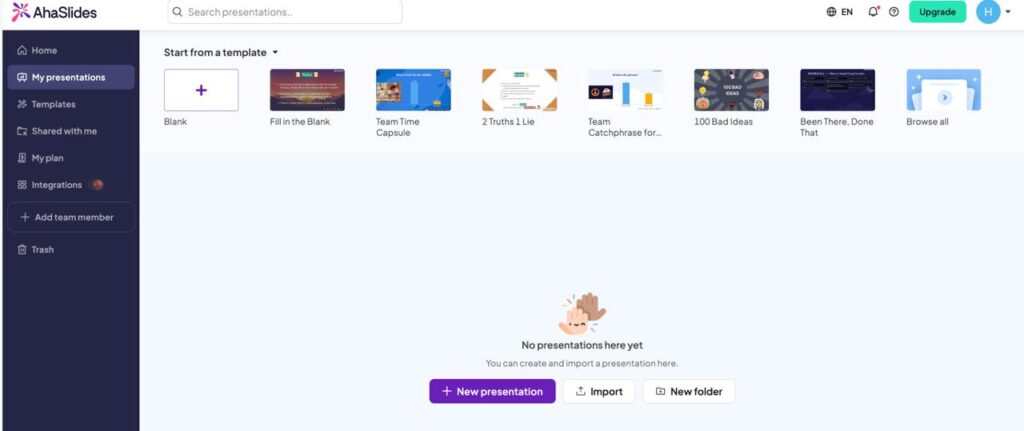
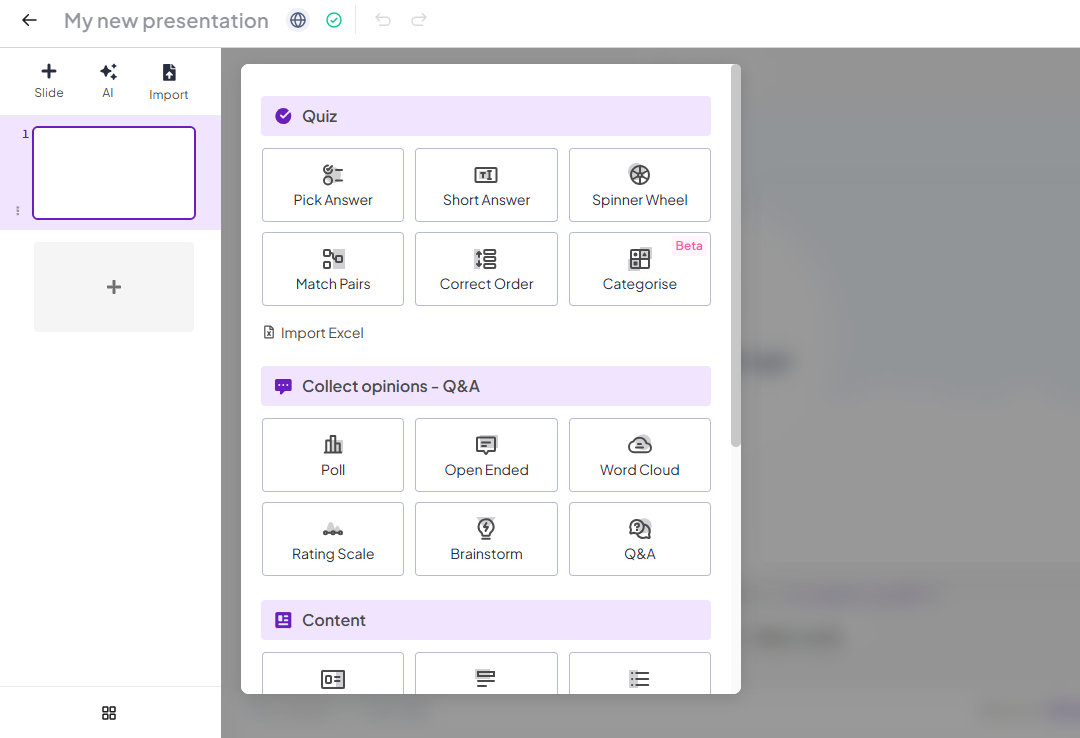
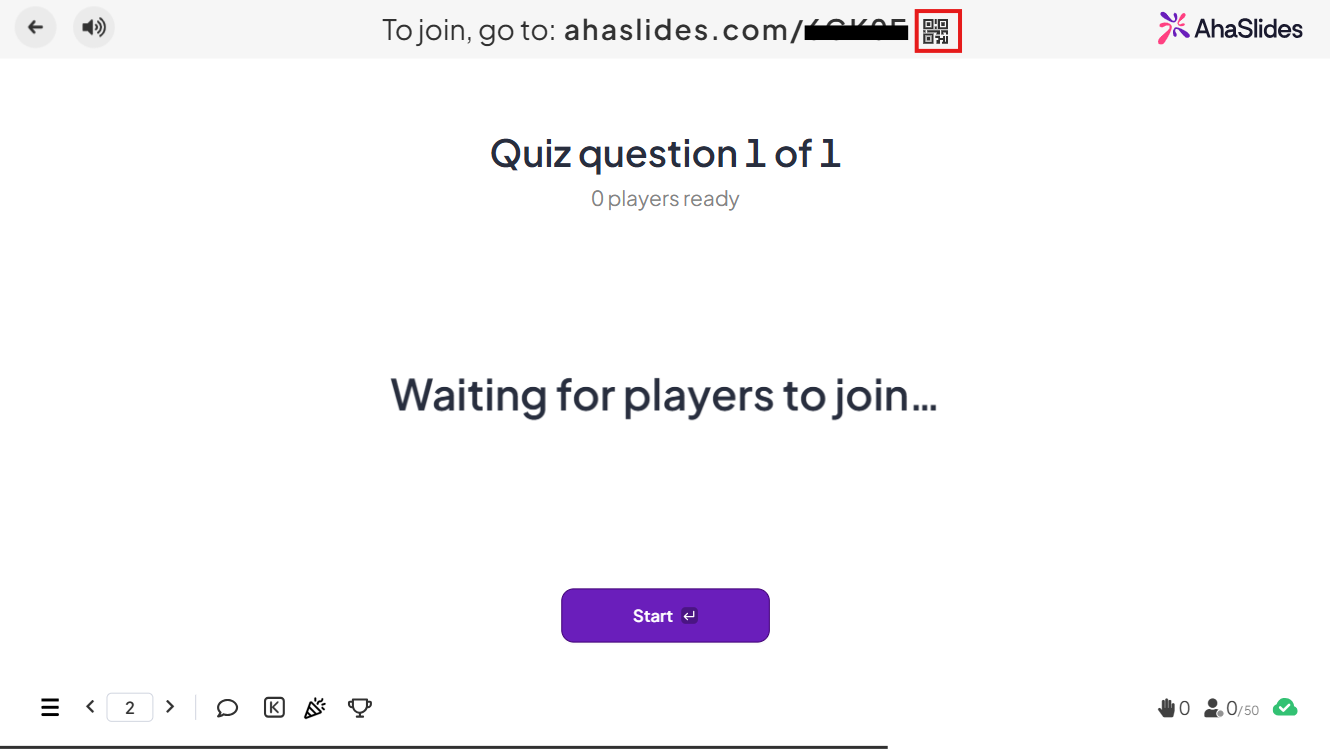
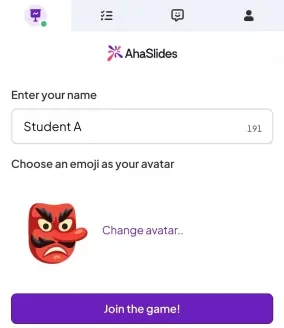
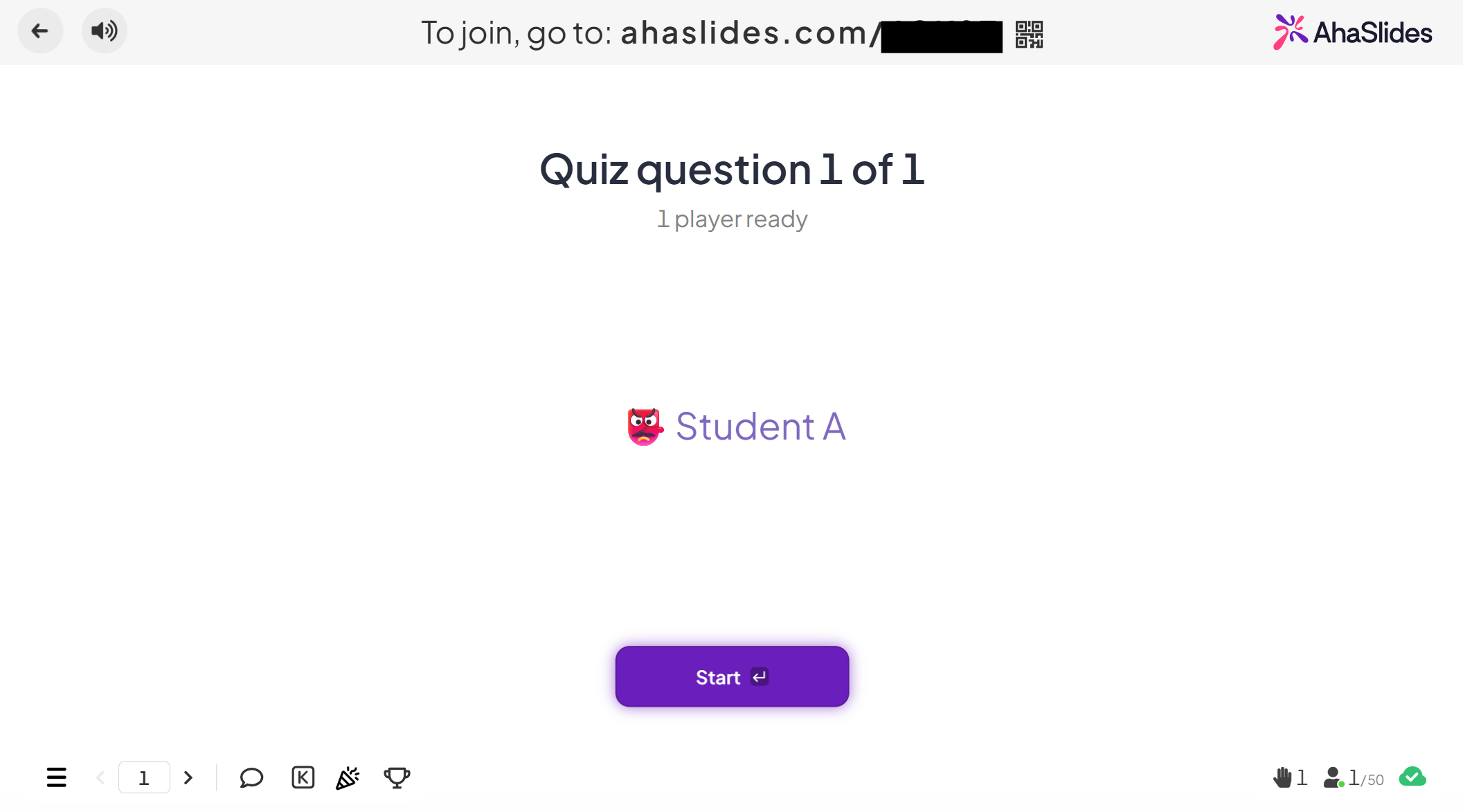
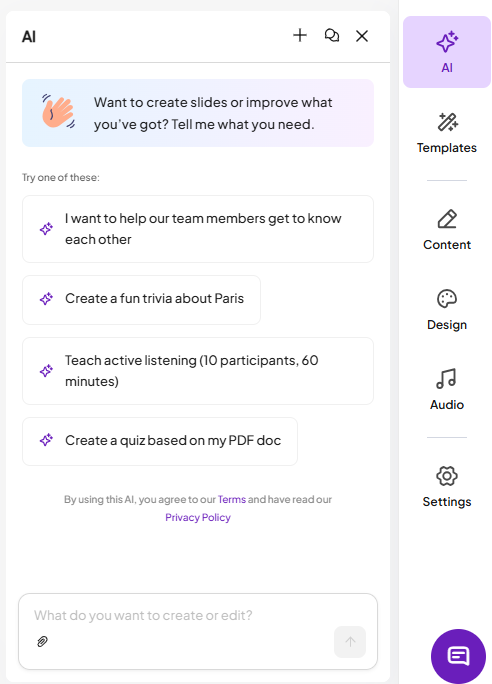
AhaSlides is a comprehensive presentation software designed to foster active audience participation rather than passive listening. It allows presenters to build engaging slide decks enriched with interactive features like live polls, quizzes, Q&A sessions, spinning wheels, and word clouds. The audience simply uses their smartphones to join the presentation via a short code, submitting responses and questions instantly. This real-time interaction makes it an excellent tool for educators, trainers, and business professionals looking to conduct engaging meetings, icebreakers, workshops, and classroom activities. Ultimately, AhaSlides transforms traditional presentations into collaborative and memorable experiences by giving every attendee a voice.
Its core usage breaks down across a few major categories:
- Engaging Meetings: Use live polls (like multiple choice or rating scales) to democratize decisions, gauge team sentiment, or quickly vote on next steps in a meeting.
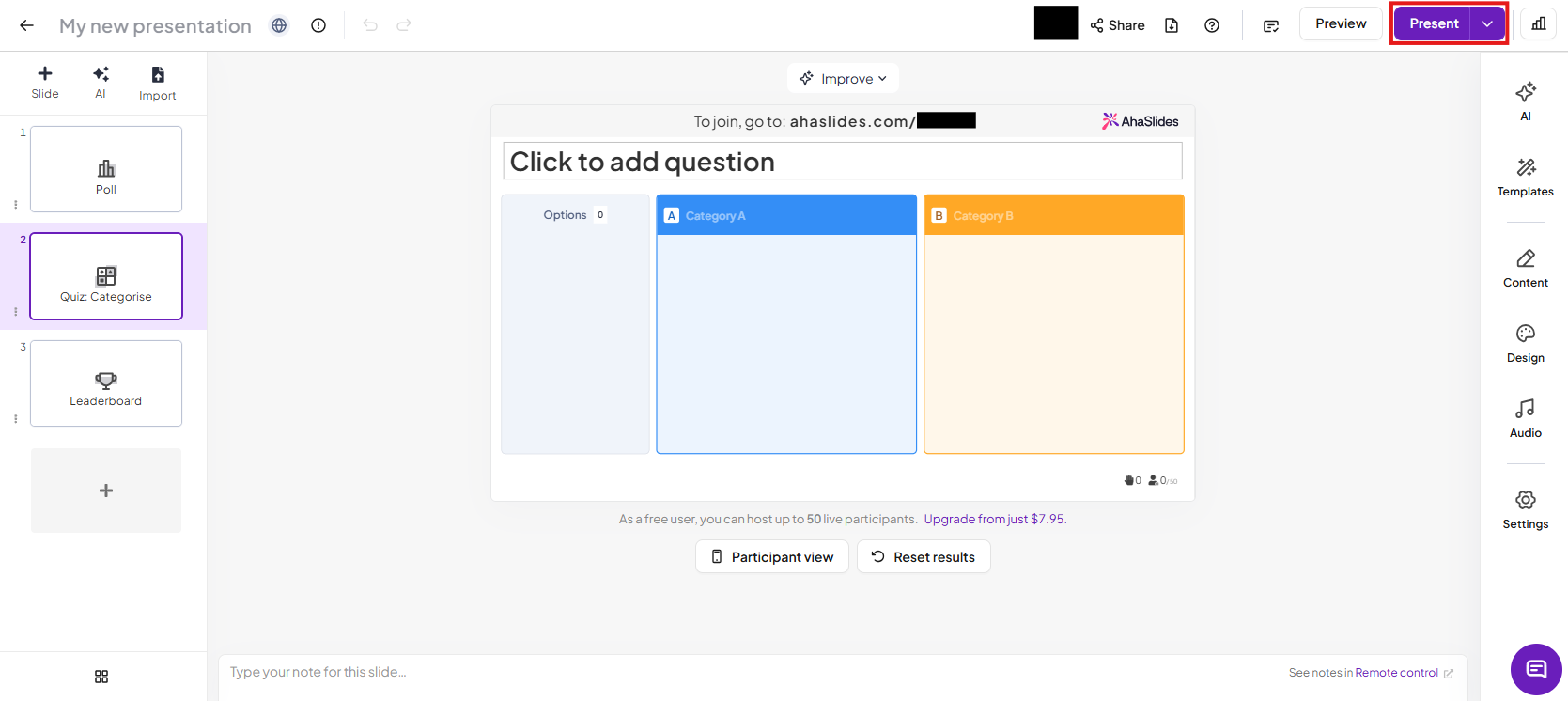
- Training & Workshops: Break the ice with fun activities, check for participant understanding using live quizzes with leaderboards for gamification, and use Q&A slides to collect and address questions seamlessly.
- Idea Brainstorming: Facilitate collaborative idea generation with Word Clouds (to visualize collective thinking) or open-ended slides where participants submit and upvote ideas.
- Surveys & Feedback: Collect immediate, honest feedback at the end of a session or training using surveys and rating scales.
Limitations
It has some limitations:
- Participants (Free Plan): The Free plan is generally limited to a certain number of live participants (e.g., up to 50 in some descriptions). Paid plans increase this limit significantly.
- Interactive Content: The Free plan may limit the number of specific interactive slides (e.g., 5 Quiz and 3 Poll questions) you can include in a single presentation.
- Customization / Features: Advanced features like detailed reports & analytics, Q&A moderation, custom branding, and folder management are usually reserved for paid tiers.
- Content Integration: Some users have noted limitations in slide customization, image handling, and more complex integration with other platforms compared to dedicated software.

Visit Deepseek website for full experience
Remarks
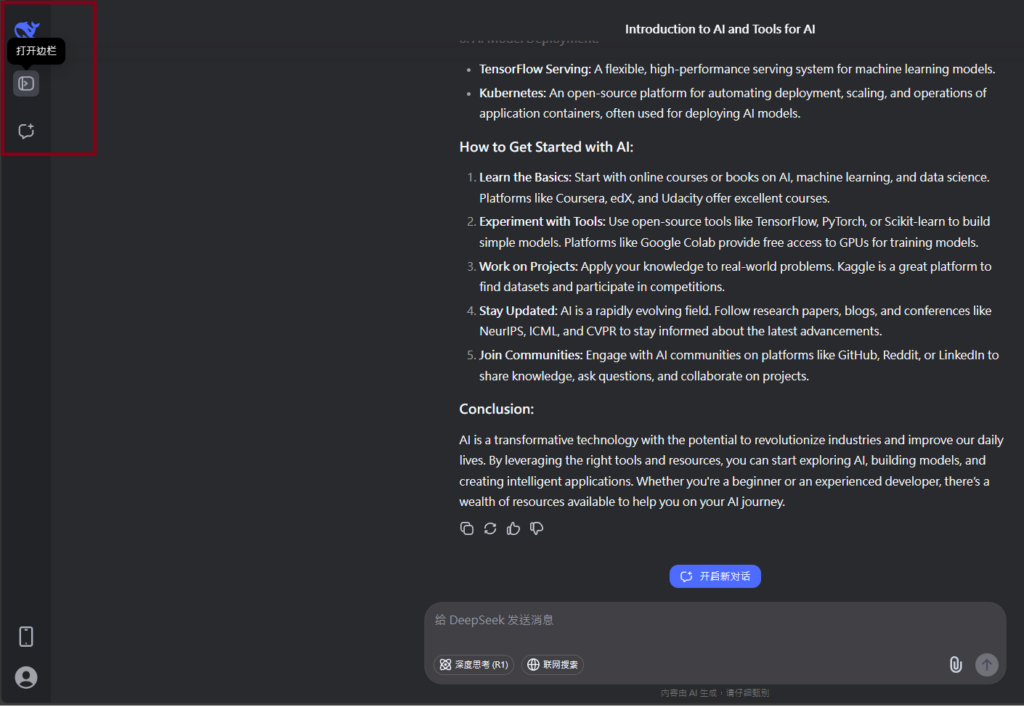
DeepSeek is an AI-powered tool designed for deep information retrieval, analysis, and content generation. It is commonly used in areas such as:
- Advanced Information Retrieval
- DeepSeek can process and analyze large datasets to extract relevant insights.
- It helps users find precise information beyond standard search engines.
- Natural Language Processing (NLP) Applications
- Used for text summarization, sentiment analysis, and question-answering systems.
- Supports various languages and can generate human-like responses.
- AI-Assisted Research and Writing
- Helps researchers analyze academic papers, generate summaries, and suggest references.
- Useful for drafting articles, reports, and creative writing.
- Code Assistance and Debugging
- Provides AI-powered code suggestions, optimizations, and bug fixes.
- Supports multiple programming languages, aiding developers in software development.
- Business and Decision-Making Support
- Analyzes market trends, customer feedback, and financial data for businesses.
- Assists in generating insights for strategic decision-making.
limitation:
- Accuracy and Hallucination Issues
- AI models can sometimes generate incorrect or misleading information.
- Requires human verification before relying on outputs.
- Limited Real-Time Data Access
- May not always provide the latest information if it’s not connected to live data sources.
- Some AI models work with pre-trained datasets, limiting real-time updates.
- Context Limitations
- Struggles with highly nuanced or ambiguous queries.
- Long conversations may lead to context loss or inconsistencies.
- Ethical and Bias Concerns
- AI models can reflect biases present in training data.
- Requires careful consideration when used in sensitive applications.
- Computational Resource Constraints
- Running deep learning models requires significant computational power.
- Latency issues may arise during complex queries or large-scale data analysis.



Lorem ipsum dolor sit amet, consectetur adipiscing elit. Ut elit tellus, luctus nec ullamcorper mattis, pulvinar dapibus leo.